Log in to the Axon Air app
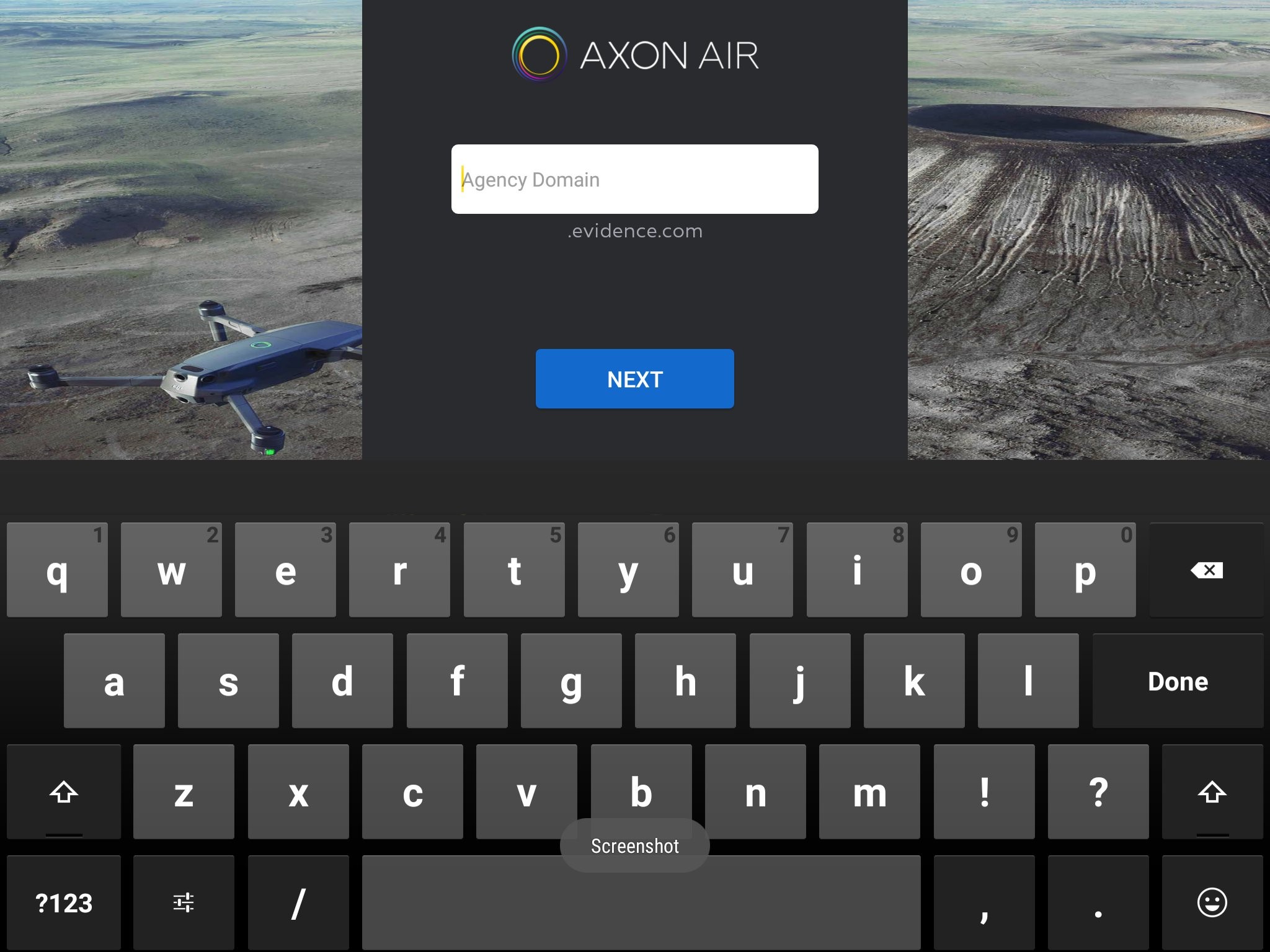
- Launch the Axon Air app, enter your agency’s Axon Evidence sub-domain and tap Next.Note
You can see the sub-domain in your web browser’s address bar when you go to Evidence.com for your agency. If you do not know your agency’s Axon Evidence (Evidence.com) sub-domain or your Axon Evidence username and password, contact your agency’s Axon Evidence administrator for assistance.
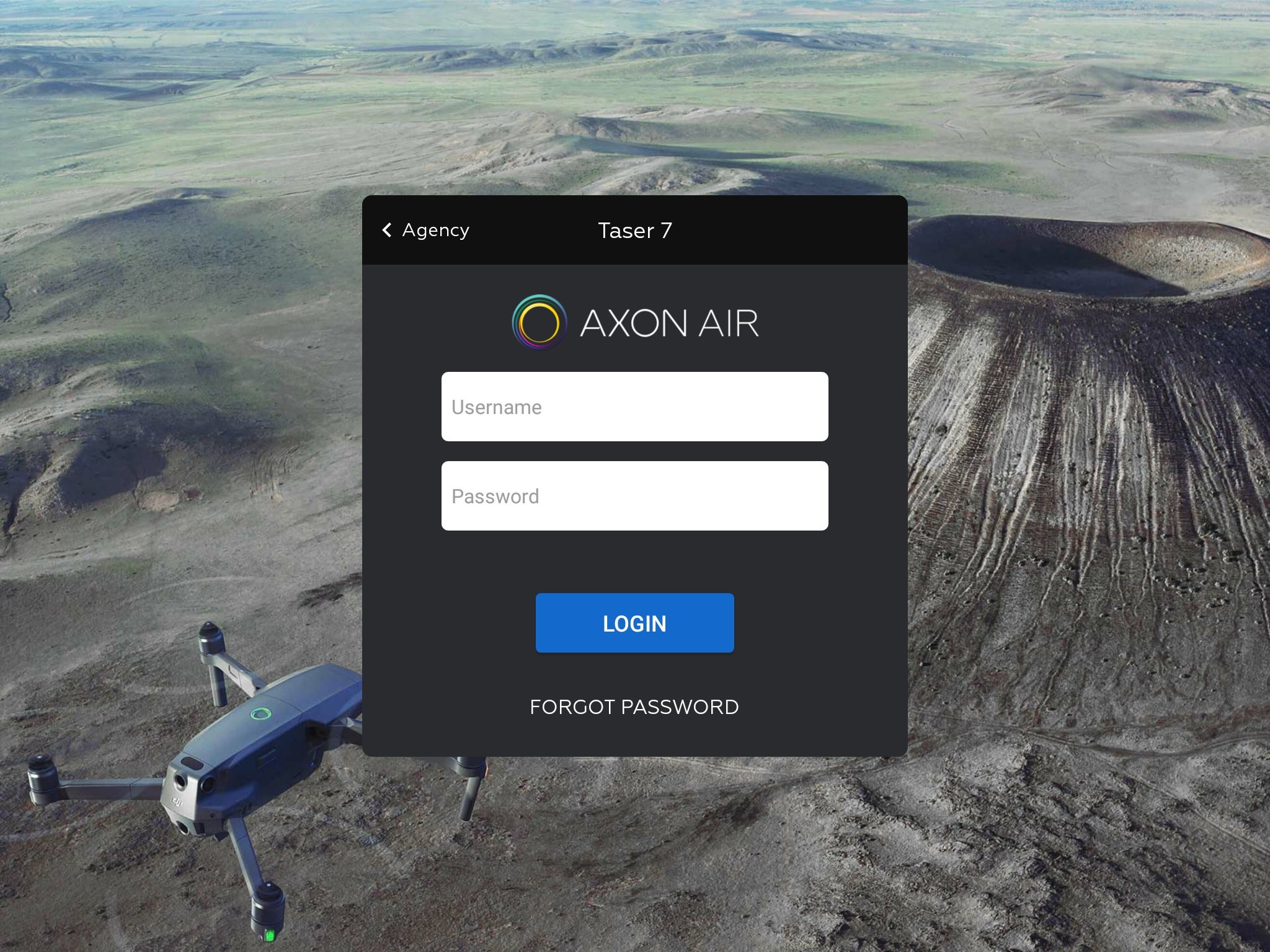
- Enter your Axon Evidence Username and Password, and then tap Login.
- If you have forgotten your Username or Password, tap Forgot Password. You will be asked for your email address, what information you’ve forgotten, and to enter a security code.
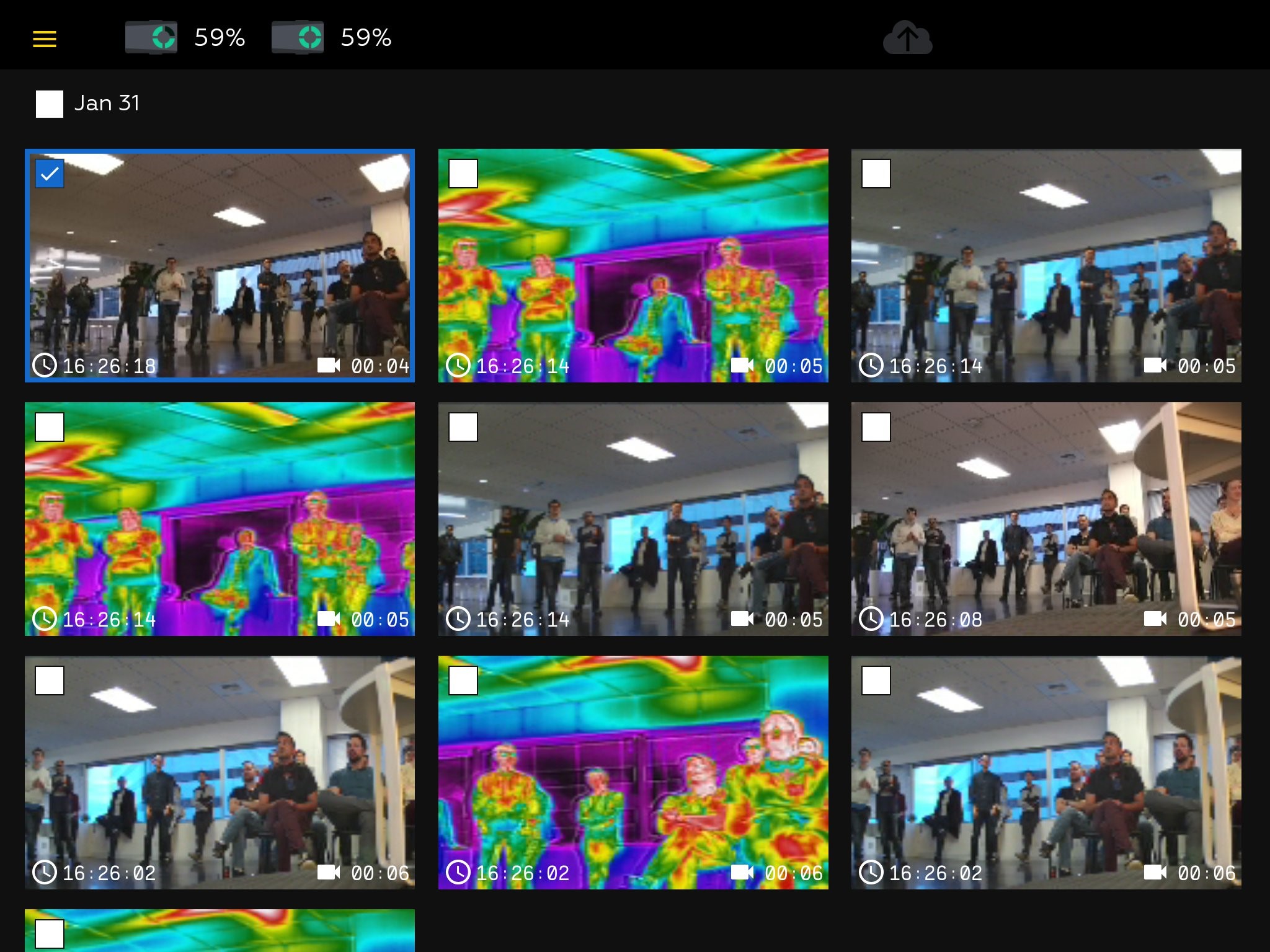
- The app connects to the UAV and shows the stored media files, sorted by date, along with the remaining battery capacity for the UAV.