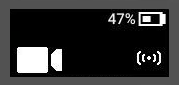
False Signal cancelation
False Signal cancelation lets you report a Signal event on your camera as false, which also marks the associated recording as a false detection.
Follow your department guidance, but generally, don't take it upon yourself to determine whether Signal activations are false when interacting with members of the community. Only use this feature when no interaction occur, such as during Signal testing or when knowing the activation is 100% false.
You can't cancel a Signal event during a recording activated prior to the Signal event.
The False Signal Cancelation setting is disabled in Axon Evidence by default.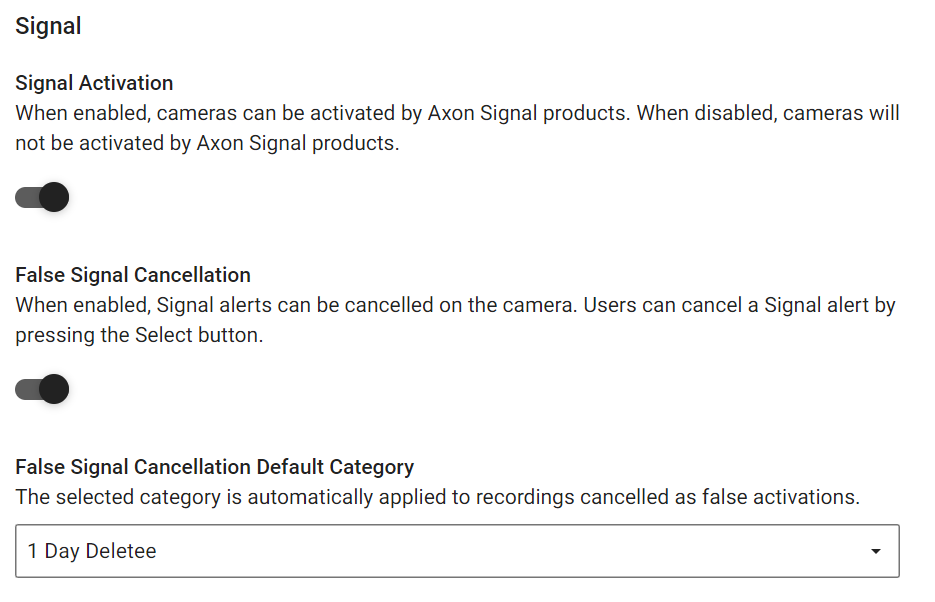
Cancel a false Signal activation
If the camera is ready (buffering) and a Signal event occurs, it displays the Signal icon and activates recording. It then offers a 10-second opportunity to cancel the recording.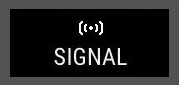
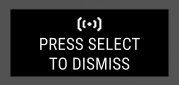
Press Select (between the volume buttons) within this time frame to cancel the activation and return the camera to Ready state (buffering).

If you don't press Select within 10 seconds, the camera continues recording normally, but still displaying the Signal icon.