Icons, LEDs, and sounds
This section lists
Visual notifications
The display is divided into a Status Bar and Activity Area. Different information displays when the camera is in the field and in an Axon Dock. Some icons may not apply at your organization.
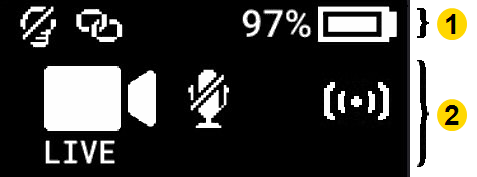
|
|
Icons during use
| Status Bar Icon | Description |
|---|---|

|
Battery capacity |

|
Battery charging |

|
Battery not charging due to high temperature. The camera will continue to operate normally and resume charging when the camera cools down. |

|
Battery low (≤10%) |

|
Camera paired |

|
Lights off |

|
Moisture detected in the side POV port or bottom USB-C port. The camera will continue to operate normally, but ensure it is dry before docking or connecting a POV module. |
| S | Stealth mode on |
| Activity Area Icon | Description | Operation LED |
|---|---|---|
|
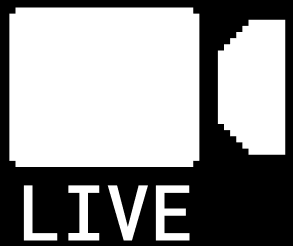
Axon Fusus Livestreaming* |
 Blinking purple Blinking purple |

|
Axon Fusus Voice Comms* |
Blinking purple |

|
Axon Fusus Voice Comms, participants* |
Blinking red |
| L-READY or R‑READY | Buffering with POV (right/left orientation)* |
 Blinking green Blinking green |
| STORAGE ALMOST FULL | Memory is 85% full |
Blinking red (while recording) |
| STORAGE FULL | Memory is 95% full |
Blinking red (recording stops) |

|
Mute mode |
 Blinking blue Blinking blue |
| PAIRING | Pairing mode* |
Blinking blue |
| READY | Ready (Buffering) mode |
Blinking green (also Triad) |
| RECOVERING | The camera is attempting to restart after detecting a software or hardware issue. If this message remains on screen or appears again after docking and undocking the camera, see the article How do I create a return (RMA)?. |
 Blinking yellow Blinking yellow |

|
Event (Recording) mode |
Blinking red (also Triad) |

|
Recording started by Axon Signal* broadcast |
Blinking red |

|
Recording with POV (right/left orientation)* |
Blinking red |

|
Sleep mode* | Off |
| n/a | Startup or shutdown |
 Red Red |

|
Watch Me* |
Blinking red |
* May not be enabled at your organization.
Icons and Triad LEDs while docked
The Triad LED on the front of the camera displays the camera’s dock status.
| Display | Description | Triad LED |
|---|---|---|
|
|
Battery capacity | |
|
|
Battery charging – Triad LED colors show the charge level. |
 Green: > 90% Green: > 90% Yellow: 11-89% Red: <10% Yellow: 11-89% Red: <10%
|
| DEVICE ERROR # | Device error #. Refer to the common codes in Troubleshooting or the device page in Axon Evidence. |
Blinking red |
|
Firmware update complete – Displayed for 10 seconds after the update is complete and for 10 seconds after undocking. |
 Spinning white during installation Spinning white during installation |
| NETWORK ERROR | Network error – Check network connection, see device page in Axon Evidence and troubleshooting instructions at www.axon.com/help. |
Blinking red and green |

|
Number of videos on camera | n/a |

|
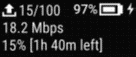
Updating firmware or settings – Camera will resume normal operation after update. Operation LED solid white. Display may also show UPDATING. |
Spinning |
| USERID123 | User/Badge ID – Displays right after docking, when the camera is charging, for 10 seconds after undocking, and when no other activity is in progress. | n/a |
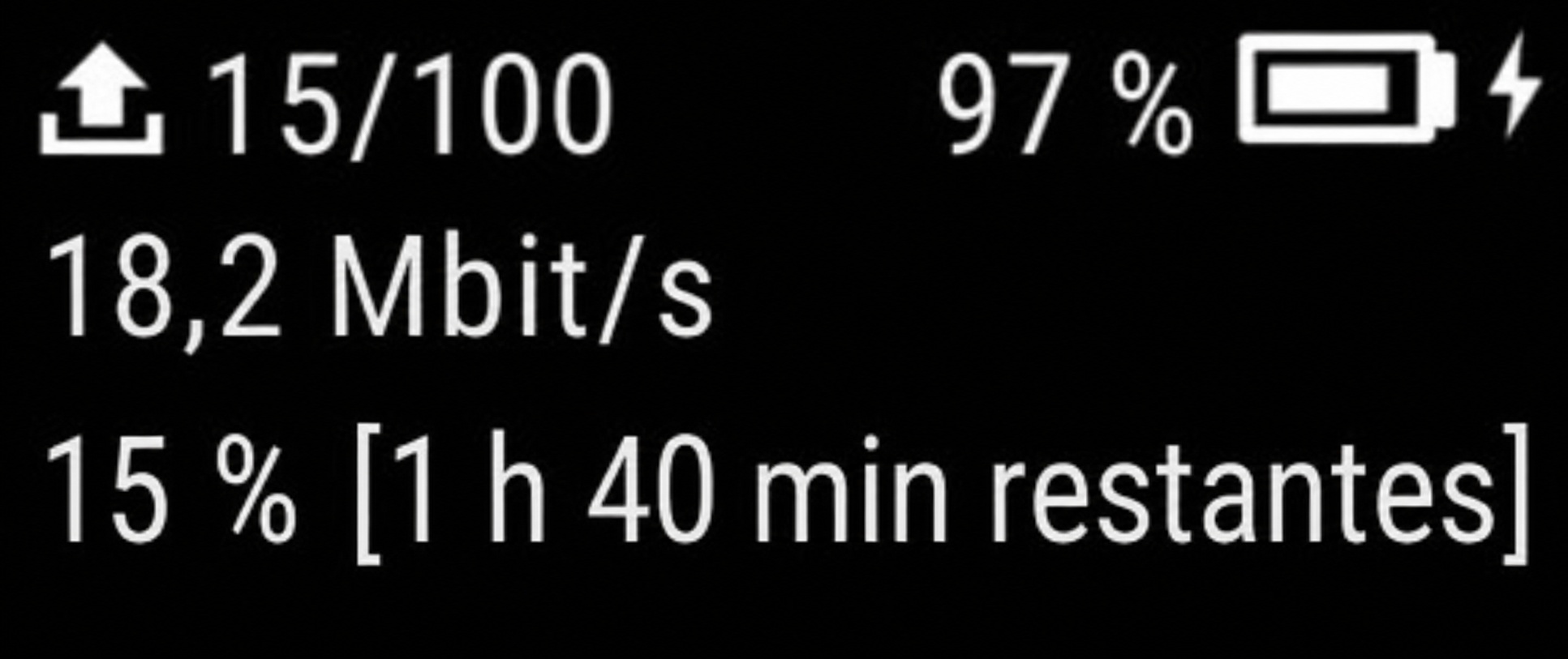
|
|
Spinning yellow |
Audible and haptic notifications
The camera emits audio prompts to notify you of device status. These prompts are accompanied by a vibration (haptic feedback). These prompts usually occur after you perform an action with the camera.
| Operating Mode or Action | Audio Notification | Haptic Notification (vibration) |
|---|---|---|
| Axon Fusus Livestreaming connected | Three short rising-pitch tones | One – long duration |
| Lights off | None | One – long duration |
| Low battery notifications at 10% and 5% battery capacity | Four quick high-pitch tones | Four – short duration |
| Marker captured | None | One – short duration |
| Mute mode, enter or exit | One short tone | Two – long duration |
| Pairing mode, enter | Three short rising-pitch tones | None |
| POV module connected/disconnected to body camera while buffering | One short tone | None |
| POV module connected/disconnected to body camera while recording | None | Four – short duration |
| Power off | Three short lowering-pitch tones | One – long duration |
| Power on | Two short rising-pitch tones | One – long duration |
| Recording reminder | Two short tones every two minutes | Two – short duration every two minutes |
| Recording start | Two short tones | Two – short duration |
| Recording stop, return to Ready mode | One long tone | One – long duration |
| Sleep mode, enter or exit | One short tone | One – long duration |
| Stealth mode, exit | None | Two – short duration |
| Voice comms session started | Four short tones | One – long duration |
| Volume up or down | One short tone at new volume level | One – short duration |
| Watch Me activated | Four quick medium-high pitch tones | None |
| Watch Me requested | Four quick high-pitch tones following by two-tones | Three – short duration |


