Install the K9 body camera mount
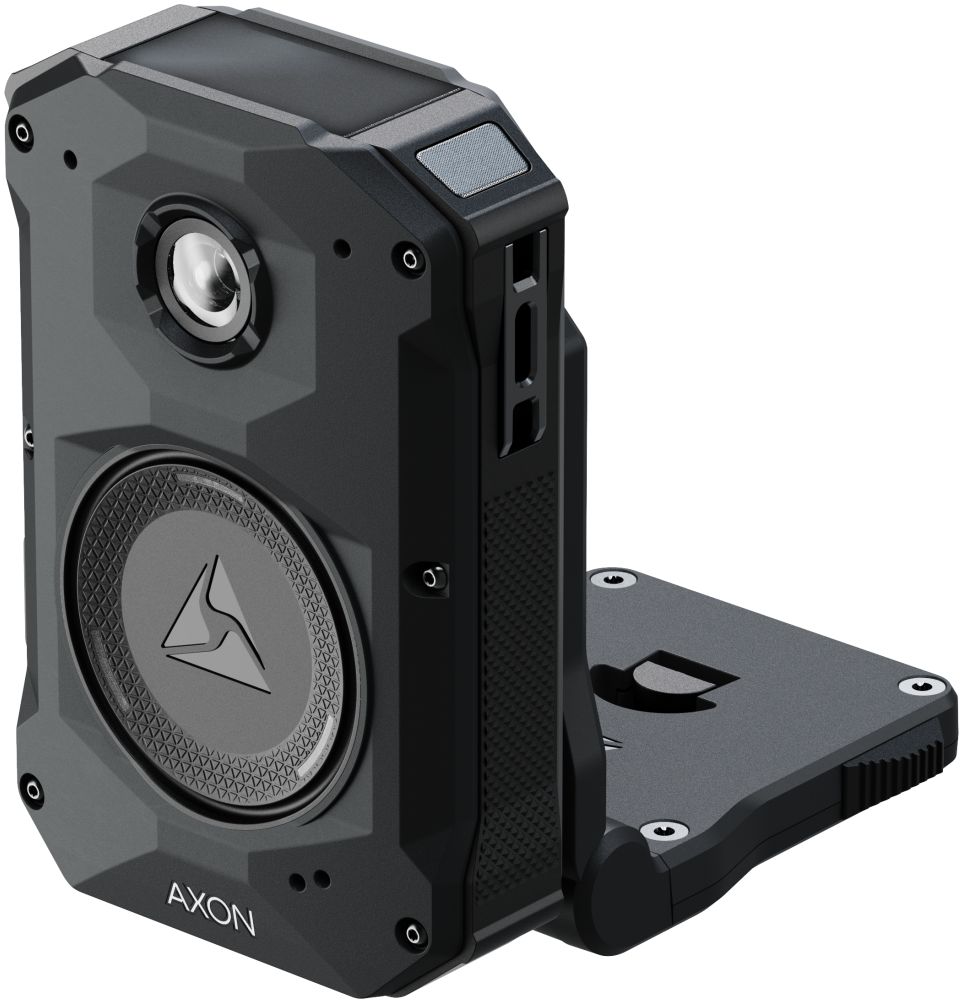
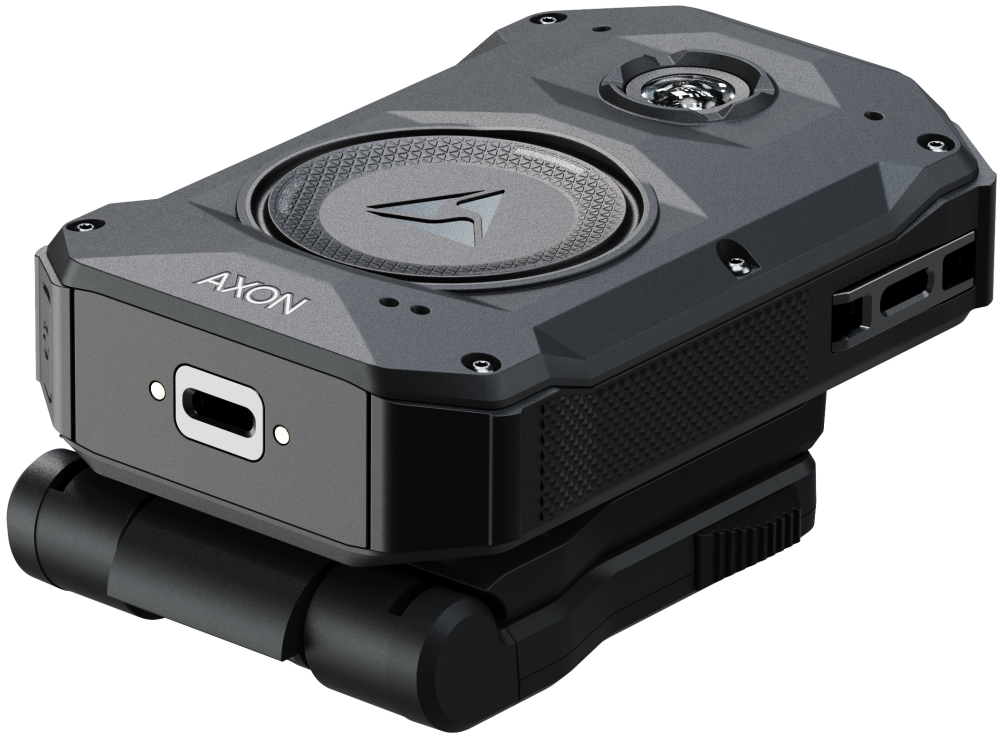
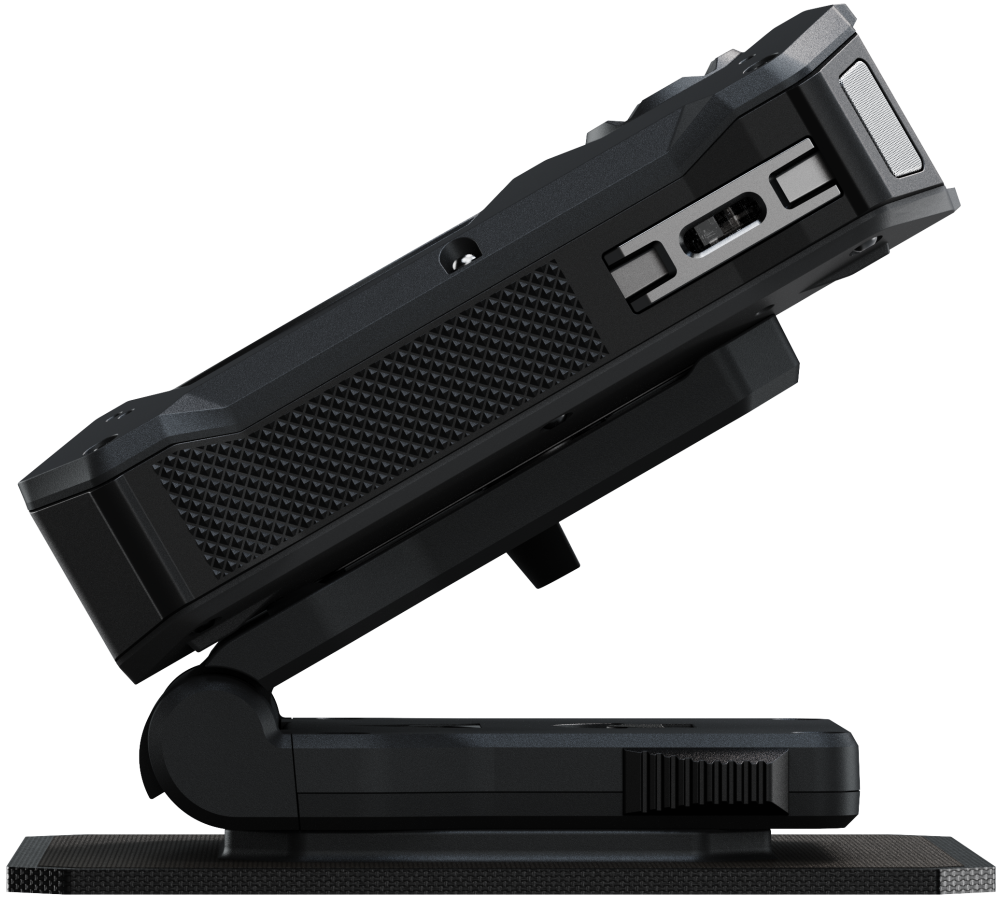
The canine (K-9) body camera mount lets you securely mount your Axon Body camera with RapidLock lug to most K-9 harnesses. It features a rebound hinge design to protect the camera from damage and prevent entanglement.
This guide describes how to install and use this mount. For instructions on checking the camera view after installation or watching it live on your mobile device, see Installing Axon View.
This camera mount requires one of the following harness mounts (purchase separately):
- Velcro mount # 74054
- Anchor mount #74035/74036
Installation
- Install a RapidLock base on the K-9 harness. In both options below, place the mount near the rear of the harness to maximize the view around the K-9’s head.
- Option 1: If the harness is equipped with a Velcro surface, place the Velcro mount (purchase separately) on the harness in the orientation shown.
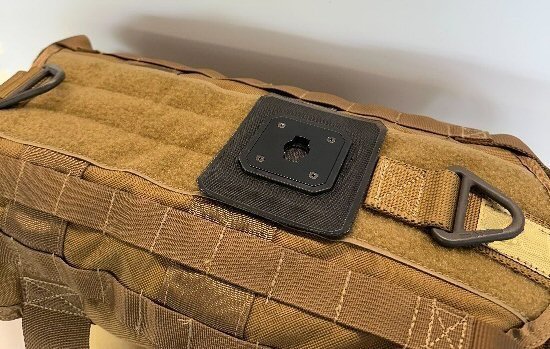
- Option 2: For higher retention force, use an Axon anchor mount (purchase separately). Mark and drill the two mounting holes on the harness using a 7/64” bit, then install the mount in the orientation shown. The mount includes two longer screws (M3.5 x 12 mm) for use with thicker harnesses (replacing the screws that come with the anchor mount).
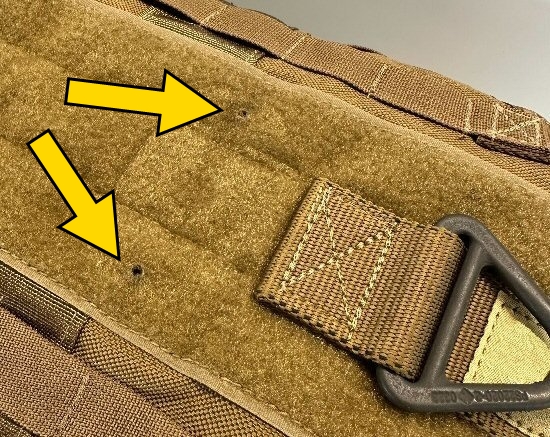
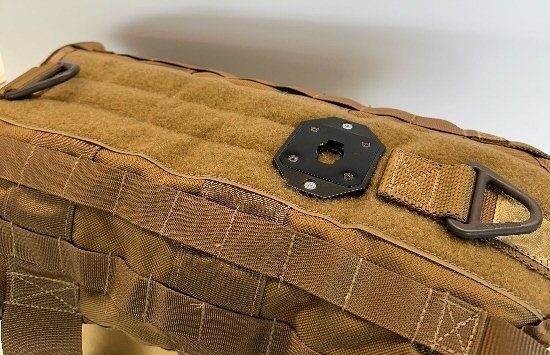
- For the anchor mount, ensure the component inside the harness is mounted squarely and nothing protrudes to irritate the canine.
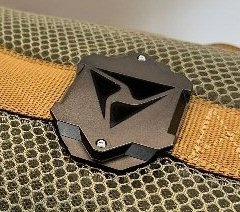
- Option 1: If the harness is equipped with a Velcro surface, place the Velcro mount (purchase separately) on the harness in the orientation shown.
- Install the K-9 mount on the base and rotate to lock in place.
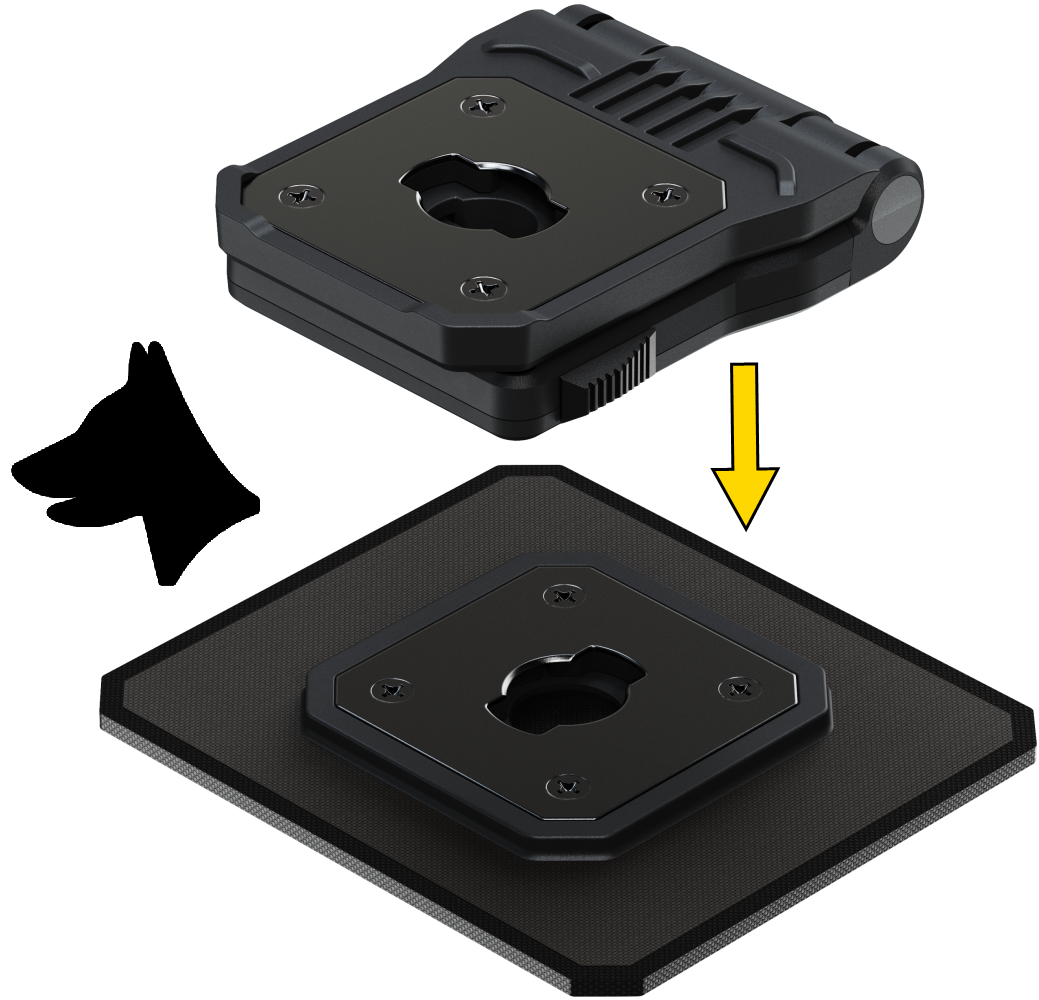
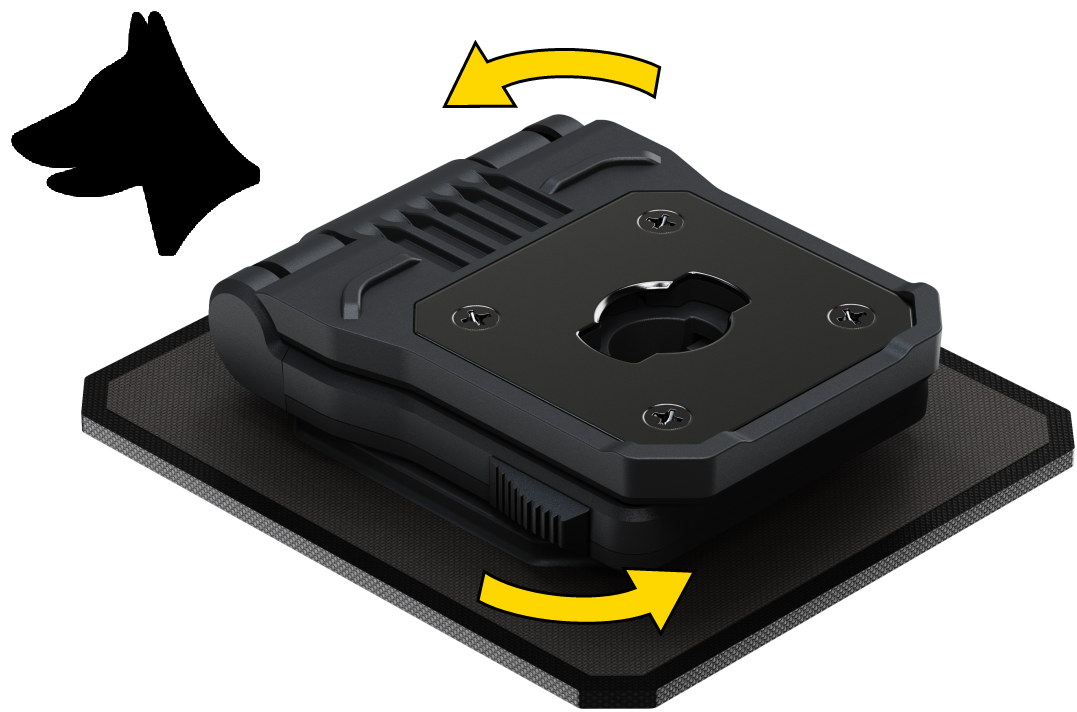
- Install the body camera on the K-9 mount in the same way. You can rotate and remove the K-9 mount from the base with the camera still attached.
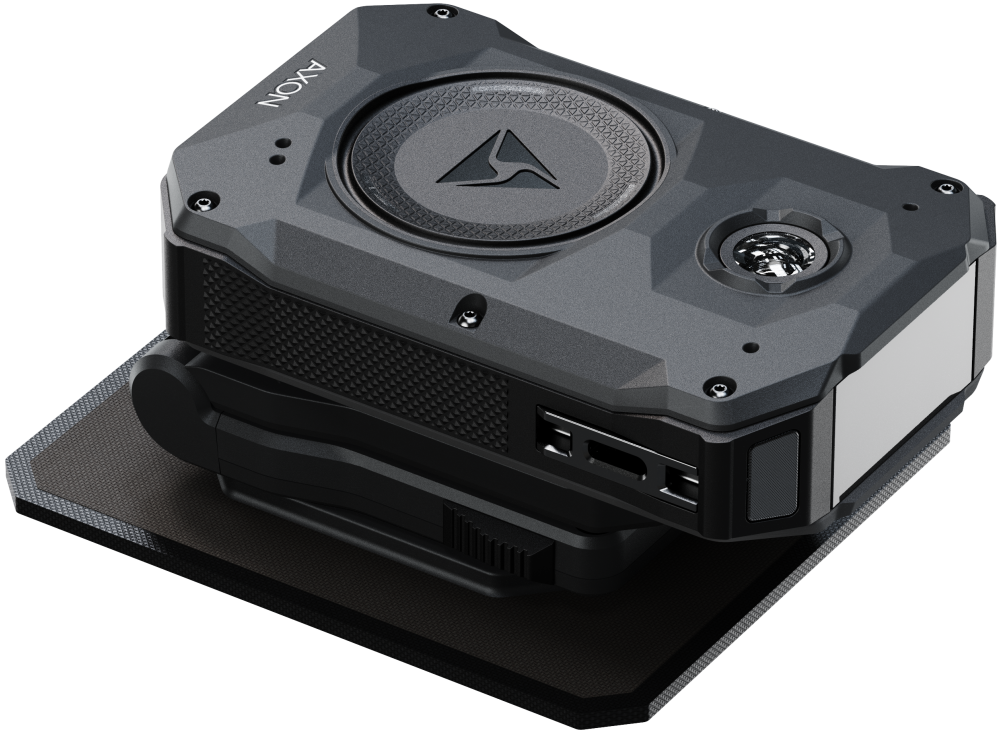
Operation
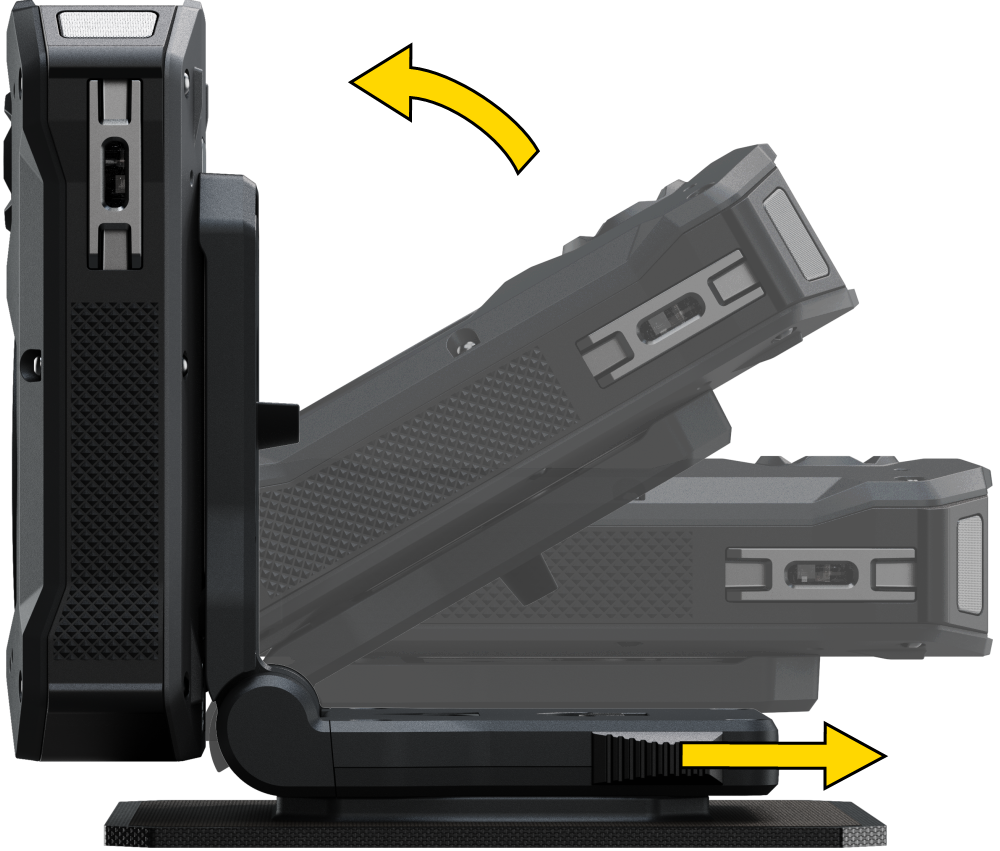
- Pull the finger tabs on both sides of the mount rearward to allow the body camera to spring open to the upright working position.
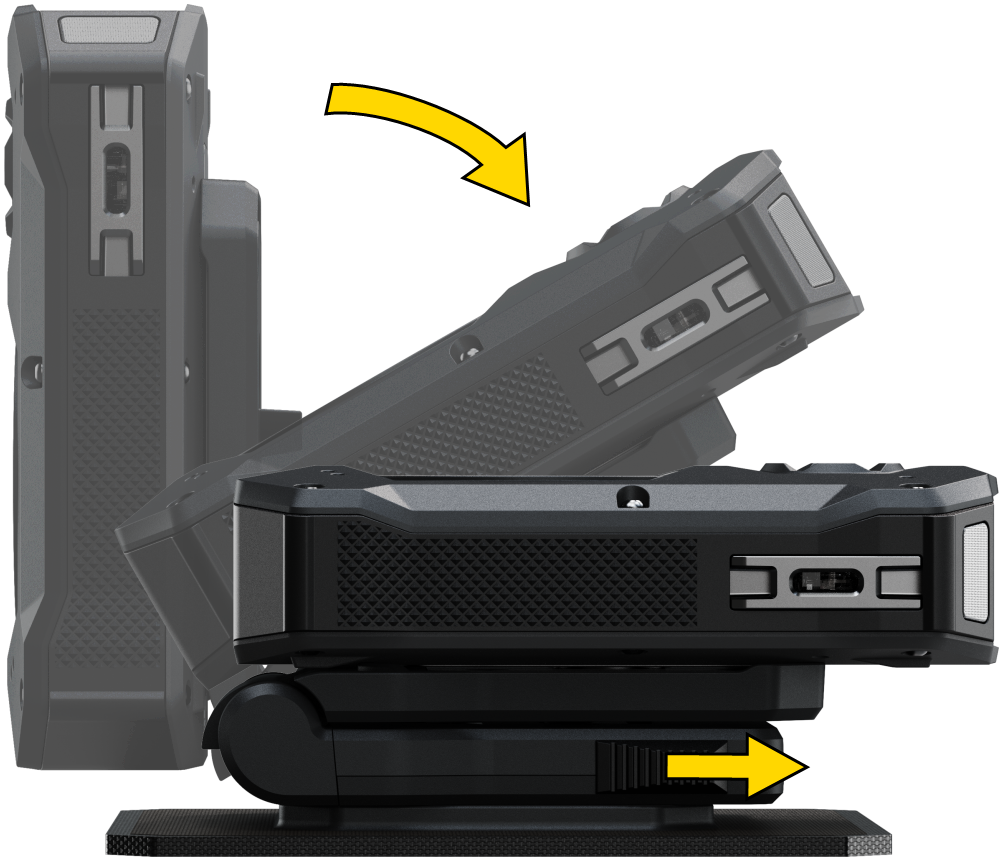
- To fold the camera down, pull the finger tabs rearward, push the camera down, and release the tabs.
Rebound hinge function
The camera will fold back toward the horizontal position as needed to give way to the environment, then return to vertical when the force is removed. Even if pressed all the way down, it will not stay down unless the finger tabs are also moved rearward to allow it to lock.