Supported web browsers
Justice - Supported web browsers
Supported web browsers - Axon Records
Axon's software products are fully supported by the following browsers, provided they are kept up to date with the latest stable release:
- Google Chrome
- Mozilla Firefox
- Microsoft Edge
- Safari
If your browser version is unsupported, you will see the following error message: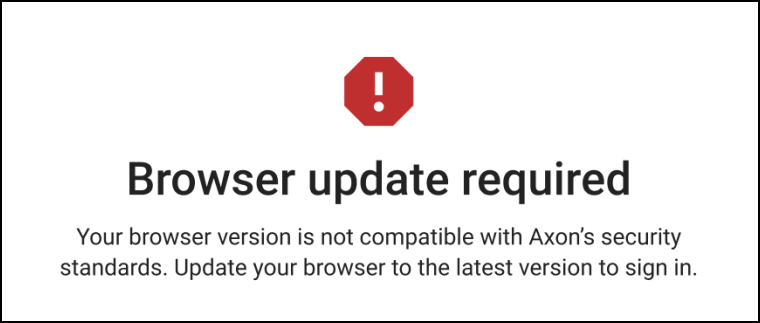
For Firefox, if your version is unsupported, you will see this error message: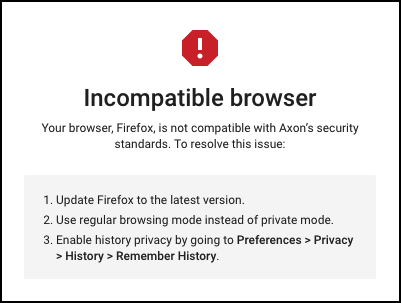
To configure Google Chrome correctly, follow these steps:
- Open the Chrome browser on your device.
- Select the three-dot menu (⋮) in the top right corner of the browser window.
- Select Settings from the list.
- Select Autofill and passwords from the menu on the left.
- Choose Addresses and more.
- Turn the Save and fill addresses toggle off.
Disabling autofill in Google Chrome is a critical security measure that ensures sensitive information, such as Criminal Justice Information (CJI) and Personally Identifiable Information (PII), is not inadvertently stored in the browser's cache. This precaution is vital for maintaining the confidentiality and integrity of sensitive data.


