Exporting Performance Information
Axon Performance information for squads and individual officers can be exported from Axon Performance for use in other reports. The information is exported in a comma-separated value (CSV) format.
There are six types of data export:
- Performance summary (Squad only): Provides the squad metrics information as numerical data. The squad totals and data for each officer are shown on different lines.
- Categorization rate details (Squad and Officer): Provides an export of the data found on the Categorization Rate Details page for a squad or officer.
- Activation rate details (Squad and Officer): Provides an export of the data found on the Activation Rate Details page for a squad or officer.
- ID rate details (Squad and Officer): Provides an export of the data found on the ID Rate Details page for a squad or officer.
- Video reviews (Squad and Officer): Provides an export of the Random Video Review information for a squad or officer. Only users that have the **View Video Review** permission can export this information, and the export only includes reviews with **Review Status** set to **Complete**.
- Policy reviews (Officer only): Provides an export of the Policy Review information for an officer. Only users that have the **View Policy Review** permission can export this information.
Watch this video to learn how to export Performance information.
To export performance information:
- Go to the Squad Dashboard or Officer Detail page for the appropriate squad or officer. (the image below shows a Squad Dashboard).
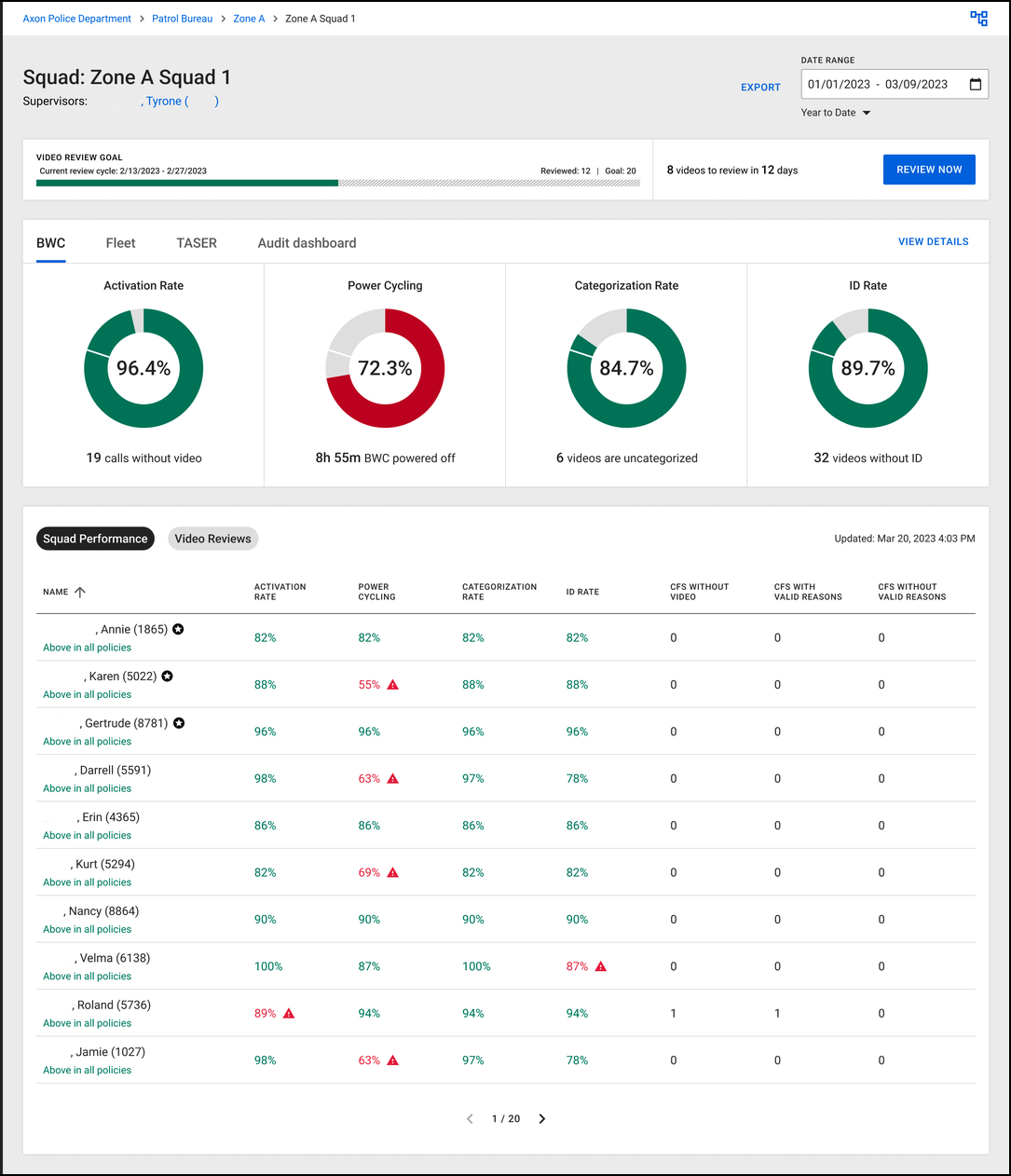
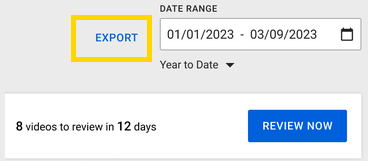
- Select the Date Range for the information you want to export.
Date range options
| Date range | Description |
|---|---|
| Yesterday | The previous calendar day. |
| This Week | The current calendar week, starting at midnight on Sunday. |
| Last Week | The previous calendar week from midnight on Sunday until 11:59 PM on Saturday. |
| This Month | The current calendar month, starting at midnight on the first day of the month. |
| Last Month | The previous calendar month from midnight on the first day of the month until 11:59 PM on the last day of the month. |
| Year to Date | The current calendar year from midnight on January 1 until the current date. |
| Last Year | The previous calendar year. |
| Custom | The date range defined by selecting the start and end dates. |
- Select Export, to the left of the date range.
The Export Data dialog box for the squad or officer is shown.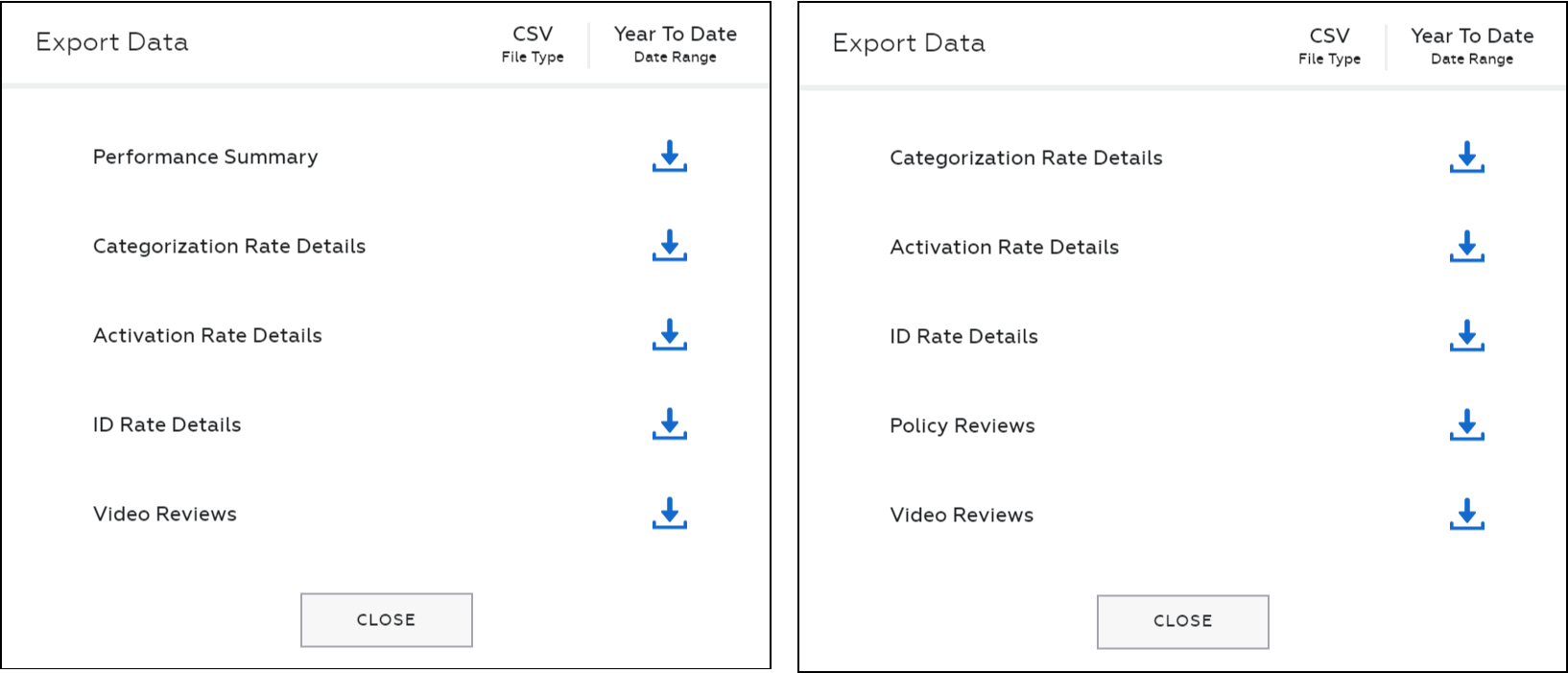
- Select Download (down arrow) for the set of data you want to export. The CSV file is downloaded.
- Repeat this step to download any other data. The date and time information shown is adjusted to reflect your time zone, which is set in your Axon Evidence profile.
- When you have downloaded all the needed data for the selected date range, select Close to close the dialog box.


