Storage
Store battery packs in their original packaging, including the desiccant bag, until ready to be used. Do not store a battery pack anywhere the gold contacts on the top of the battery may touch metal objects; this may cause an electrical short between the contacts, draining the lithium energy cells and causing the pack to become dangerously hot.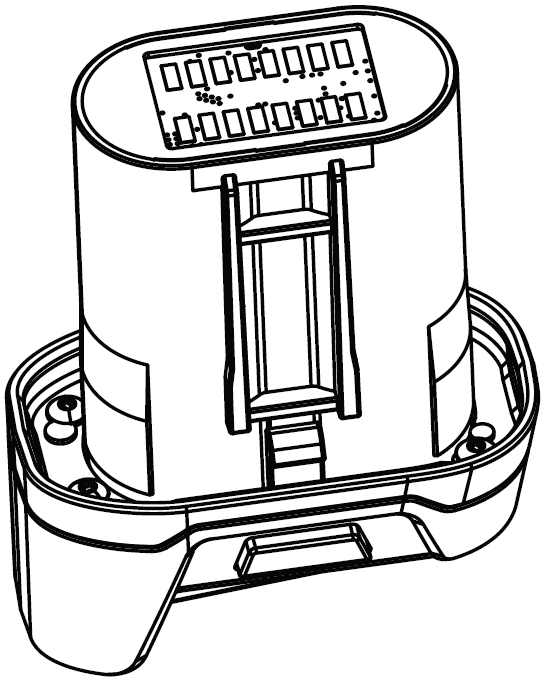
Removal
To remove the battery pack: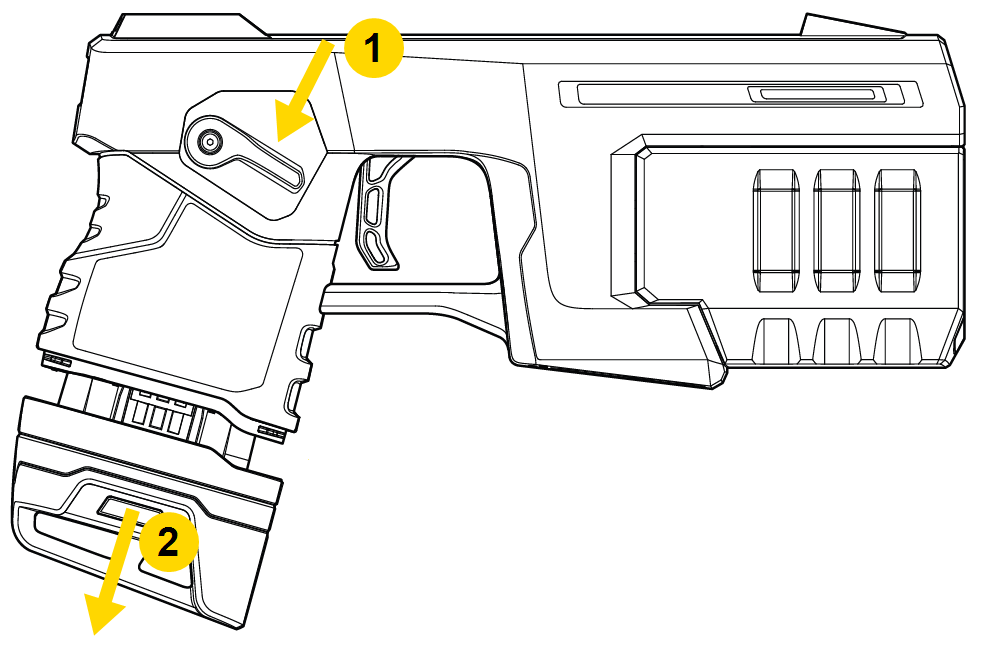
- Set the Selector switch to Off (Safe).
- Press the battery pack release buttons on each side of the battery pack and pull it from the controller.
- Inspect the battery contacts to ensure they are free from dirt or other residue that may interrupt the battery connection to the controller.
Installation
- Slide the battery in firmly.
- When the battery pack seats properly, the release buttons will pop out from a recessed position with two audible clicks.
- Pull on the bottom of the battery pack to confirm it is seated
The LED remains white  if the battery is not fully seated; see the Important statement in the next section.
Charging
A new TASER 10 battery must initially be charged for a continuous 24 hours in a network-connected and registered dock, during which the battery will be formatted and assigned an ID. Failure to provide this 24-hour charge for new batteries causes the TASER VR Controller (as well as duty TASER 10 devices) to act as if the battery is low even if it is fully charged.
Rechargeable battery pack (models TS1005 and TS1013)
Battery capacity will vary depending on temperature and environment.
When plugged into a battery dock, the rechargeable battery will begin charging and any agency settings will be imported (if configured). A battery pack requires approximately 4–6 hours to fully charge.
Wait until the battery pack is fully charged and agency settings have imported before removing it.
Capacity check charging
The dock conducts a capacity check on a battery pack every 90 days. During a capacity check, it will discharge the battery fully and then recharge it. This ensures the battery maintains its health throughout its approximately 5-year useful life. A capacity check can take 6–8 hours.
Known issues
Once you use a battery in a TASER VR Controller and then dock the battery for charging, the LED on the dock will no longer turn green  like it normally does when the battery is fully charged. Nothing is wrong with the battery and this does not affect battery function. This behavior will be corrected in a future firmware update.


