FAQ
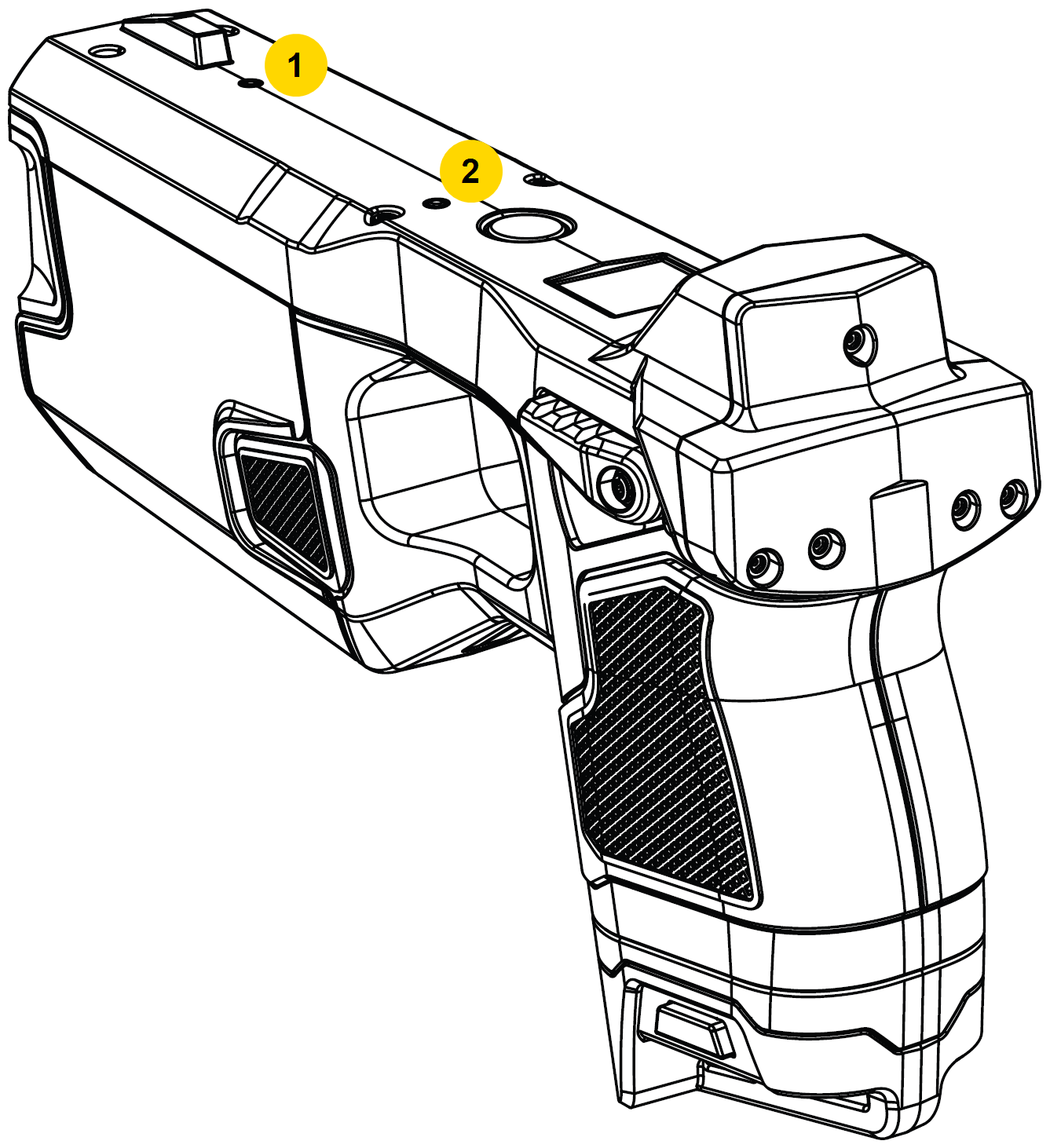
Why is my controller aim point drifting around while I'm in VR?
Ensure the side, top, and back are not covered by your hand, stickers, or any other obstruction. If battery level is low (red on the Pairing LED), switch to a fully charged battery.
|
|
Why when I insert a battery the Sidelight LEDs stays white and never displays battery strength?
The battery is not fully seated.
What do all the Status LED colors represent?
See Status LED.
What is the USB port on the front for?
It is only for special use cases. See USB port.
How do I check or update the controller firmware?
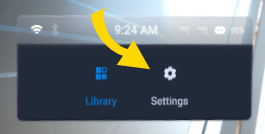
- From the Library, select Settings.
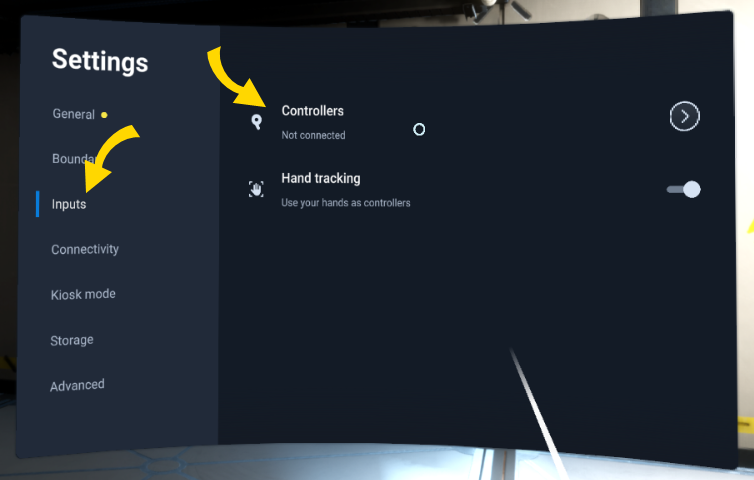
- Select Inputs, then Controllers.
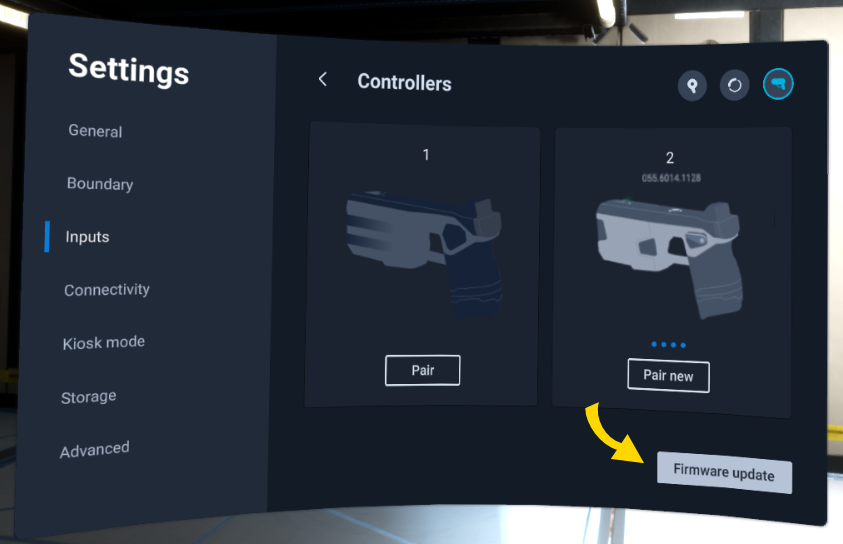
- If Firmware Update doesn't appear at the bottom right, your VRC is up to date. If it is there, select it. Keep the headset on so it doesn't go to sleep, which will cause the controller to also go to sleep and cancel the update.
- When the controller firmware update finishes, a banner appears in the headset. Select Finish.
What should I do if the "Firmware update" button is missing when prompted to update my VR Controller in apps?
Some apps may require you to update your VR Controller firmware in order to use them. If the "Firmware update" button is missing, perform the following:
- Update the headset firmware. For more information, see the FAQ How do I check or update the headset firmware?.
- Go to Settings > General > About > Enterprise and select Reload.
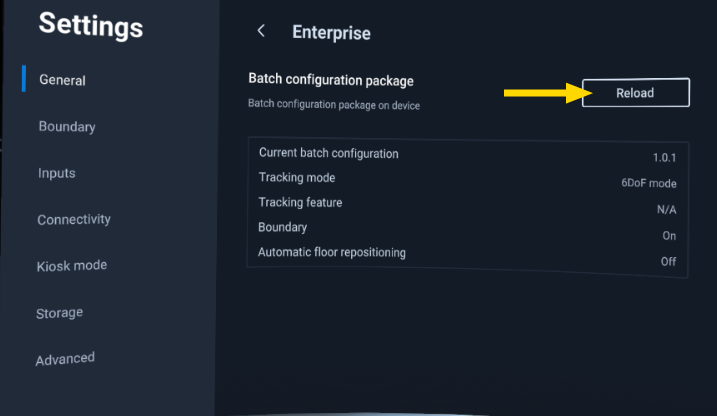
- If the button still isn't showing, unpair and then re-pair the VR Controller. For more information on pairing, see Pair VR Controller to headset.
- If the issue persists, contact Axon Support for further assistance.


