Power on headset
Before powering on your headset, ensure you have the following:
- VR Controllers nearby and easily accessible
- A clear training space, free of objects and live weapons
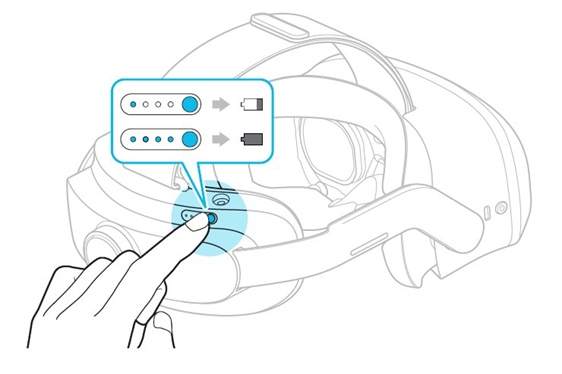
To power on your headset, press and hold the Power button on the back of the headset for five to seven seconds.
Power off headset
Always power off the headset before storing it. If the headset isn't properly shut down, the battery will drain, because the headset enters Sleep mode when not worn and "wakes up" when it senses movement.
To power off the headset, press and hold the Power button on the back of the headset for five to seven seconds.
Powering off the headset will not automatically turn off paired VR Controllers.
Sleep mode
When the headset is removed, it will automatically enter Sleep mode. You can also manually place the headset in Sleep mode by either quickly pressing and releasing the Power button or by pressing the left Temple button and selecting the menu option.
The headset is motion sensitive. This means it will exist Sleep mode when it senses movement.


