Charge tablet
Note
We’ve identified an issue where some VR Tablets may not sync correctly with Samsung Knox, which is used to manage and update tablet content. To resolve this issue, open Google Chrome on the tablet, go to the Samsung Knox Configure portal (https://configure.samsungknox.com/), and select Re-enroll.
As required by federal regulations, the Samsung VR tablet is shipped with a 30% battery charge.
To charge your tablet:
- Connect the USB-A cable to the USB charging block.
- Plug the block into an AC power source.
- Connect the USB-C cable to the tablet.
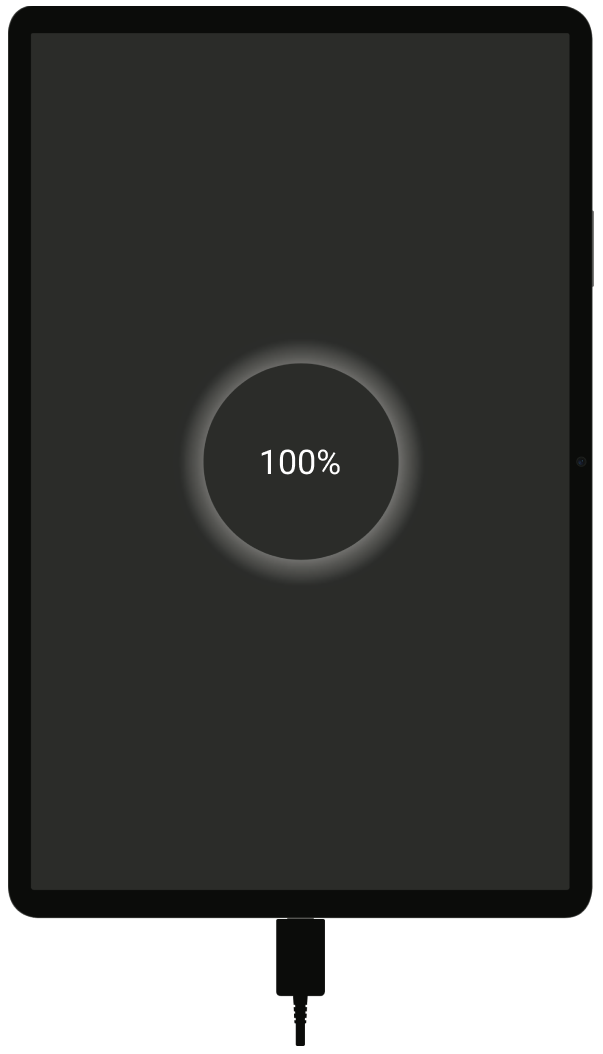
When the tablet reaches a full charge, 100% will display on the screen. To check the battery level, double-tap the screen to wake the tablet.


