 VR devices
We’ve identified an issue where some VR Tablets may not sync correctly with Samsung Knox, which is used to manage and update tablet content. To resolve this issue, open Google Chrome on the tablet, go to the Samsung Knox Configure portal (https://configure.samsungknox.com/), and select Re-enroll.
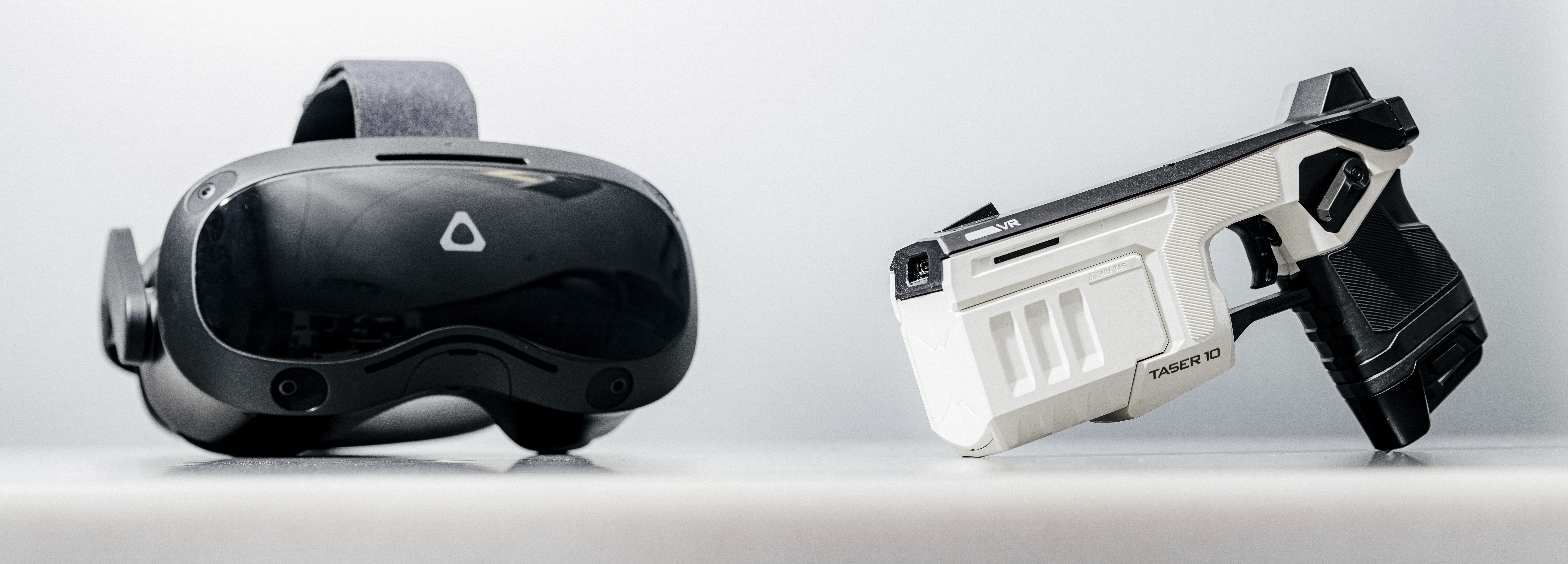
Axon VR Devices work together to deliver immersive, realistic training through the Axon VR platform. Each device is designed for durability, portability, and ease of use. Together, these devices create a connected system that delivers realistic, immersive training wherever it’s needed.
VR devices include:
- Headset
- Tablet
- TASER 7 VR Controller
- TASER 10 VR Controller
-
Handgun VR Controller (VR19H)
-
Handgun VR Controller (VR320H)
-
Handgun VR Controller (VRMPH)
-
Rifle VR Controller (VRM4R) (coming soon)
Downloads
Download the headset and controller guides using the links below.
Headsets
VR Controllers - Quick Start Guides
Quick Start Guide
TASER 10 VR Controller Quick Start Guide
Quick Start Guide
TASER 7 VR Controller Quick Start Guide
Quick Start Guide
Handgun VR Controller (VR19H) Quick Start Guide
Quick Start Guide
Handgun VR Controller (VR320H) Quick Start Guide
Quick Start Guide
Handgun VR Controller (VRMPH) Quick Start Guide
Quick Start Guide
Rifle VR Controller (VRM4R) Quick Start Guide
VR Controllers - User Guides
User Guide
TASER 10 VR Controller User Guide
User Guide
TASER 7 VR Controller User Guide
User Guide
Handgun VR Controller (VR19H) User Guide
User Guide
Handgun VR Controller (VR320H) User Guide
User Guide
Handgun VR Controller (VRMPH) User Guide
User Guide
Rifle VR Controller (VRM4R) User Guide


