Unique asset ID and checksum
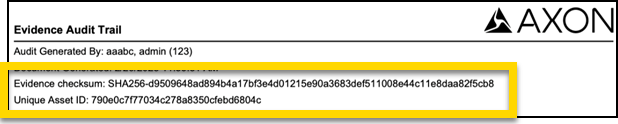
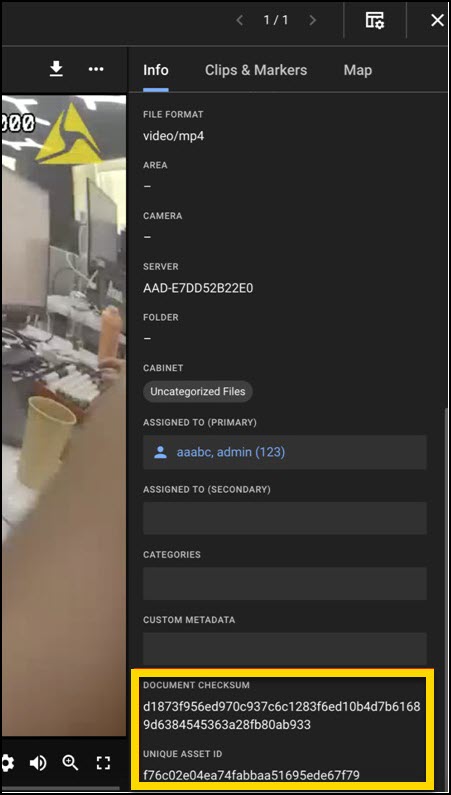
Axon Evidence Local includes the Unique Asset ID and Document Checksum fields to support digital evidence traceability and integrity verification. These values are accessible alongside other evidence details in Review Mode and in the Evidence Audit Trail.
View the Checksum and Unique Asset ID for a piece of evidence
To locate the Unique Asset ID and Checksum values for a file:
- Search for the evidence using the search bar or filters. Learn more at Search for Evidence.
- Select the evidence from the search results to open it in Review Mode.
-
In the Info tab, scroll to the Custom Metadata section to view the Document Checksum and Unique Asset ID of the evidence.
Checksum and Unique Asset ID in the audit trail
The Document Checksum and Unique Asset ID are included in the evidence audit trail and used in file integrity verification. for details on audit reporting and integrity checks, see View Evidence Audit Trails in Evidence Local.