Starting and Stopping Recording
The camera panels are used to start and stop recordings for either just the front camera or back camera.
- Tap anywhere in the appropriate camera panel to start recording.
- You must tap both camera panels to start recording from both the front and back cameras.
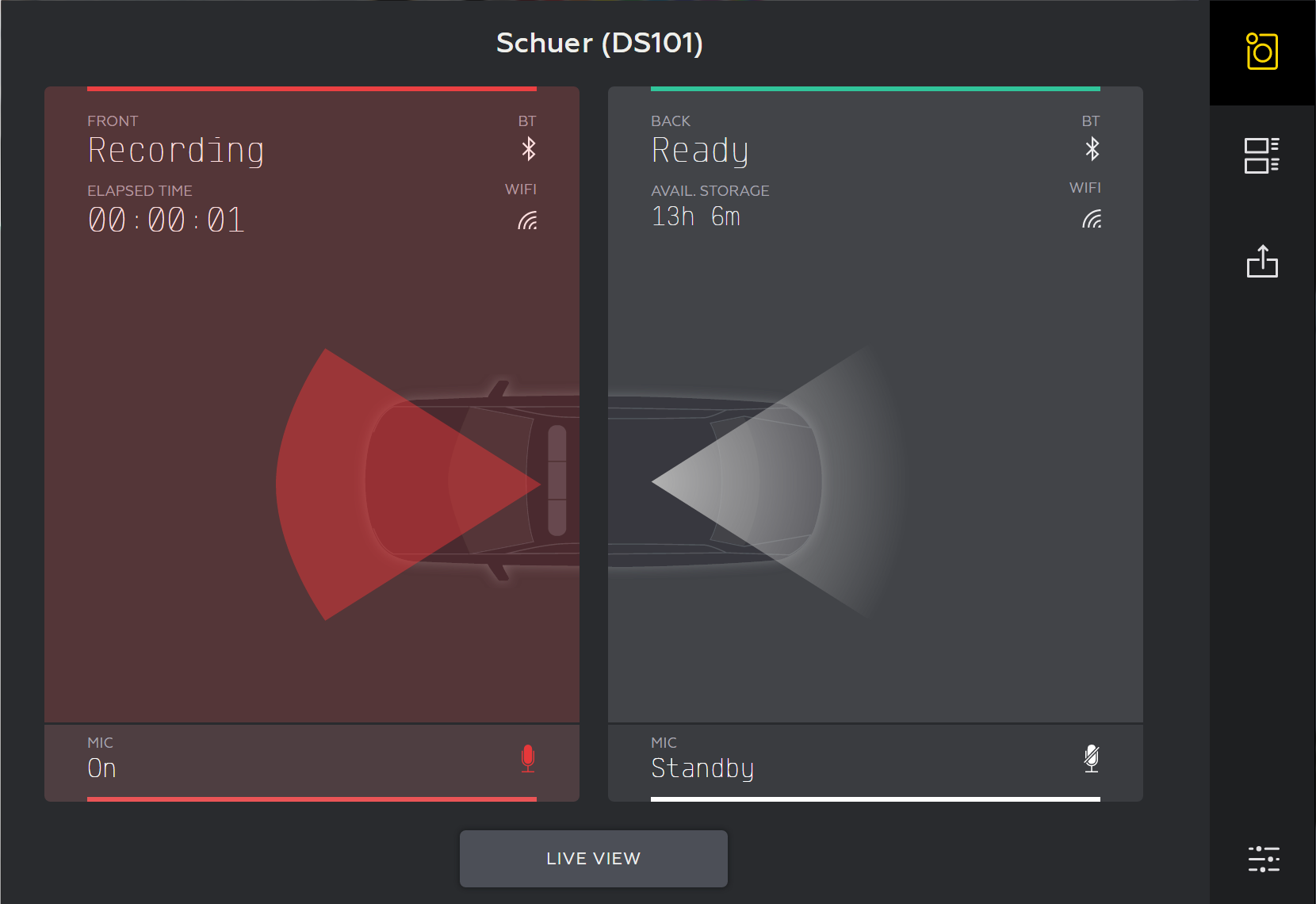
- Once a recording is started, the camera controls indicate that a recording is in progress by:
- Changing the color of the camera panel to red
- Changing the Remaining Storage status time to a video Elapsed Time
- You must tap both camera panels to start recording from both the front and back cameras.
- Tap anywhere in the appropriate camera panel to stop recording.
- The camera stops recording and the UI changes back to the standby state.
Tap  (the Review icon) to review the camera recordings.


