Zoom Function (Axon Fleet 2 Only)
The Axon Fleet 2 Front Camera is equipped with a zoom function. This function allows you to magnify the image shown while using Live View. The zoom function works in both BUFFERING and EVENT modes.
- In the View XL Control tab, tap Live View.
- On the Live View, check that the Front camera is selected.
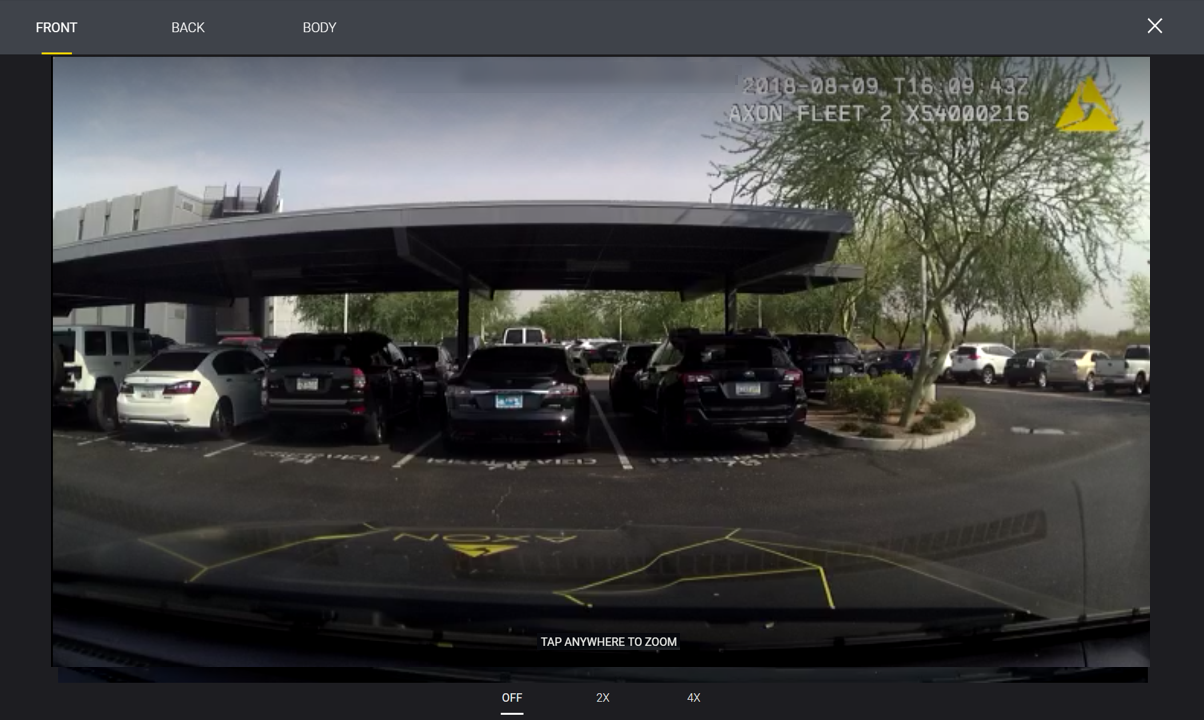
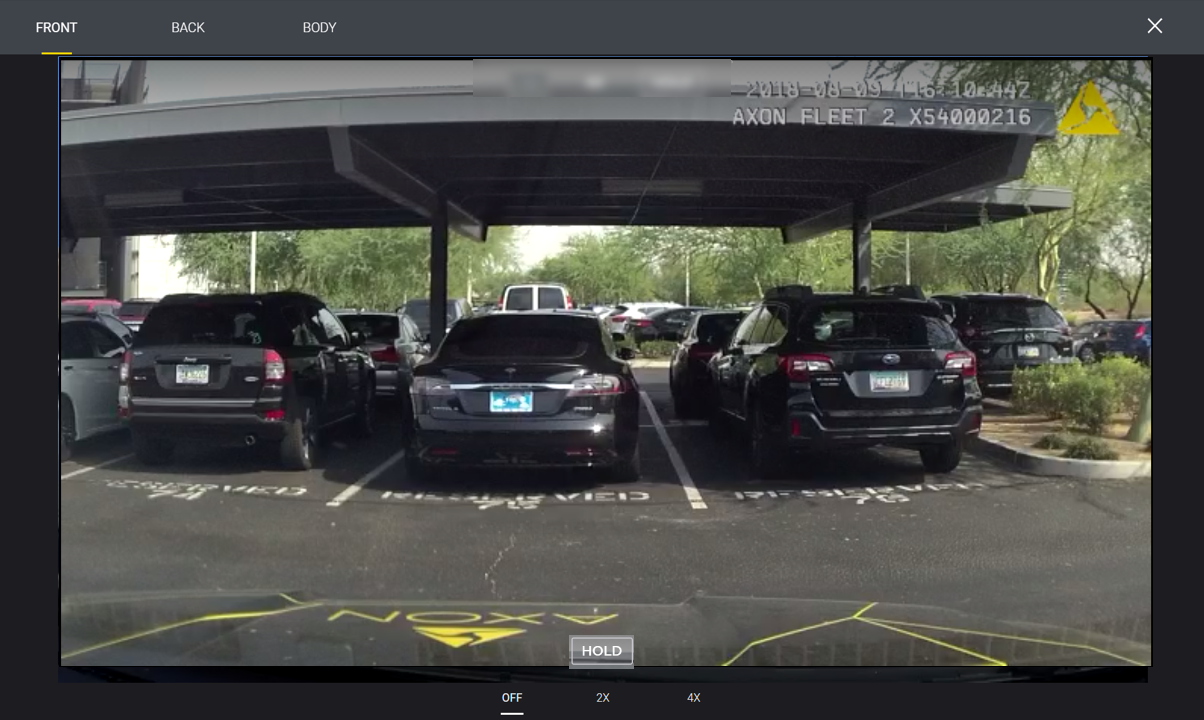
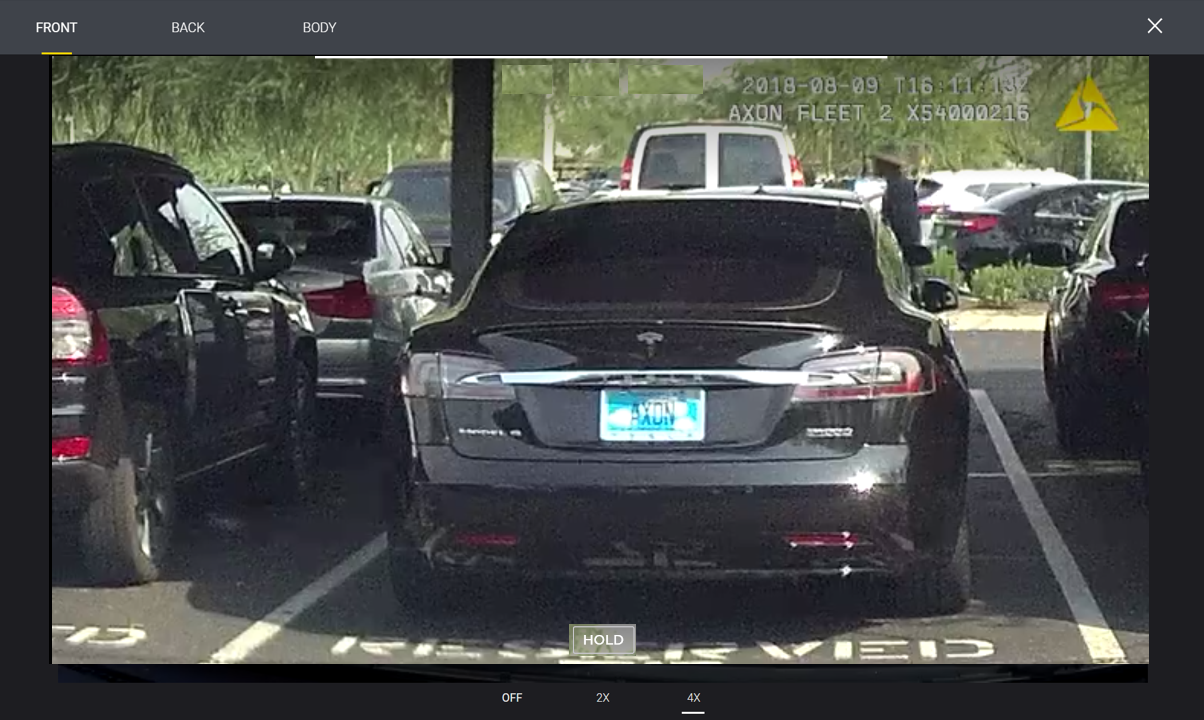
- Tap anywhere on the screen to magnify that area by 2x. Tap on the screen again to magnify that area by 4x.
- Example 1x view
- Example 2x view
- Example 4x view
- Magnification returns to normal 10 seconds after the last screen tap. If you exit Live View and return within 10 seconds, the image will still be magnified.
- Tap Hold to maintain the current zoom and stop the 10 second countdown. If Hold is used during recording, magnification returns to normal when the recording is stopped.
- Example 1x view
- Tap Close to return to the Control tab.


