Video recall
Officers make every effort to capture video evidence using the automatic and manual means of activation. In the heat of the moment, it can be difficult or even unsafe for an officer to activate Fleet cameras.
Building on the success of our Signal activation technology, Axon Fleet 3 offers a new video recall feature that lets you to retain and retrieve the last 24 hours of video in case of a missed recording. Critical evidence won't be missed and communities receive another layer of accountability.
Video recall must be enabled by an admin in Axon Evidence agency settings. Video captured with Video Recall has a lower resolution and no audio.
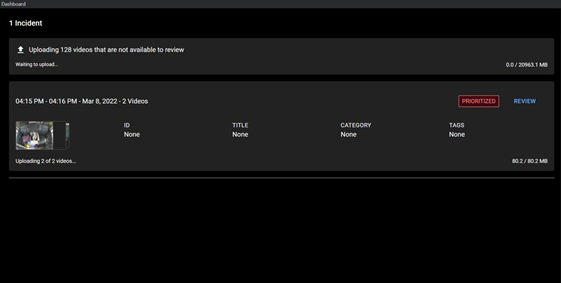
Priority evidence will upload before video recall files. The hub will upload 30-minute video recall segments for each camera to Axon Evidence. Your vehicle must be powered on and have good Wi-Fi connectivity to ensure successful and timely data upload.
View recalled video queue
- Select the Settings
 tab.
tab. - In the Video Recall section, select Request.
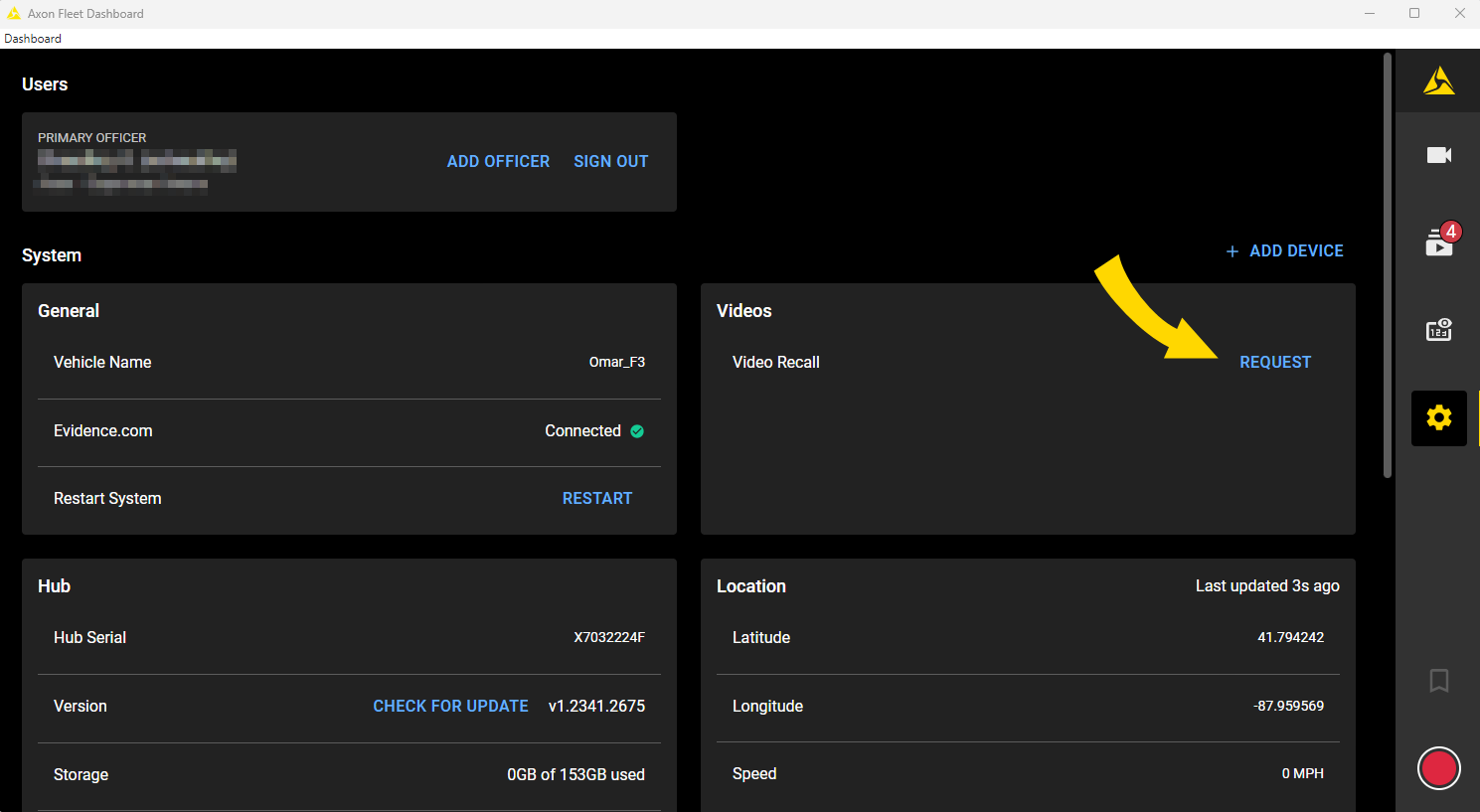
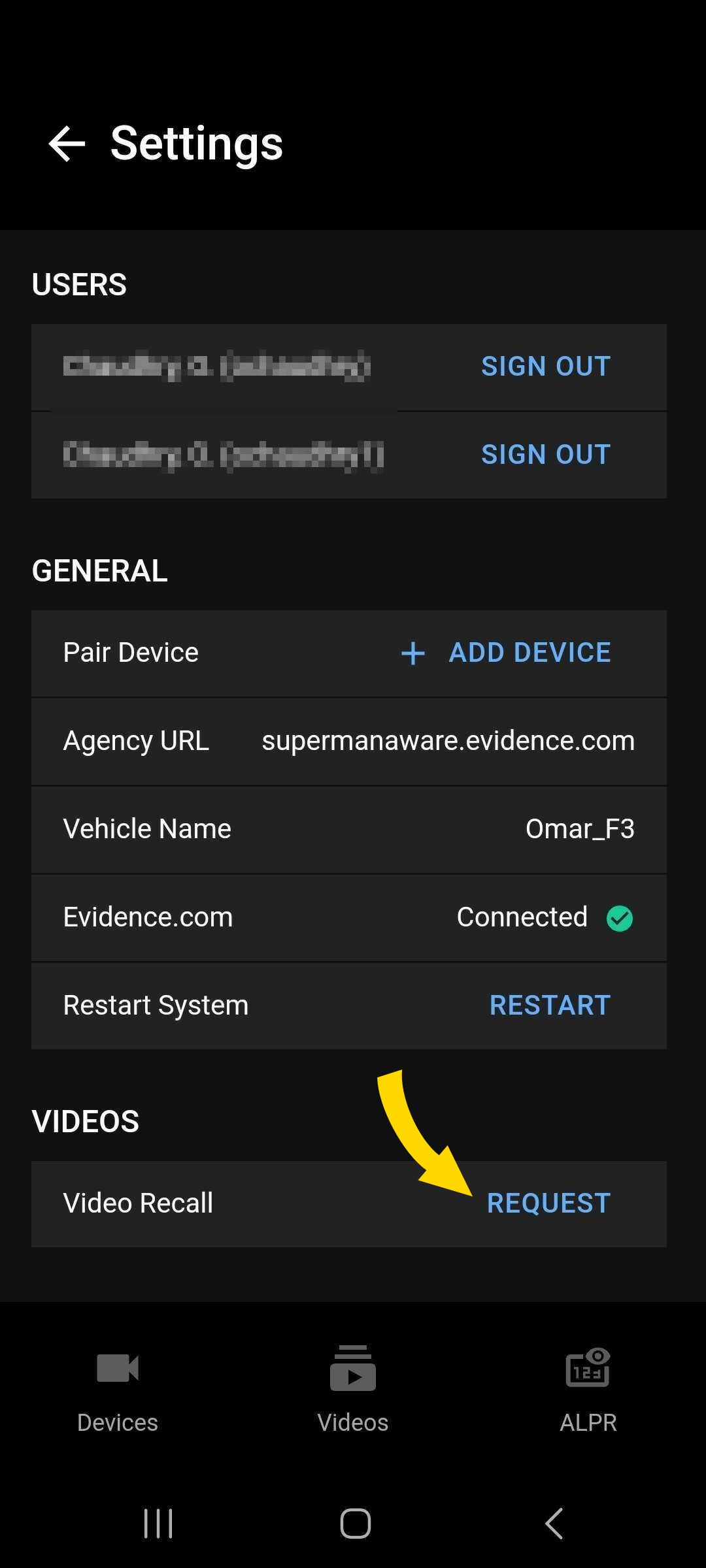
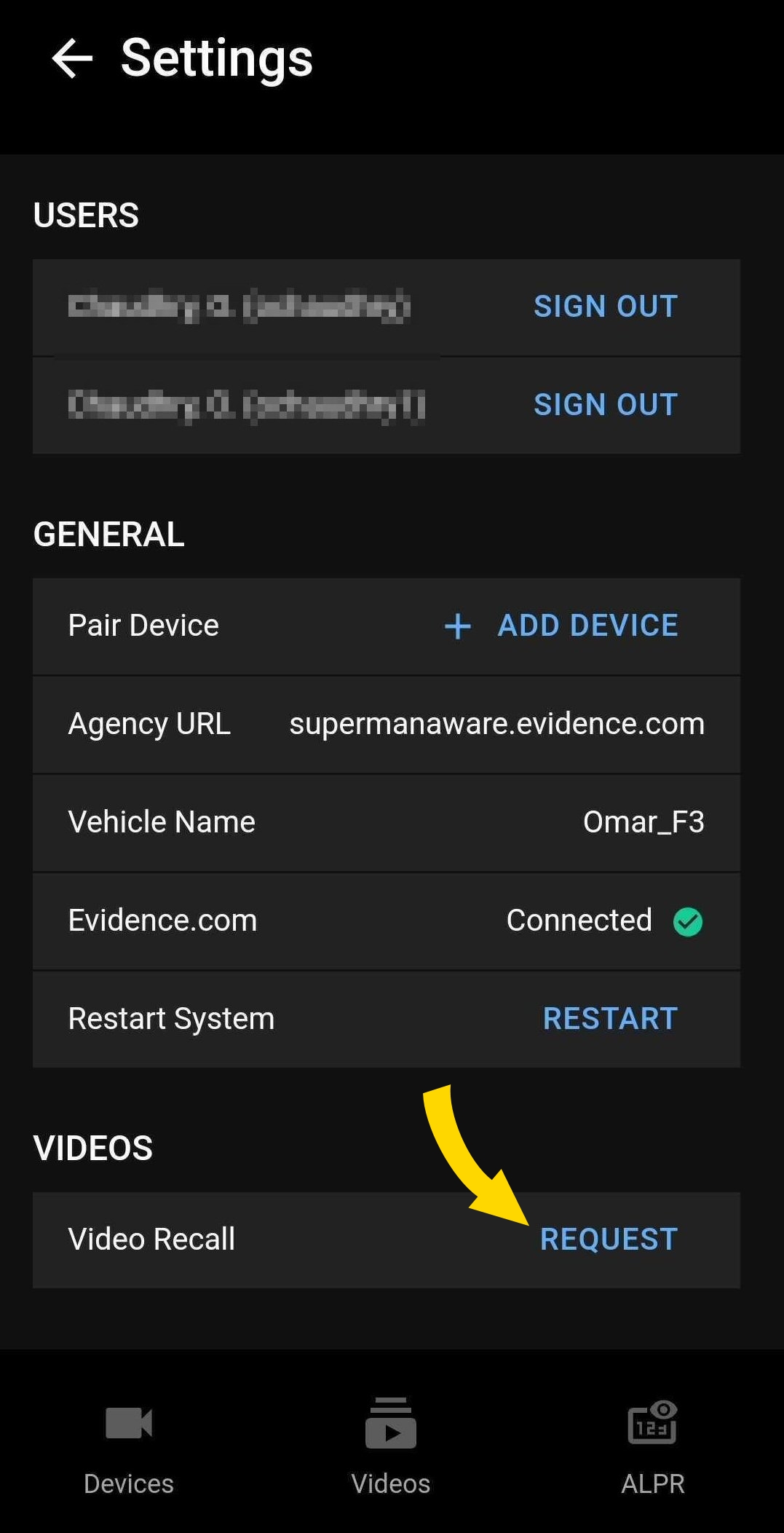
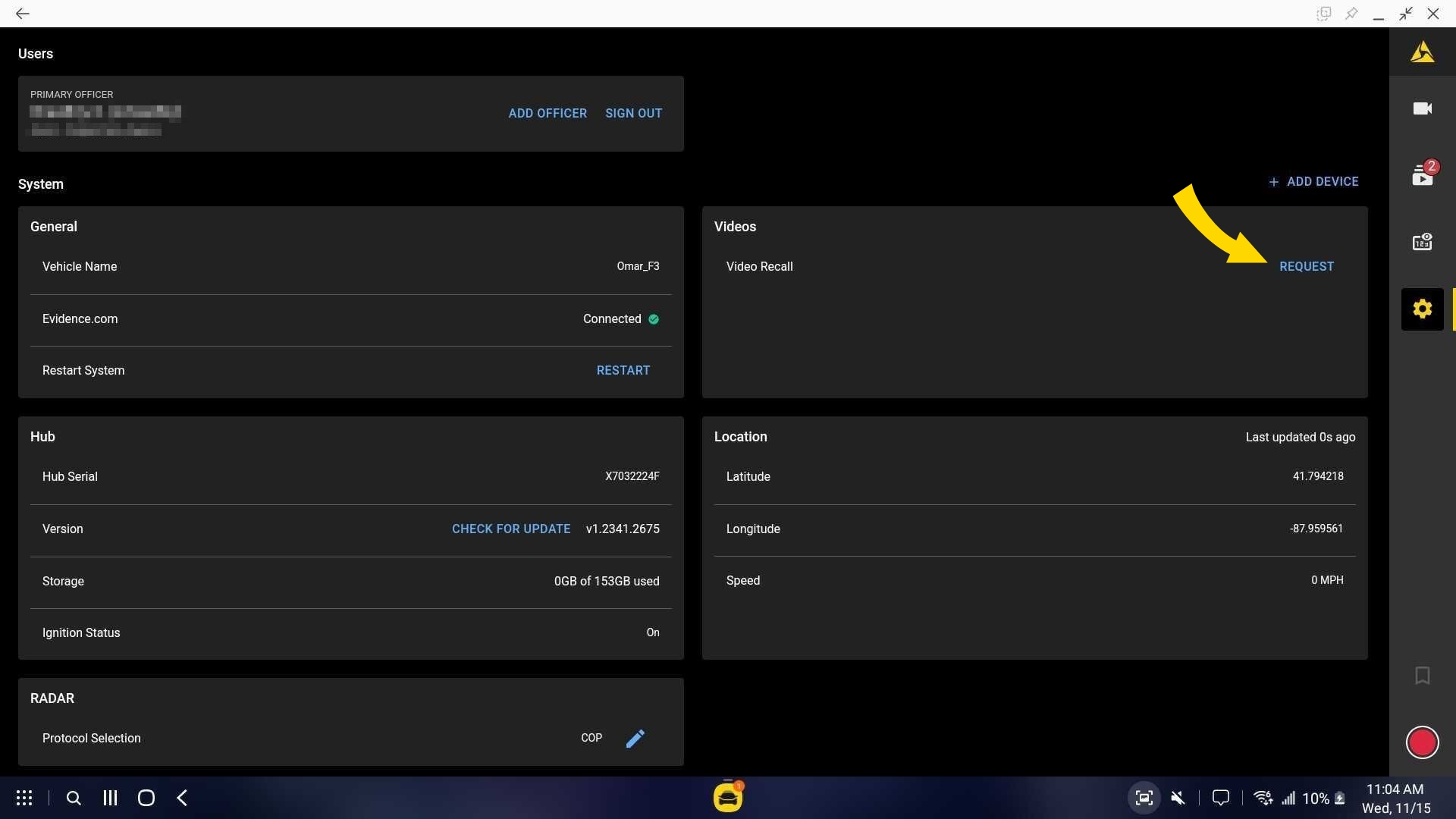
- Select Request on the Video Recall pop-up.
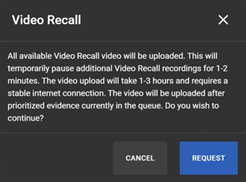
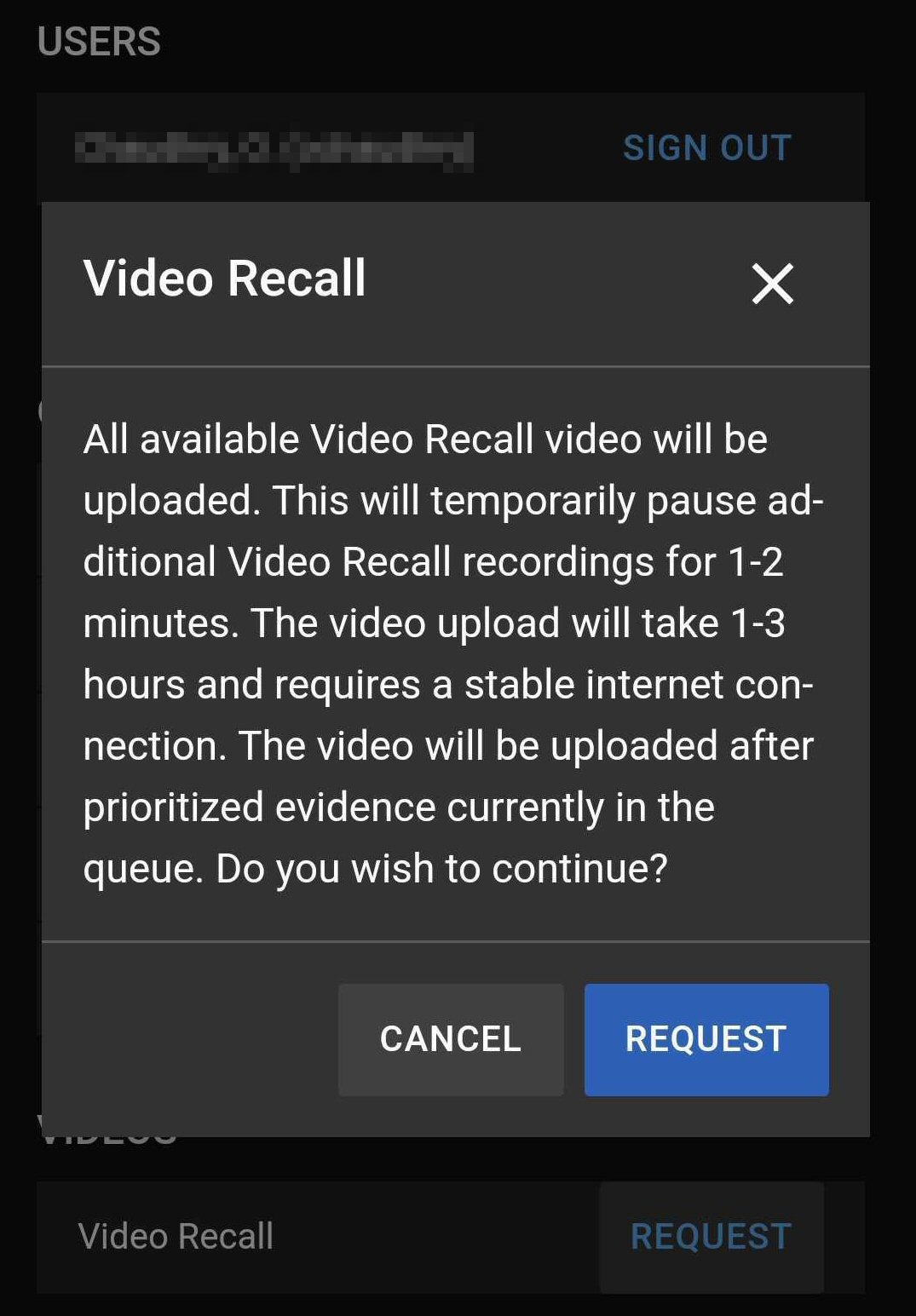
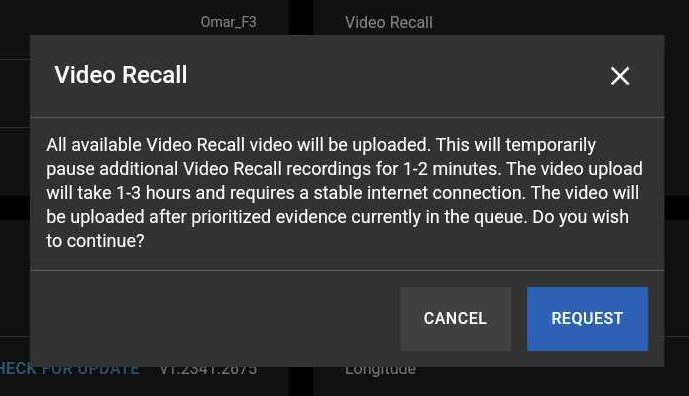
- Scheduled recording uploads appear in a queue.
Recalled video in Axon Evidence
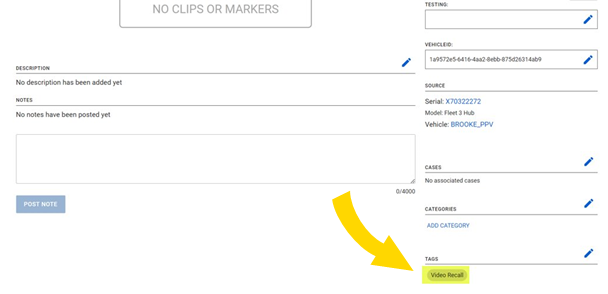
Locate recordings by searching for evidence by vehicle name or hub serial number. Video Recall file names will start with Video Recall.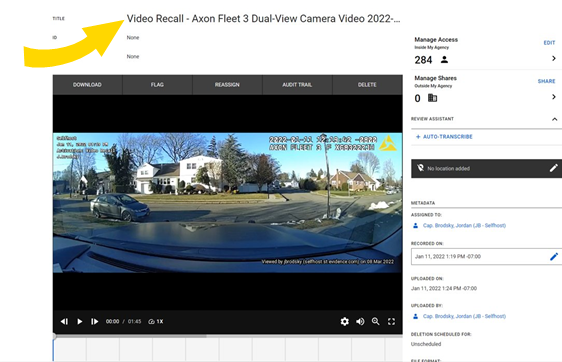
Recalled video will also be tagged as such.