Introduction
The Axon Fleet 3 solution is a purpose-built in-vehicle, AI-driven recording system for capturing audio and video in high-risk environments encountered by law enforcement, corrections, military, emergency medical services (EMS), and private security. The system records events for secure storage, retrieval, and analysis leveraging Axon Evidence services. Recordings transfer securely to Axon Evidence using LTE, Wi-Fi, or manual operations.
Fleet 3 typically consists of at least two cameras: one in the front of the vehicle in a windshield mount and the second pointed at the law enforcement vehicle’s prisoner compartment. These cameras are connected to and controlled by the Fleet Hub, which can control additional cameras, such as for side views. Add an Axon Signal Vehicle device to automatically activate nearby Axon Body-Worn Cameras (BWC) during Fleet recording events.
Fleet 3 cameras have two operating modes:
- The default Buffering mode provides pre-event buffering to capture activities that occur prior to activating cameras.
- Event mode records events.
The Axon Fleet 3 system automatically powers on upon detecting vehicle ignition power and the shutdown delay of the system after ignition power-off is programmable.
For details on Fleet Dashboard, the application used with Fleet 3, see the individual Dashboard topics or complete user guide on the Fleet 3 product page at my.Axon.com/s/axon-fleet3.
Additional reading
Other
For additional administrative topics on managing users, vehicles, and Fleet camera settings, as well as working with videos, see the Axon Evidence User and Administrator Guide.
Visit academy.axon.com for additional training resources.
Axon Fleet 3 components
Dual-View Camera
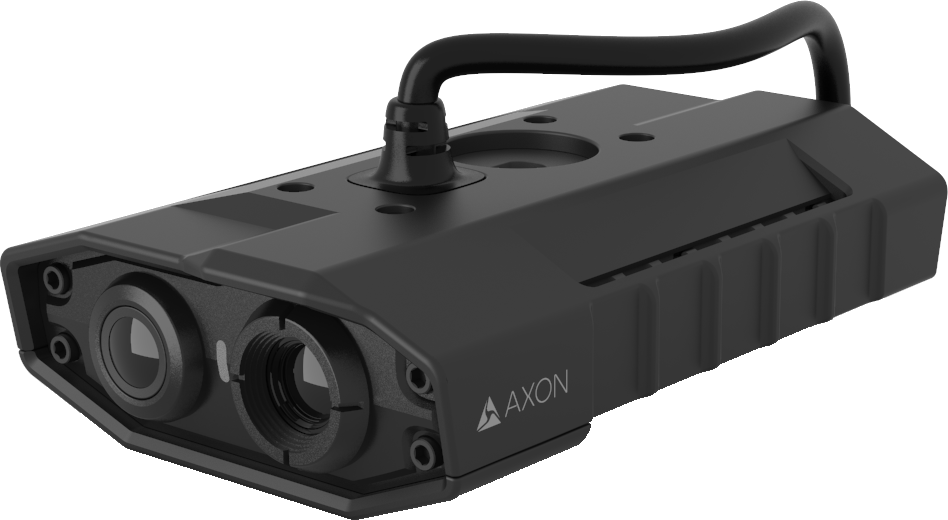 Evidence capture and ALPR
- Wide Field of View (FOV) Sensor - 160° for Video Evidence Capture
- Narrow FOV Sensor - 60° for 12x Zoom and Automated License Plate Reader (ALPR)
- Three integrated microphones for audio recording inside vehicle
- Resolutions supported:
- 16:9 aspect ratio – 1080p (1920x1080), 720p (1280×720), 480p (854×480)
- 5:2 aspect ratio – 2240x900, 1344x540, 896x360
Interior camera
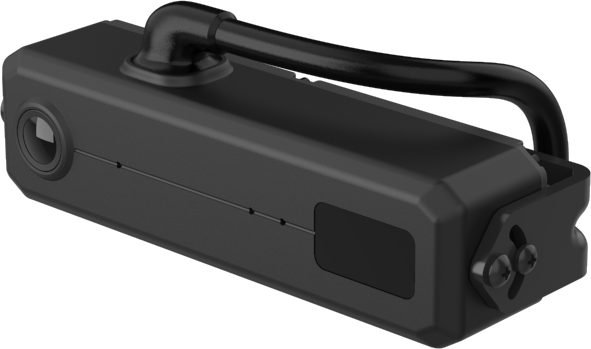 Color camera in light conditions
- Infrared illumination in dark conditions
- Two integrated microphones for audio recording inside vehicle
- Resolutions supported:
- 16:9 aspect ratio – 1080p (1920x1080), 720p (1280×720), 480p (854×480)
- 5:2 aspect ratio – 2240x900, 1344x540, 896x360
- 4:3 aspect ratio – 1080p (1400x1050), 720p (1024×768), 480p (640×480)
Fleet Hub
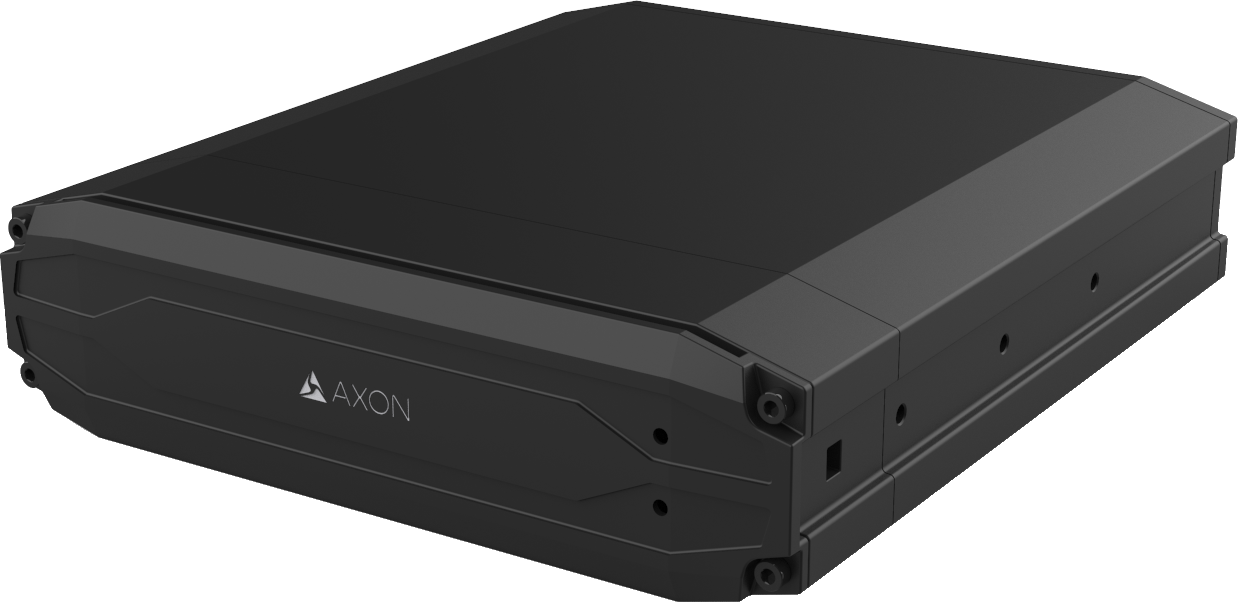 240 GB solid state drive
- Wi-Fi 6 and BLE
- GNSS with IMU and dead reckoning
- Controls recording of cameras and mics
- Stores all evidence securely
- Automatic wireless evidence upload using Ethernet connected WAN source
- Automatically starts recording on Fleet 3 cameras when a configured event occurs, such as light bar activation
Fleet Dashboard
- Software interface for camera activation, evidence review, and evidence tagging.
- ALPR hotlist notification and response
- Windows 10 or 11 recommended, Windows 7 supported
For details on Fleet Dashboard, see the individual Dashboard topics or complete user guide on the Fleet 3 product page at my.Axon.com/s/axon-fleet3.
Cradlepoint IBR900 router
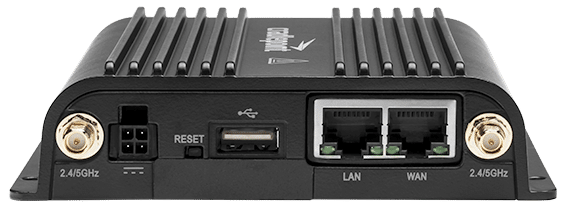 The router connects to the Fleet Hub through an ethernet cable. When the router has an active 2FF SIM in the primary modem, it can provide WAN via LTE. When the router connects to a Wireless Access Point network with direct Internet connectivity, the router can be configured to connect as a Client enabling Wi-Fi as WAN.
- The Mobile Data Terminal/Computer (MDT/C) connects to the hub through the router.
Airgain 5-in-1 antenna
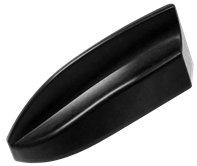 Mounted to the exterior of the vehicle
- Enables WAN connectivity and GNSS positioning for the vehicle router
- Includes two elements for Wi-Fi, two for cellular, and one for GNSS communications
3-in-1 antenna
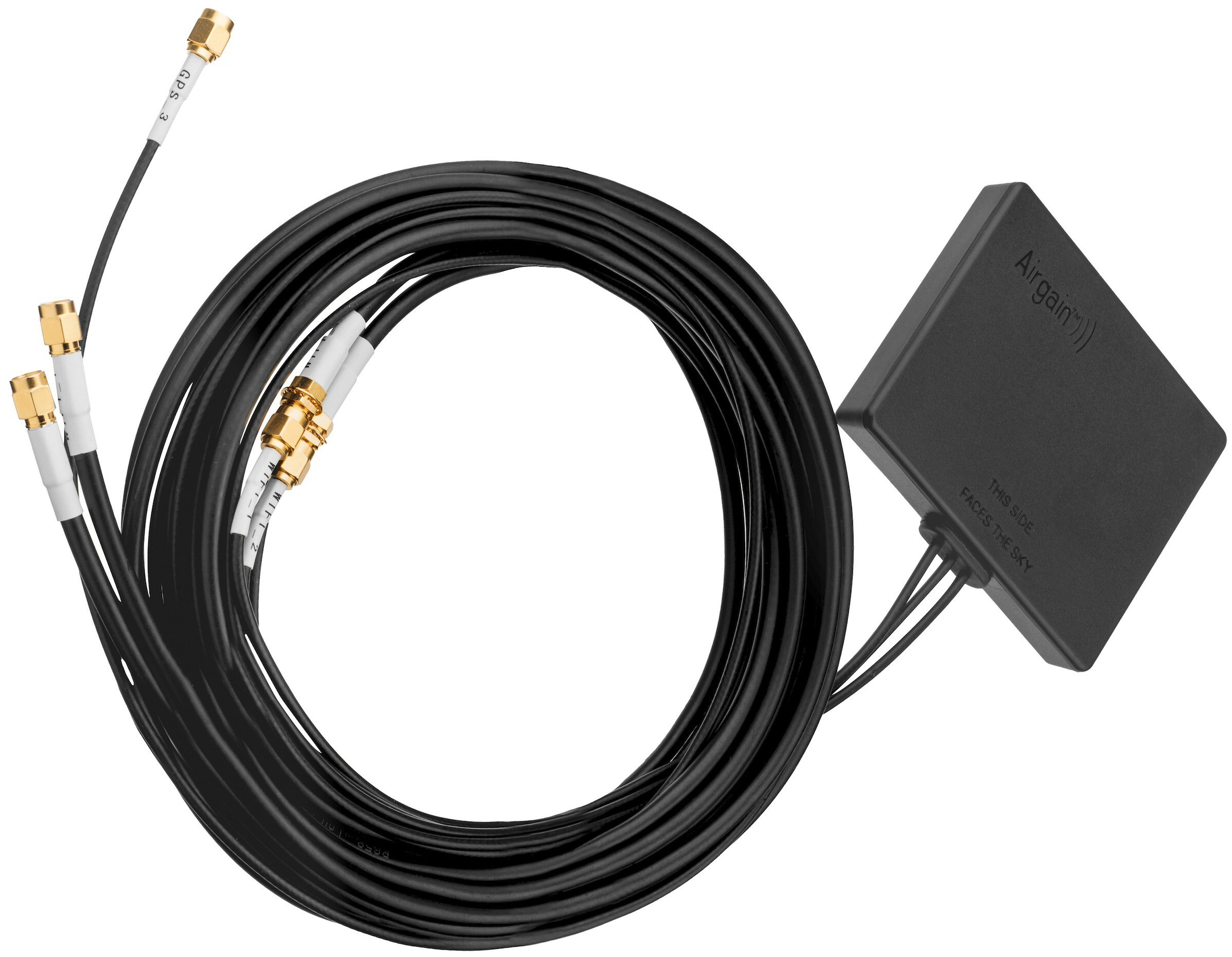 Internally mounted in the vehicle on glass or flat surface with view of sky
- Enables communication between Fleet Hub and Axon Body Worn cameras (BWCs)
- Enables GNSS positioning data in evidence and Axon Fusus.
- Includes 2 elements for Wi-Fi and Bluetooth, and a GNSS antenna
Wireless mic (optional)
 Includes harging base, lapel mic, and belt clip
- Maximum of two per vehicle
- 1,000-ft. range with 12-hour battery life
- When inserted in the charging base, a wireless mic will recharge to 85% within 90 minutes
- RapidLock mount works seamlessly with existing Axon body-worn camera (BWC) mounting solutions
Signal Vehicle
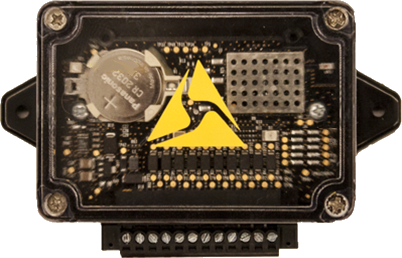 Automatically starts recording of Axon body cameras in Bluetooth range when an appropriate event occurs (such as the lightbar being activated)
- 30-ft. range
- 30-second broadcast


