Crime dashboard
The Crime Dashboard in the Retail Crime Hub provides a centralized view of retail crime activity submitted by participating retailers through Auror. It is designed to give you a high‑level view of recent incidents in your jurisdiction and help you quickly:
- See overall activity for a recent time period.
- Identify patterns in people, vehicles, and locations that may warrant targeted enforcement.
- Spot vehicles and sites that appear across multiple incidents.
- Prioritize which offenders to investigate first based on the amount of events or total losses.
- Jump directly into Auror for more information and connections, including accomplices, vehicles of interest, witness statements, and digital evidence.
Access the Crime Dashboard
To access Crime Dashboard, select Community, then select Retail Crime Dashboard.
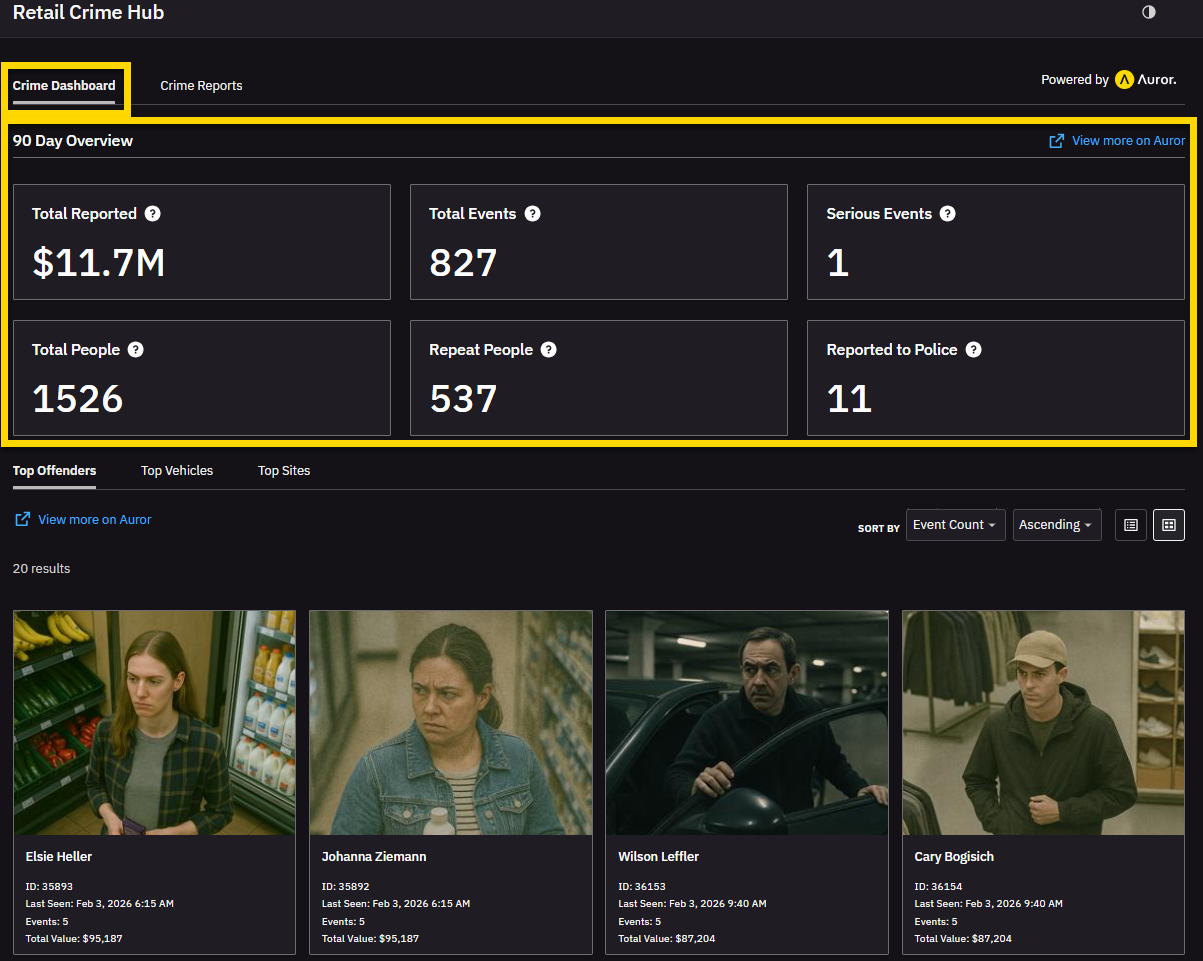
The Crime Dashboard give you a 90-day overview of activity, including
- Total reported value of stolen products.
- Total events (number of events) reported.
- Serious events (such as assault, burglary, break and enter, or robbery).
- Total people involved across all events.
- Repeat people who appear in multiple events.
- Reported to police is the total of all events marked as reported to police by retailers.
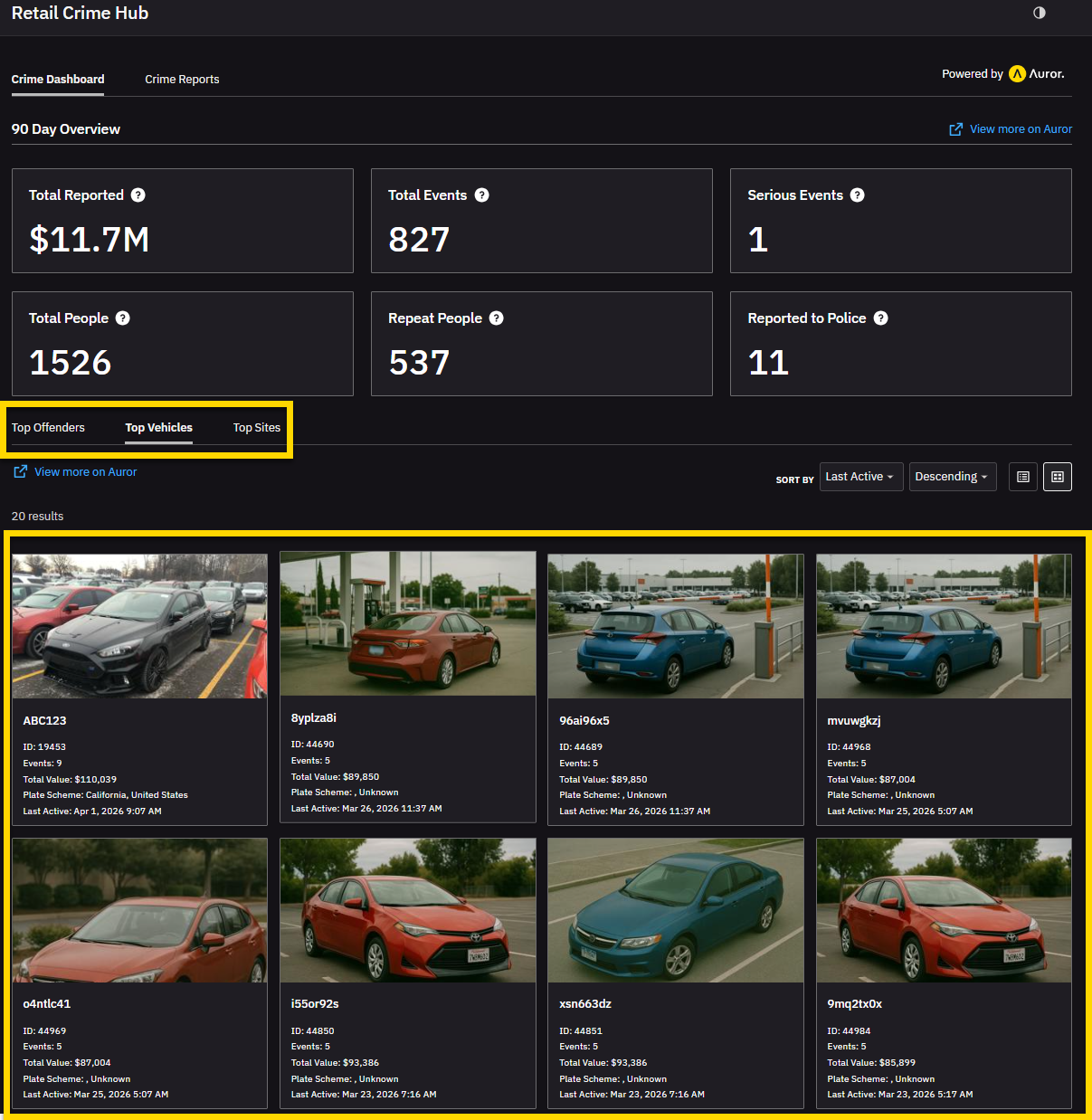
Activity tabs filtered by Top Offenders, Top Vehicles, and Top Sites let you focus on:
- Top Offenders: Sortable list of offenders.
- Vehicles: Sortable list of vehicles associated with events.
- Sites: Sortable list of retailer locations associated with events.
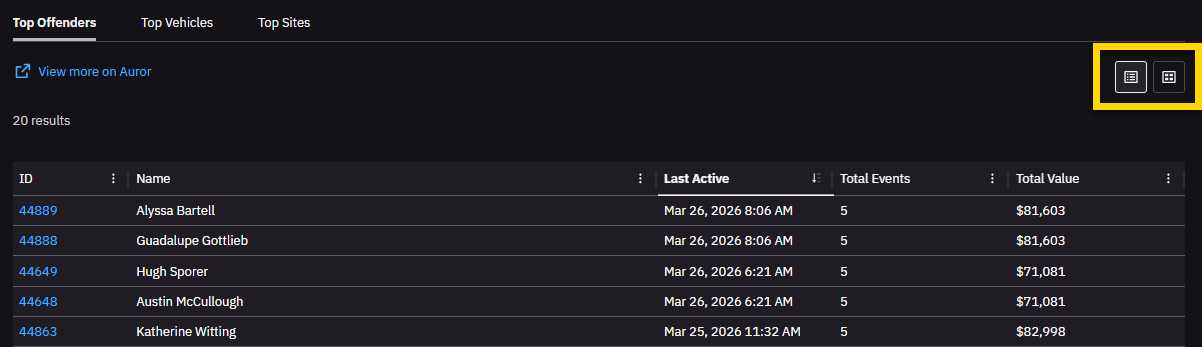
Switch views between Table or Gallery view in the Top Offenders or Top Vehicles tab.
Example end to end workflow
- Open Retail Crime Hub and select the Crime Dashboard tab.
- Review the overall activity tiles to see if serious events or repeat people have increased.
- Select the Top Offenders tab and sort by Total events or Total value.
- Select an offender, then open their full profile in Auror.
- In Auror, review the offender details, linked incidents, associated co-offenders, available media and notes.
- Decide on next steps (for example, creating or updating a case in Axon Evidence, coordinating with partner organizations, or monitoring for future activity).


