Loading and unloading the TASER 10 energy weapon
Loading the TASER 10 energy weapon
For field and training scenarios, ensure a magazine is fully loaded with un-deployed cartridges before inserting the magazine into the weapon. Because the TASER 10 energy weapon will vary which chambers it uses over time, loading a magazine that has some deployed cartridges could result in the weapon attempting to fire a deployed cartridge.
- Ensure the selector switch is in the down (SAFE) position.
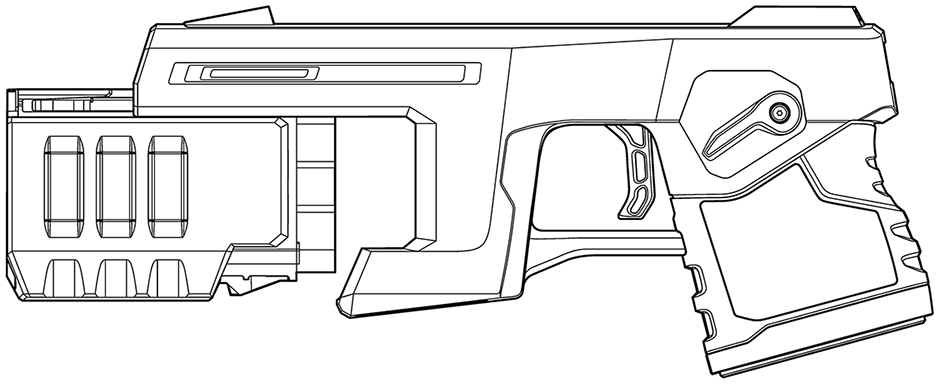
- While gripping the magazine from the bottom, align the guides on the magazine with the rails on the weapon. TASER 10 magazines are designed to prevent being loaded into the weapon backwards. Nevertheless, ensure the magazine is oriented properly before attempting to insert it into the weapon.
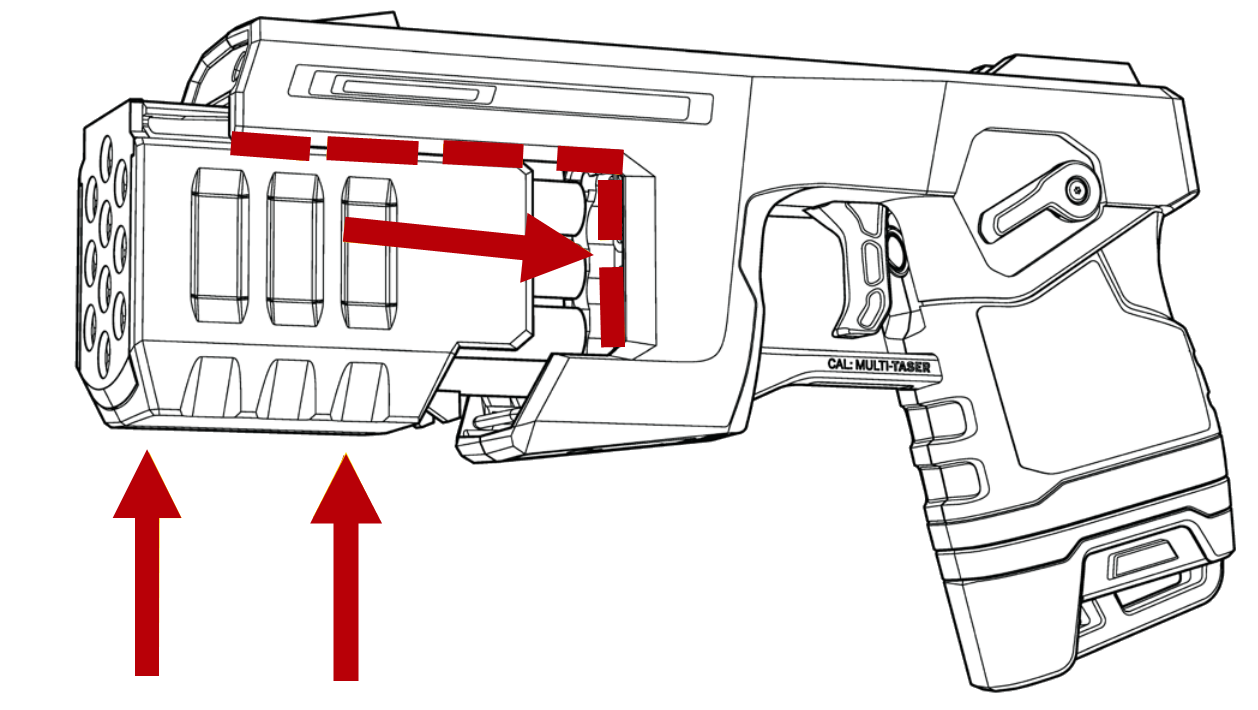
- Slide the magazine approximately halfway towards the back of the weapon before pushing upward.
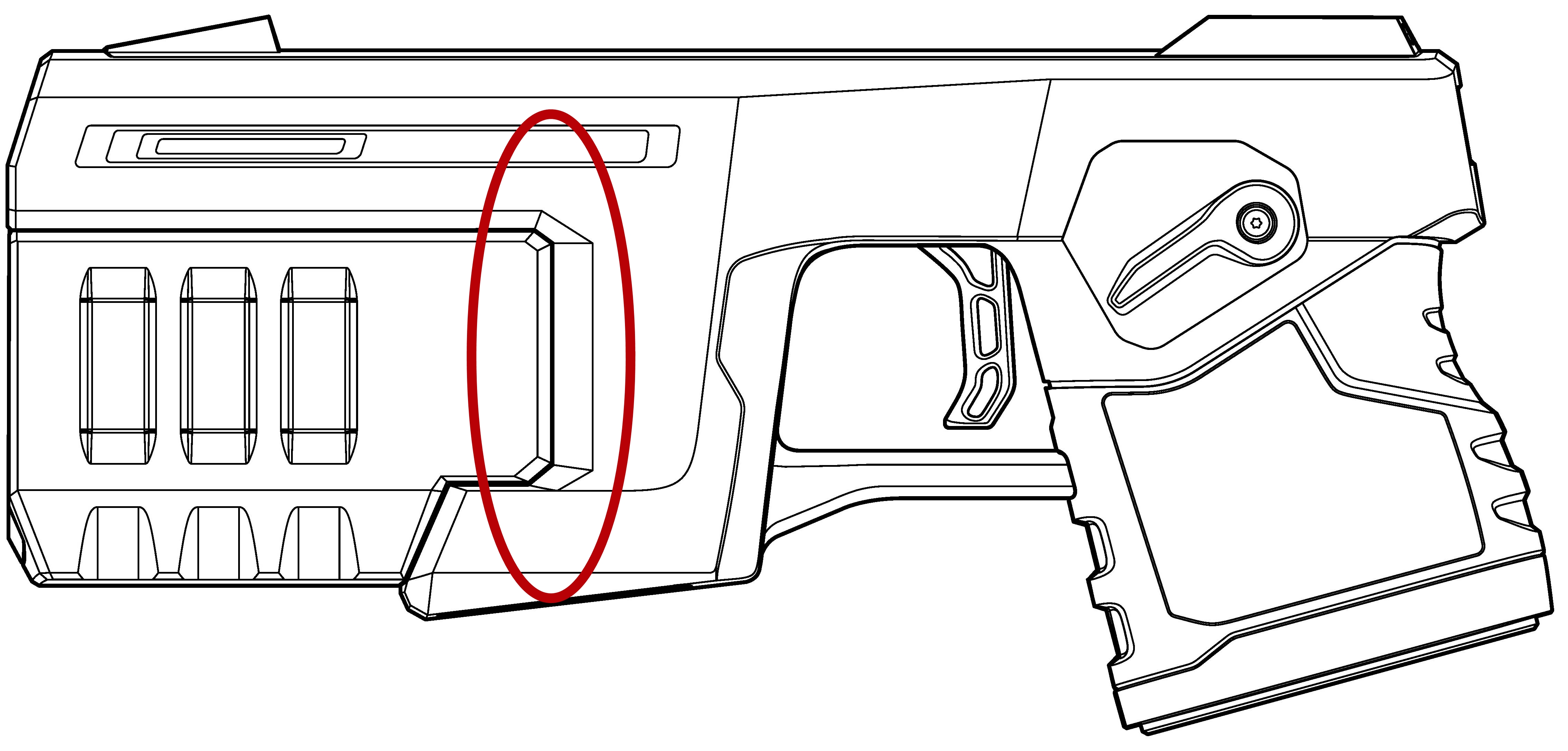
- Pull the magazine into the magazine well until you hear an audible “click.” If the magazine does not latch to the weapon, remove the magazine and confirm that the correct type of cartridges are loaded.
- Visually inspect to ensure the magazine is properly aligned and fully seated into the magazine well of the weapon, and there is no gap between the magazine and weapon.
- Gently tug on the magazine to ensure it is fully seated. Do not cover the front of the magazine with your hand to seat the magazine.
- Move the selector switch to the up (ARMED) position.
- Confirm the CID displays a loaded magazine.
- Move the selector switch to the down (SAFE) position.
Best Practices for optimal use
- Proper seating: Always verify the magazine is fully seated in the weapon by listening for the audible click before operating the TASER 10 energy weapon to prevent cartridge read issues.
- Use consistent pressure: Avoid excessive force when inserting or removing cartridges and magazines; instead, use steady, consistent pressure to align components smoothly.
- Routine checks: Regularly inspect the magazine for wear or debris that could interfere with seating and function.
Unloading the TASER 10 energy weapon
- Ensure the selector switch is in the down (SAFE) position. Do not put your hands in front of the magazine.
- Holding the magazine on the sides, pull the magazine horizontally out of the TASER 10 energy weapon.
This video explains how to properly load and install a live duty magazine.


