Function test
Axon Enterprise, Inc., recommends conducting a function test before the start of your shift. A function test is done to verify the energy weapon’s core electronics are working properly. A function test can be performed when the weapon is loaded.
Do not pull the trigger during a function test. Pulling the trigger will deploy a cartridge, even if the weapon is in the function test mode.
To perform a function test:
- Move the selector switch to the press down position and hold it until a blue circle completes on the CID. This should take approximately three seconds, and once complete, the side rail lights should illuminate blue in color.

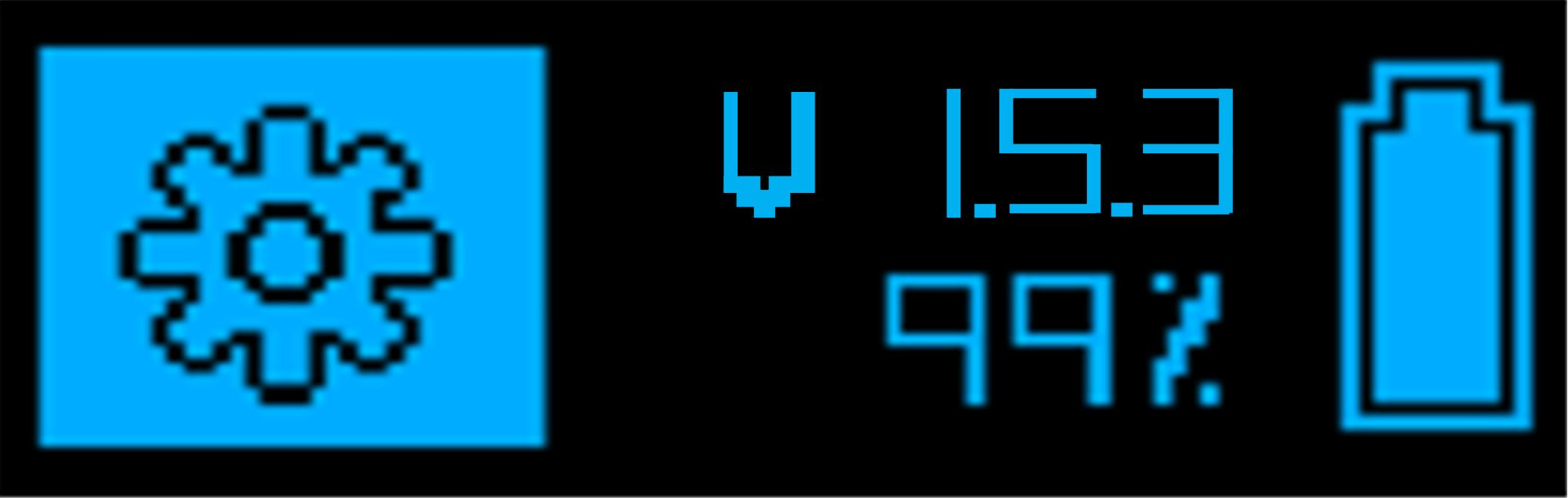
The CID displays the settings icon and firmware version.
-
Move the selector switch to the up (ARMED) position.
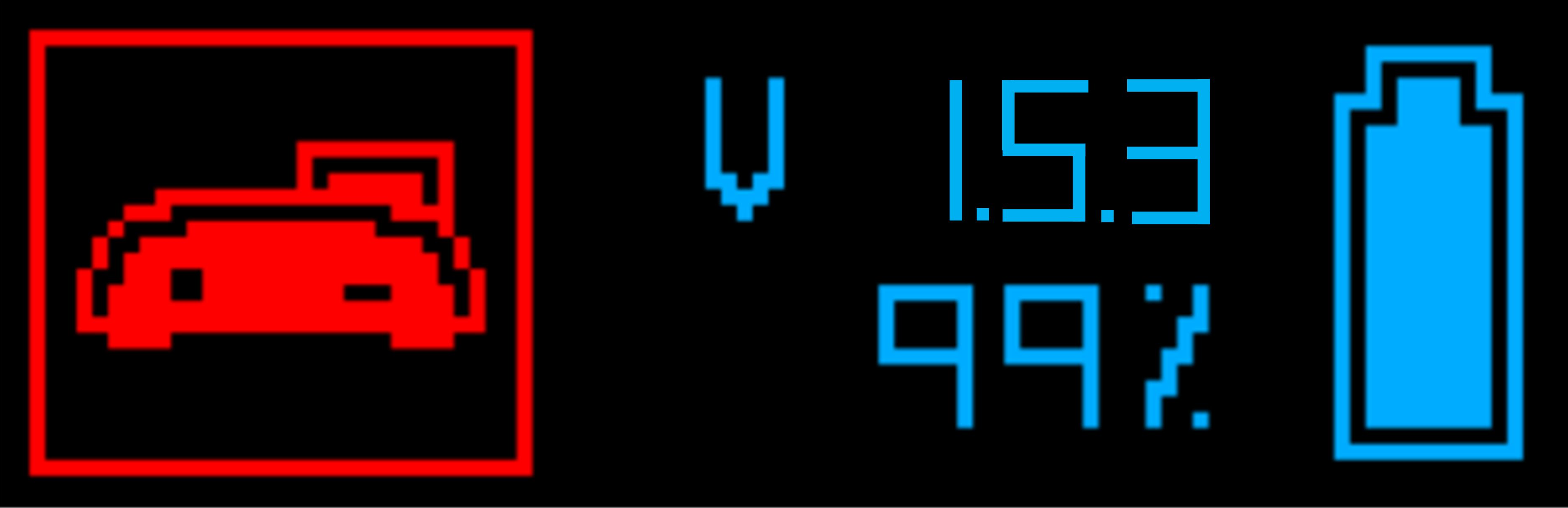
If the red TASER Weapons Dock icon displays, the weapon has not been updated in 30 days. Update the battery pack by inserting it into a TASER Weapons Dock or use a new battery pack.
- Wait for the weapon to conduct the test.
The check mark icon indicates the weapon is functioning properly. The CID also displays which magazine type is loaded and how many cartridges are detected.
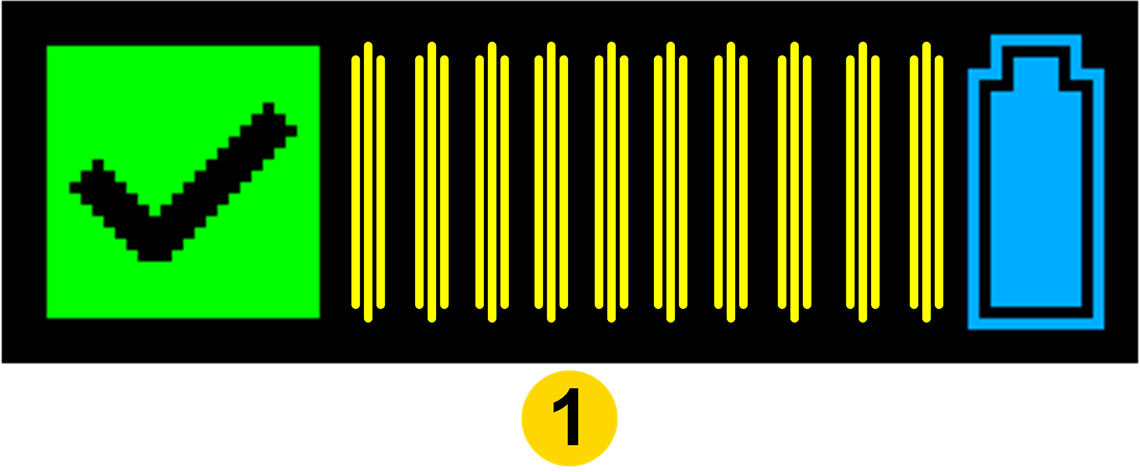
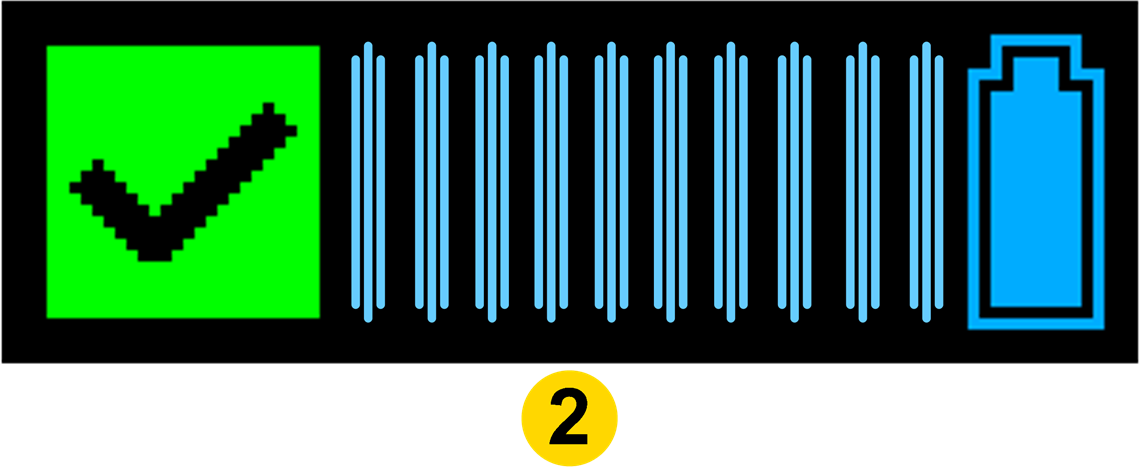
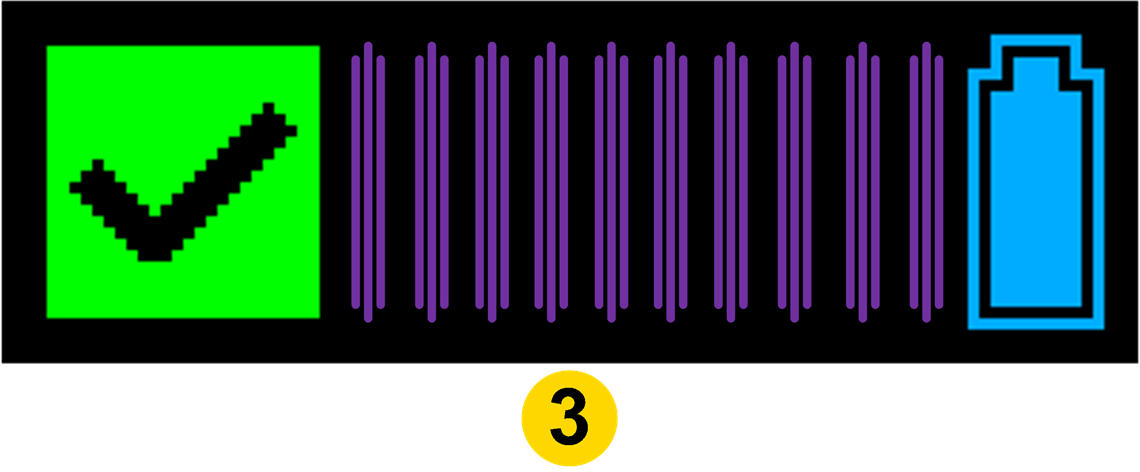
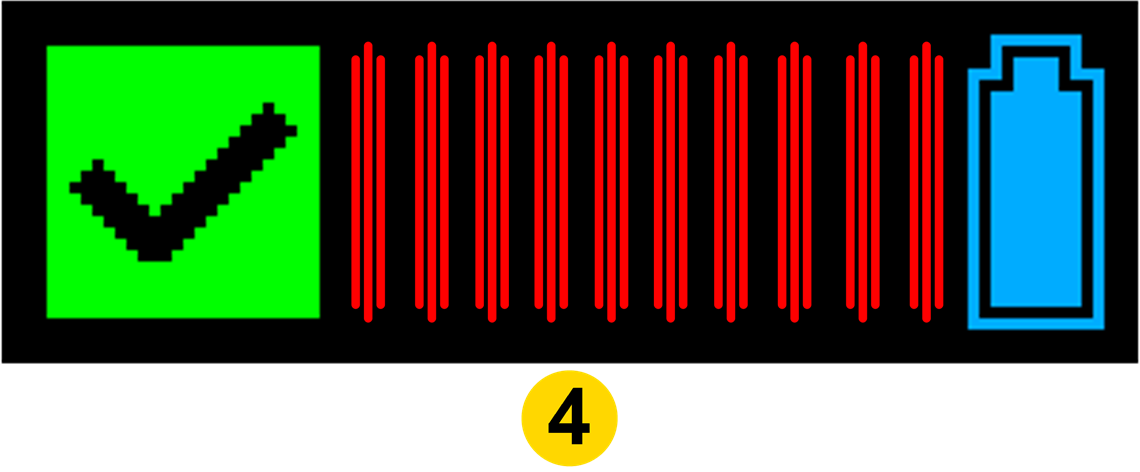
 Live cartridges
 HALT cartridges
 Live cartridges in training magazine
 Inert cartridge
Note: If an inert magazine is loaded, it will show 10 cartridges loaded on the CID even if 0 cartridges are in the magazine.
The next time the selector switch is moved to the up (ARMED) position, the weapon will exit the function test mode.
The flashing X icon indicates an error.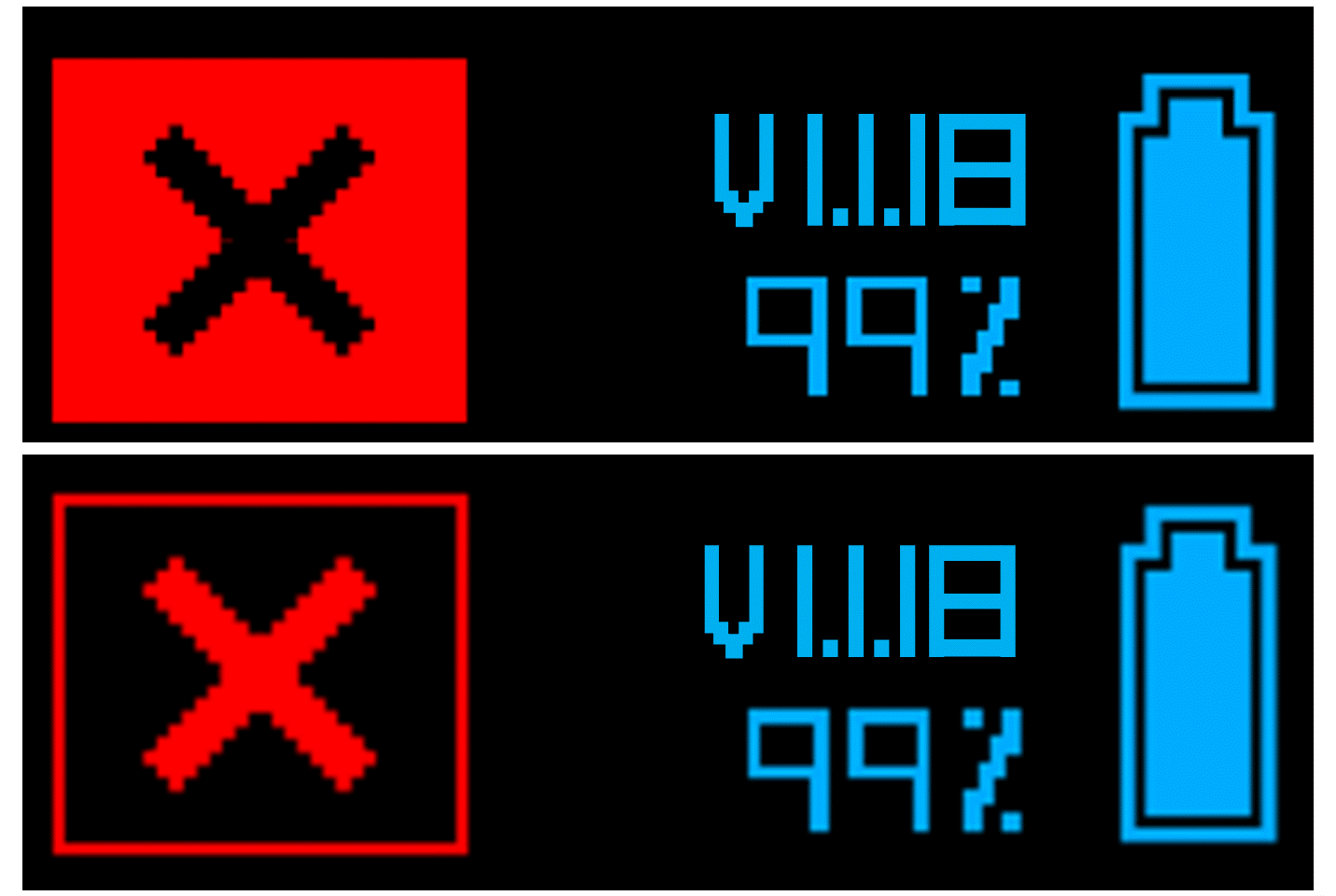
In this case, follow these steps:
- Put the battery pack in the TASER 10 Dock until the battery pack is updated. See the TASER Weapons Dock Quick Start Guide for more information.
- Put the battery pack back in the TASER 10 energy weapon.
- Perform the function test again.
- If the error icon still displays, contact your agency’s TASER Program Coordinator.


