Associating TASER 10 Cartridges with a Deployment
To associate a cartridge with a deployment event:
- Navigate to TASER in the Evidence navigation.
- Click TASER and then click TASER Inventory.
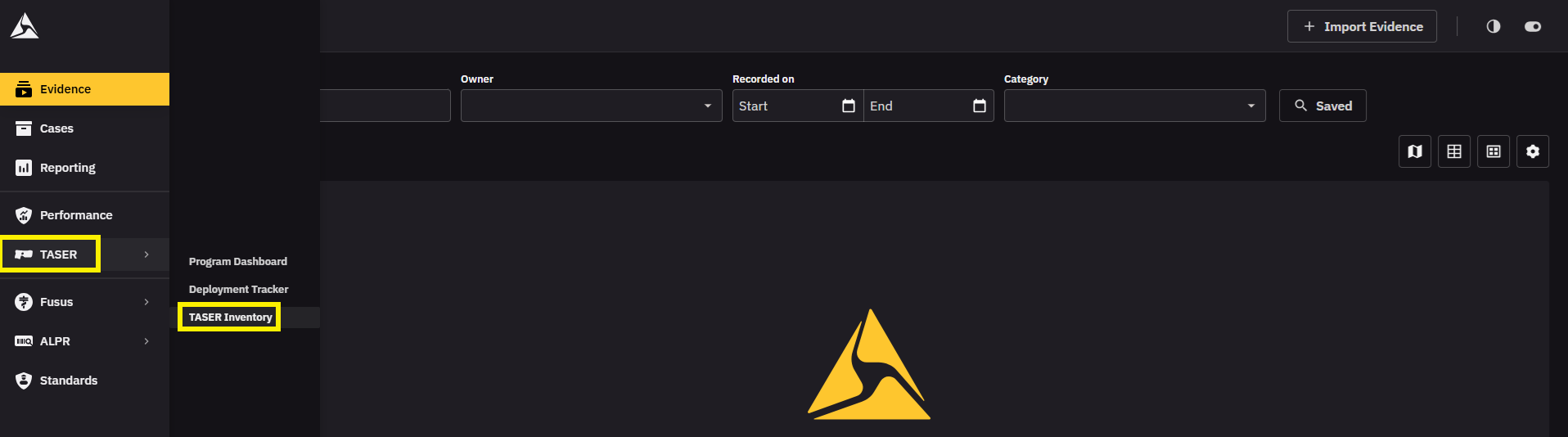
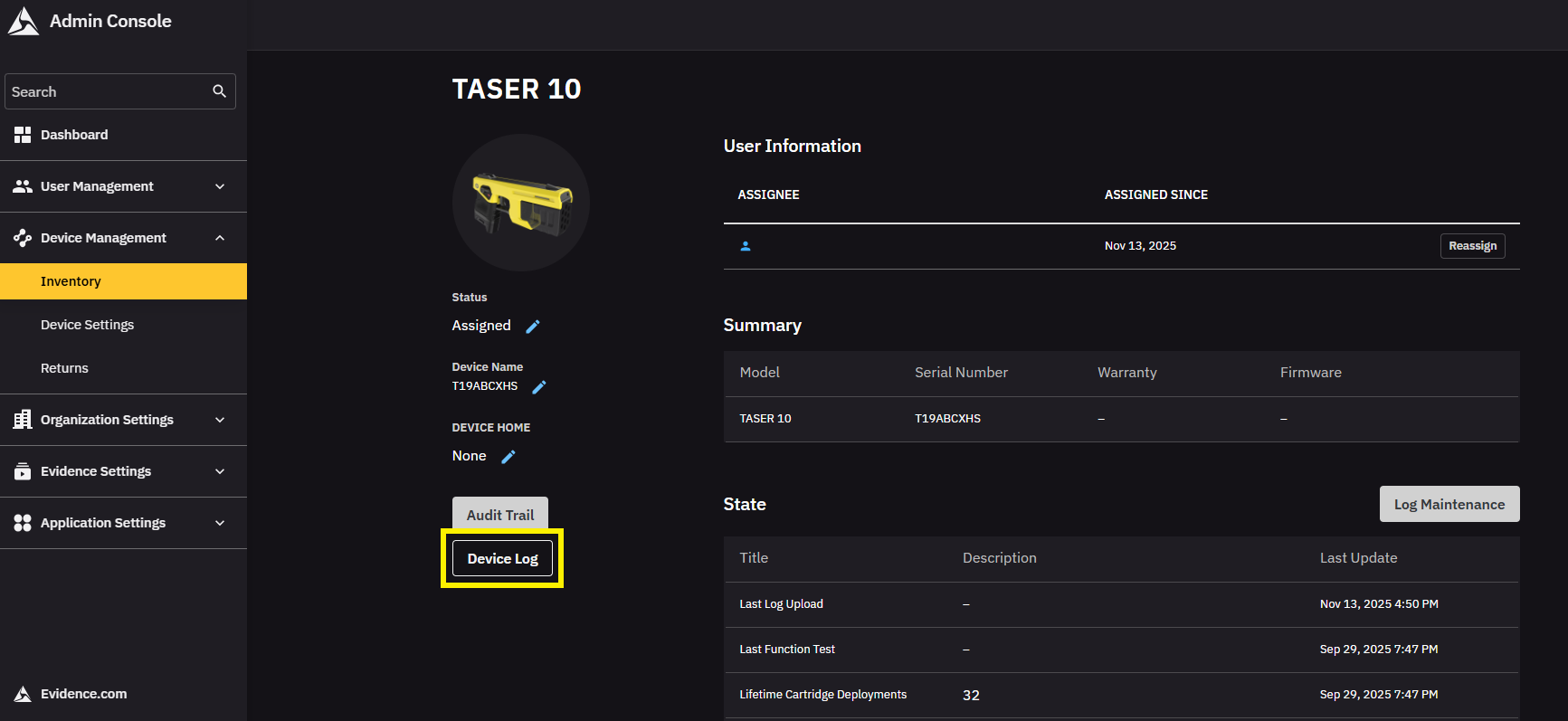
- Find and click the relevant TASER’s serial number.
- Click Device log.
-
Expand the event log for the event you want to associate with the cartridge.
-
Click Attach.
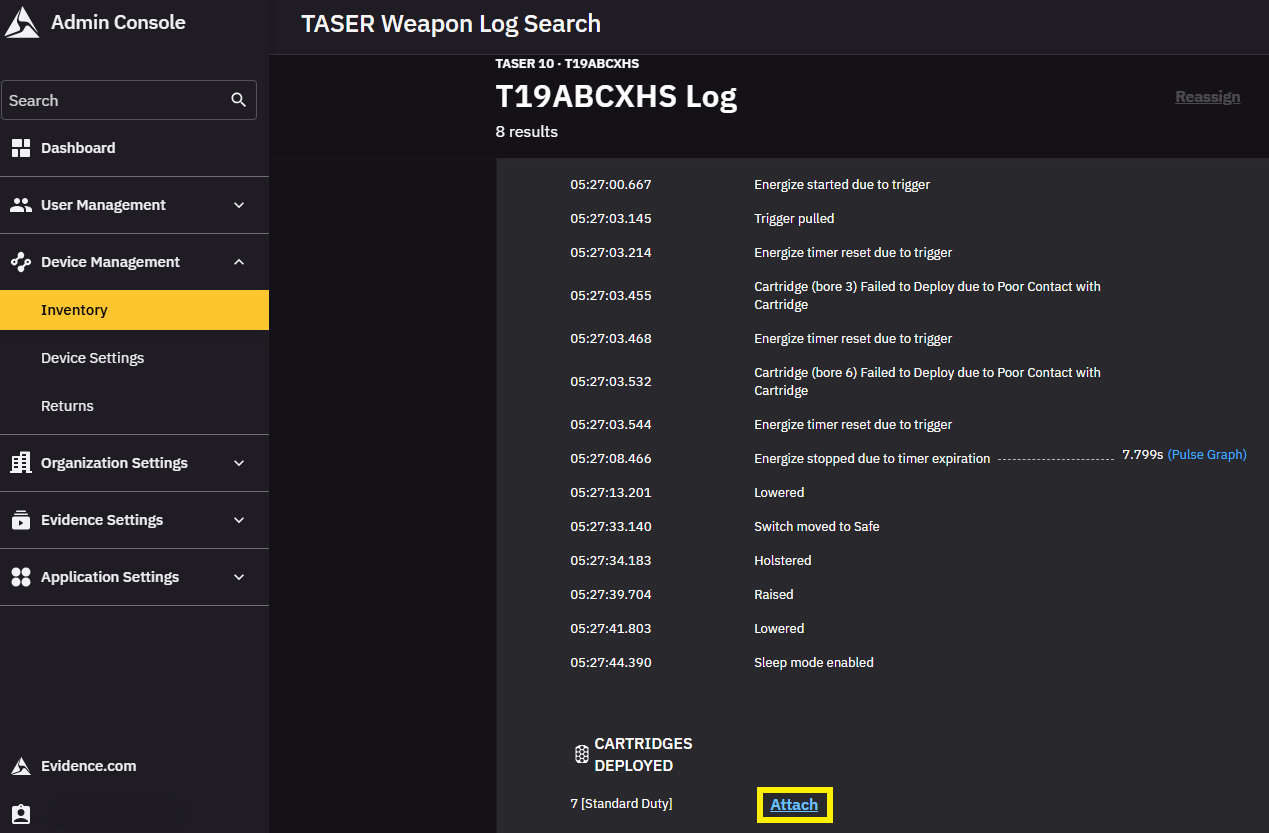
- Use the fields that appear to attach any relevant Cartridge serial numbers to the log. If a Cartridge is associated with a different log, you must remove that association before you can attach it to this log.
- Click Save, and the Cartridges you entered will be associated with the log and will appear under Cartridges Deployed. These Cartridges can be changed any time by selecting Edit and repeating these steps.
Cartridges attached to a deployment event will automatically update their status to Deployed, which will also be reflected on their individual profile page.


