Convert TASER 10 log to evidence file
To upload logs stored in a TASER 10 battery pack, remove the battery pack from the handle and place it in a dock port. The port will blink yellow, indicating it is uploading logs to Axon Evidence. When it stops blinking, the logs are uploaded and can be converted as follows.
- Sign into Axon Evidence.
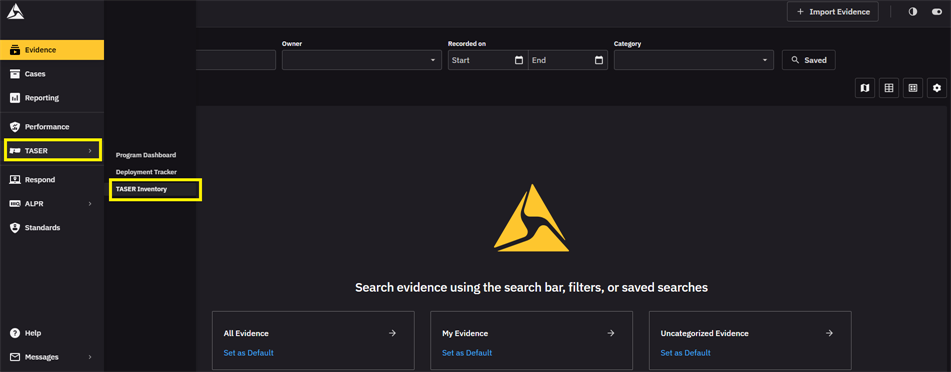
- Click TASER and then select TASER Inventory.
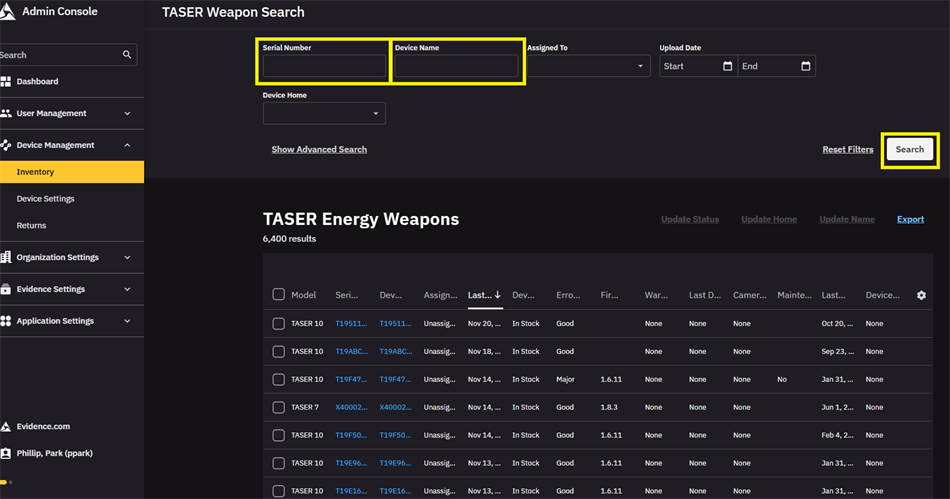
- Type the Serial Number or Device Name for the device, and then click Search.
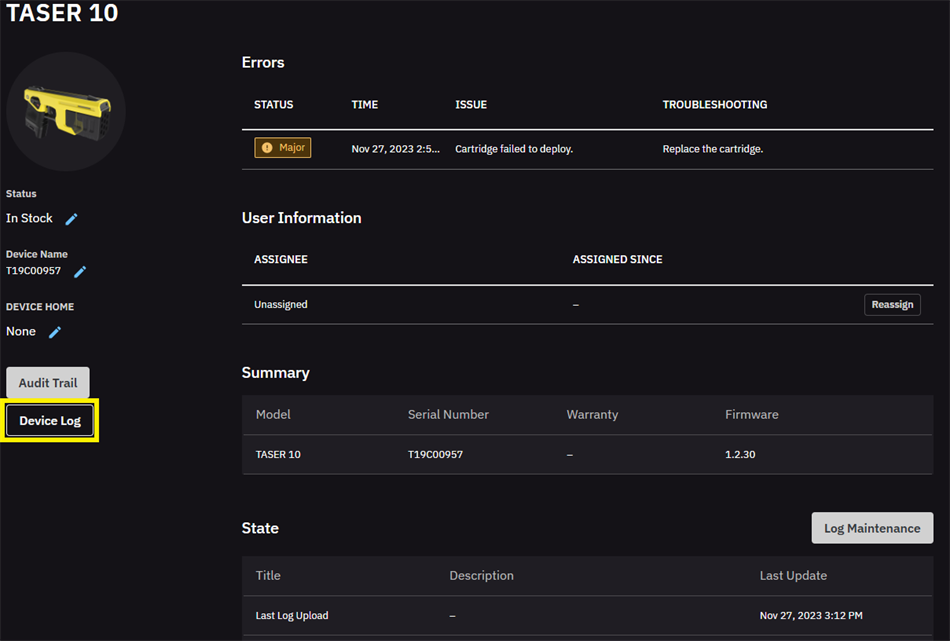
- Click Device Log.
- Select the events to convert into evidence, then Copy to Evidence to confirm.
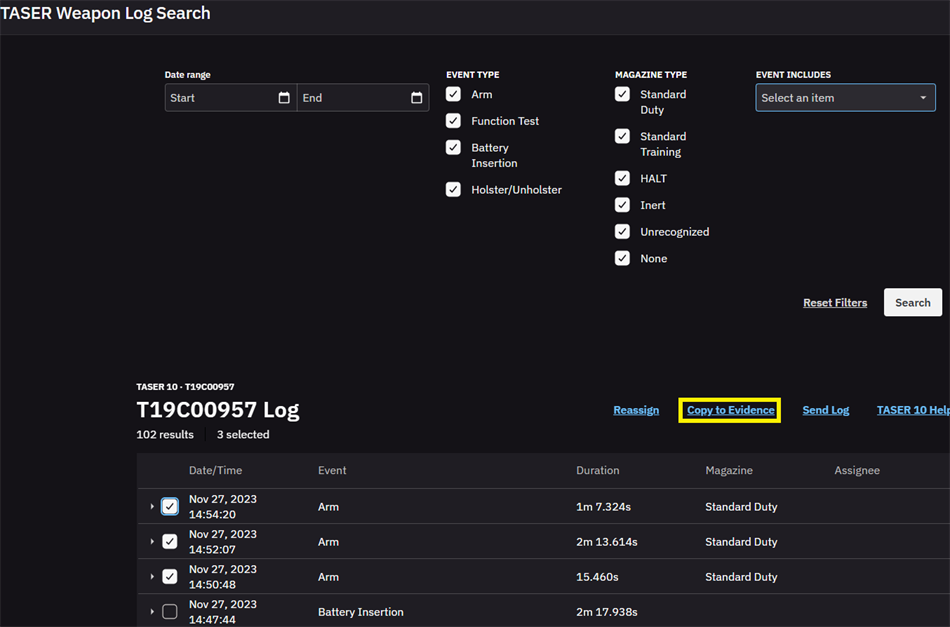
- Click Copy to Evidence again.
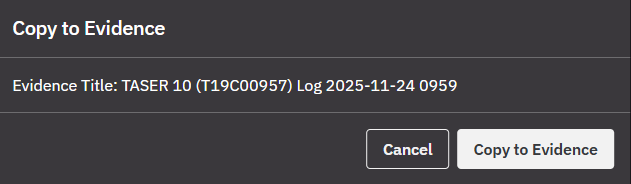
- Click View Evidence.

When the extraction completes, a message displays with a link to the evidence.
Evidence file summaries
TASER 10 evidence files include up to three summary sections that give an overview of the logs in the file. The first summary is always included and gives a basic overview of the log events.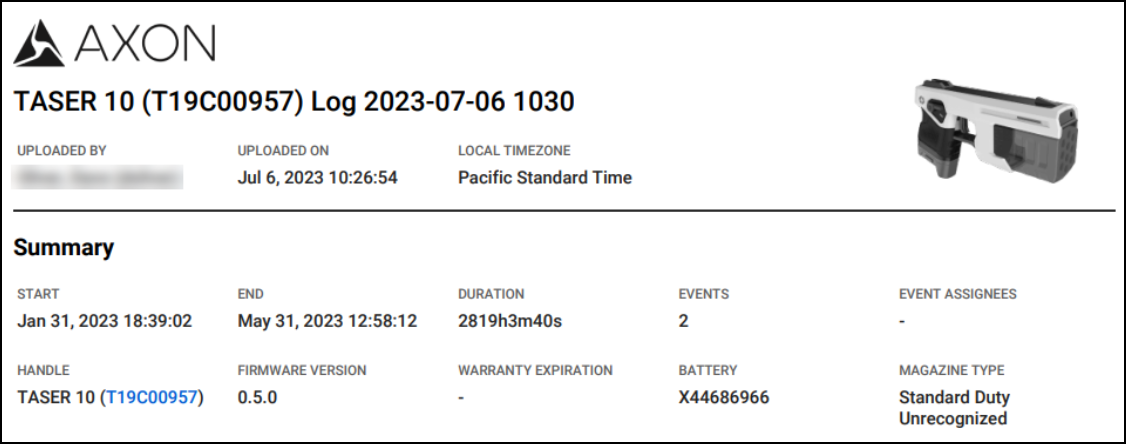
The other two summaries give similar information to one another, but they are separated by the type of magazine in use at the time. Duty magazines and training magazines have separate summary sections; if a magazine type isn't used, its summary section does not appear.


