Creating a TASER Data Science Report
-
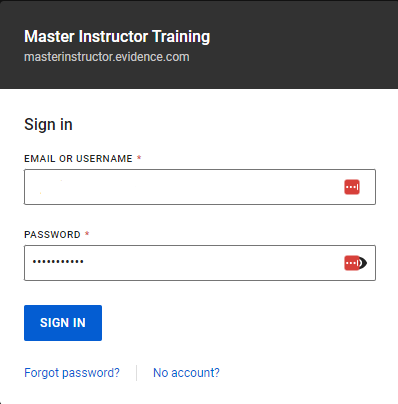
At Axon Evidence (Evidence.com), type your information, and click Sign In.
-
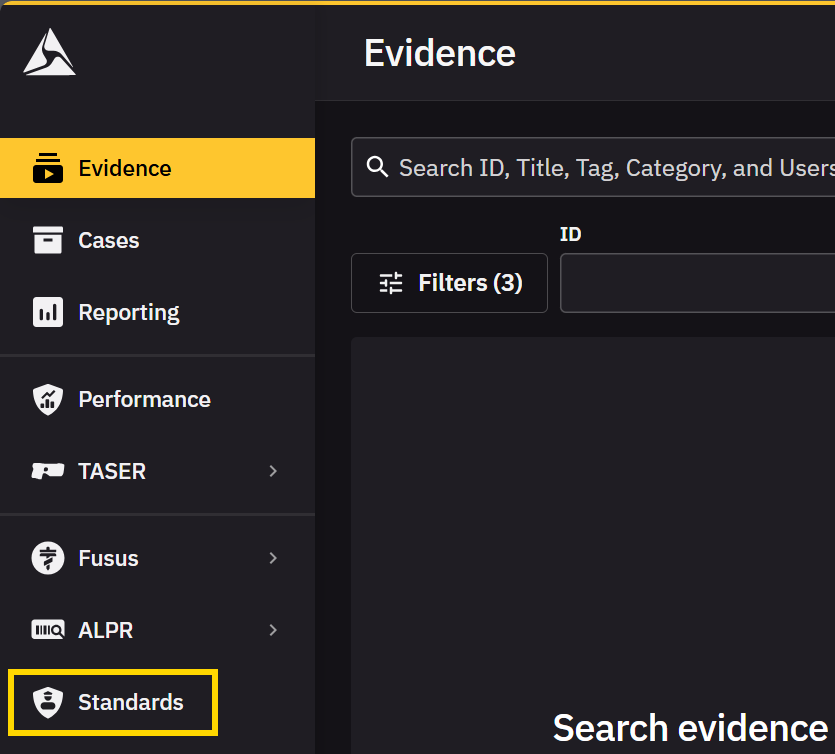
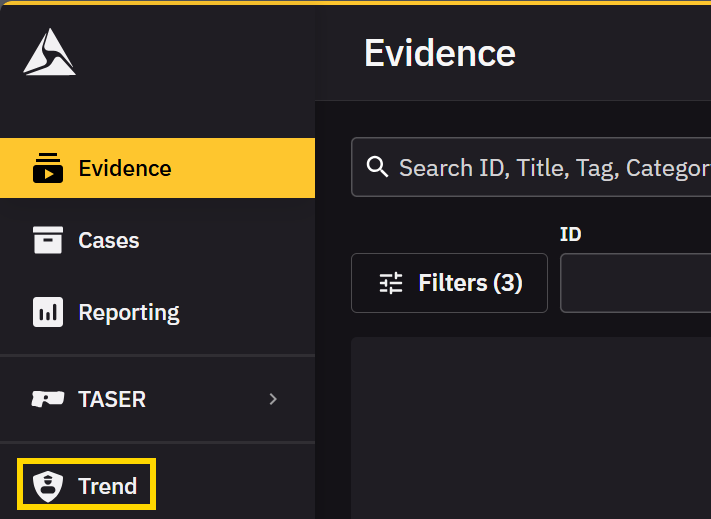
Click Standards or Trend.
 Note
NoteThe navigation can be configured by your Evidence administrator.
-
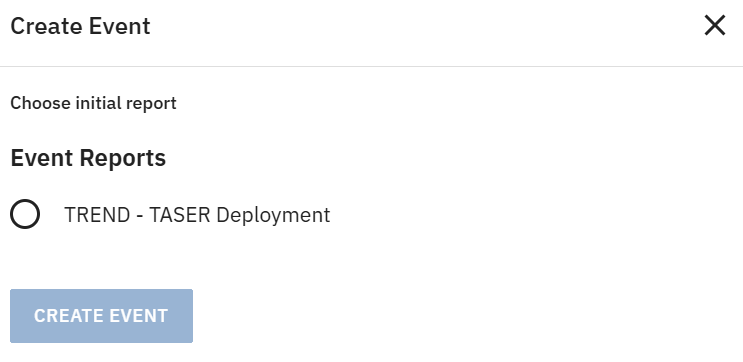
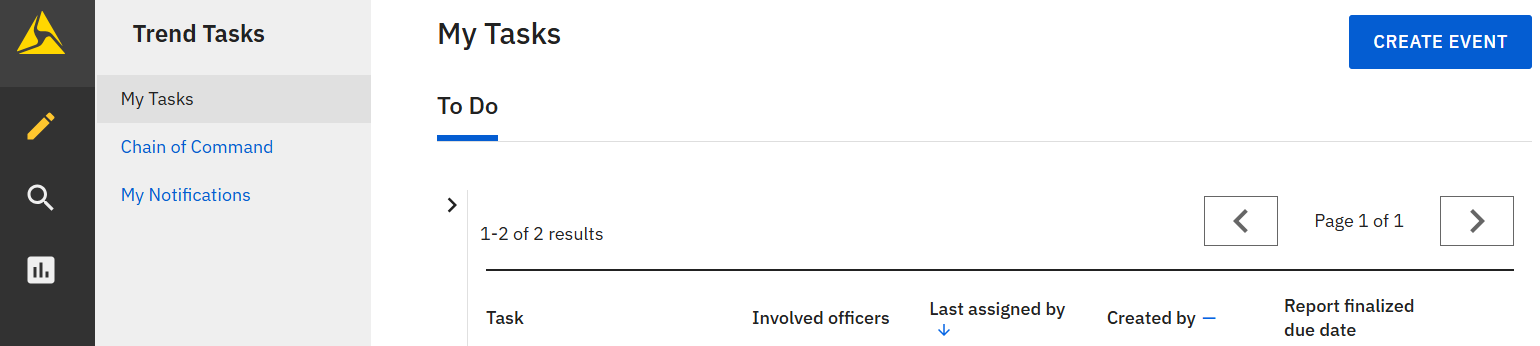
Click CREATE EVENT.
-
Under Choose initial report, click TREND - TASER Deployment.