Watch Me
Watch Me gives anyone wearing a Body
Watch this video for an overview of the Watch Me function.
To request a second pair of eyes,
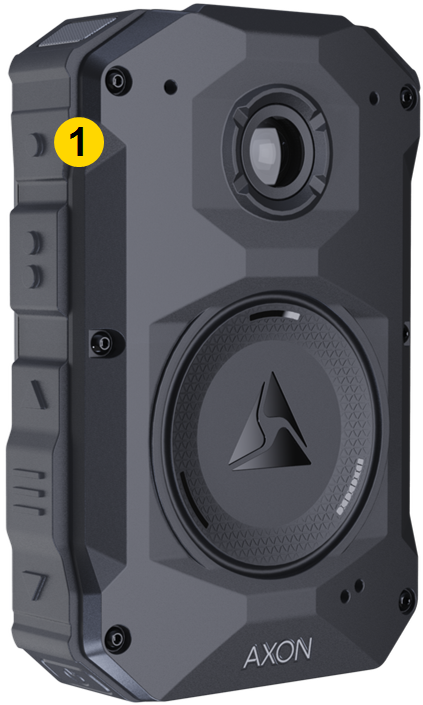
|
|
If the camera is buffering, a Watch Me request will start a recording. If the camera is already recording, it will continue recording after the Watch Me request. To cancel a Watch Me request, simply long-press Event to end the recording.
Granular permissions let admins configure Watch Me notifications to work in conjunction with your organization’s organizational structure using Command hierarchy. With command hierarchy enabled, select Only in their command in the View BWC locations user role settings. Given this user role configuration, users assigned this role will only receive notifications from camera wearers under their command in the command hierarchy.
Watch Me requests are only sent to users permitted to view the livestream (they have access to the livestream associated with the request).


