Change language on VR headset
Supported languages
The current languages supported in Axon VR apps are:
- English (US)
- French (Canadian)
- Spanish (Spain)
- Spanish (Latin America)
- Portuguese (Brazil)
- German
- Italian
- Dutch
Note
To see which apps are available by region, see VR device and app availability by region.
Change language
Note
To download the Virtual Reality-Based Training Live Action Brazilian scenarios, change the headset language to Brazilian Portuguese.
Changing the language of the user interface on the headset also changes the language of onboard apps, if supported. The headset may provide more language options than are available for the apps.
To change the headset language:
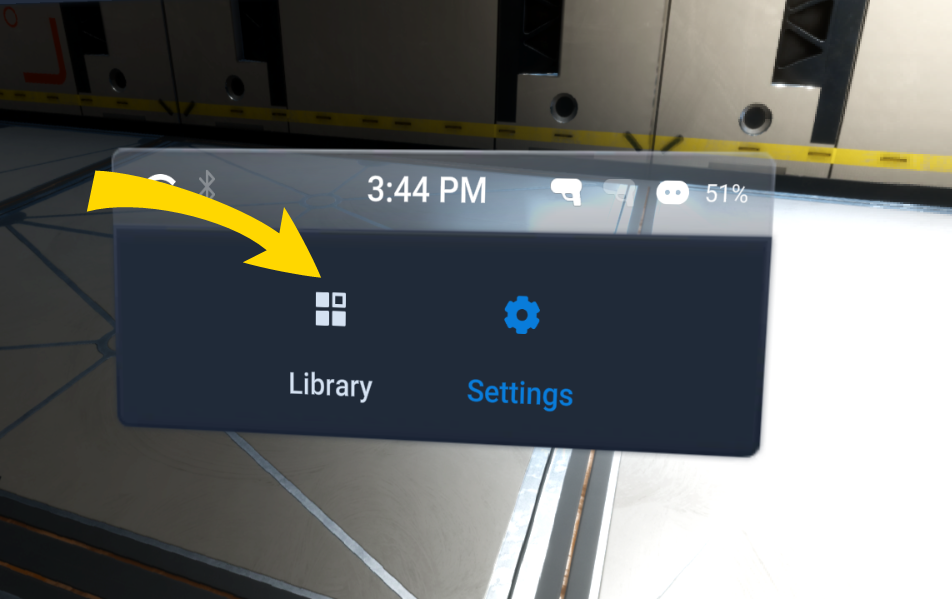
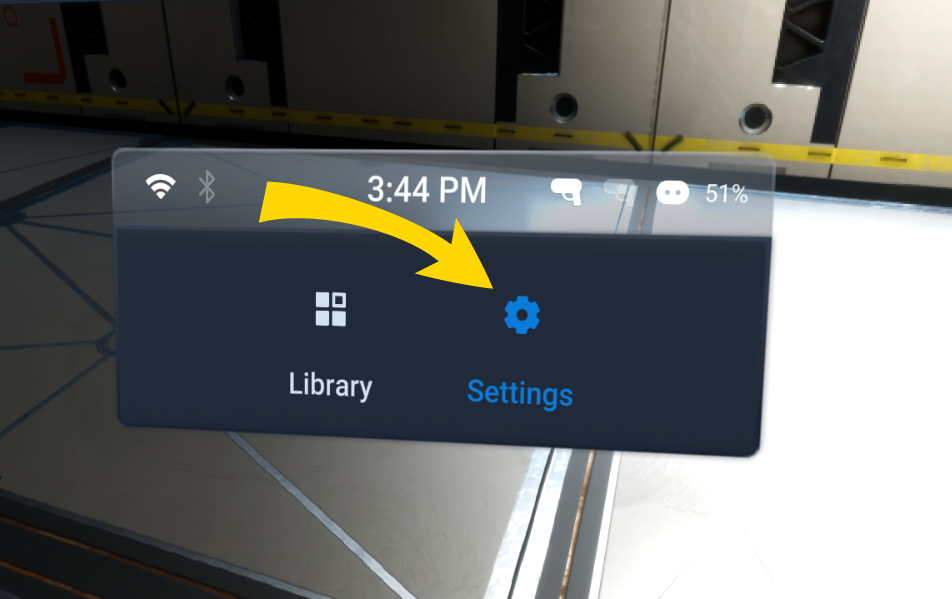
- At the bottom, select Settings.
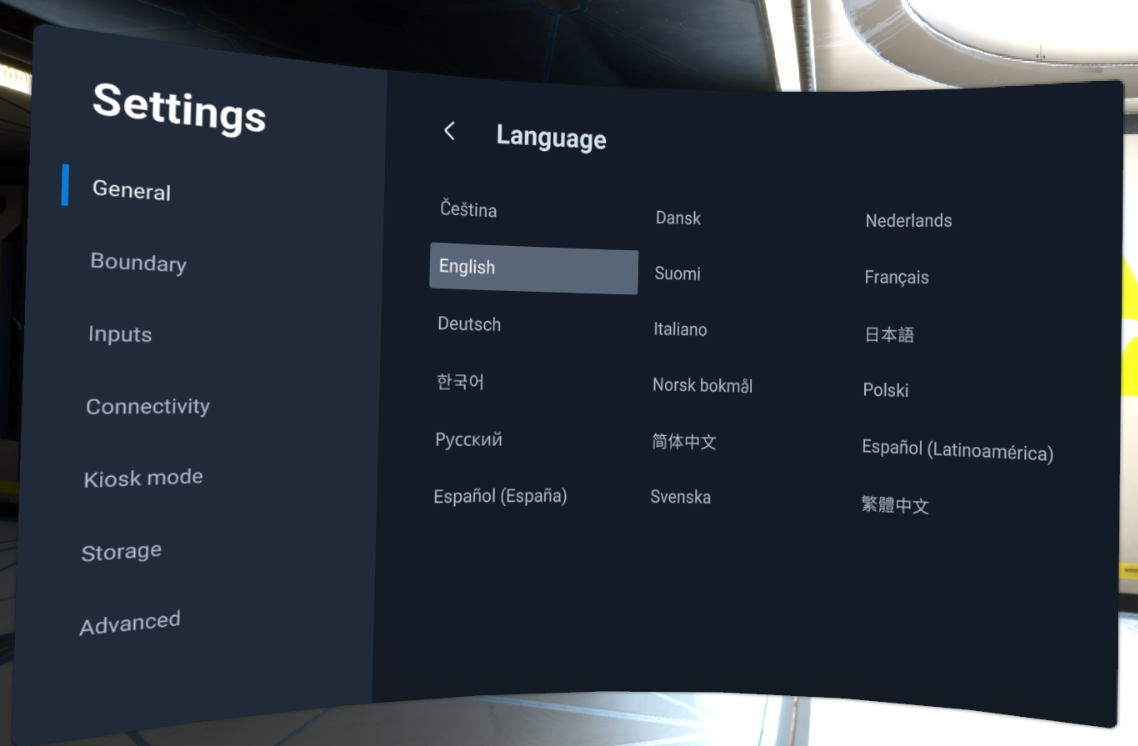
- On the General tab, select Language.
- Select your language.
- Select Library to exit.