Settings
Settings screen
Tap Settings  for to see app version, current agency, and Axon contact information. You can also sign out of the app here.
Tap Contact us to get information and quick access to Axon Support phone number, email, and Help Center. This screen also shows basic app and agency information.
Tap Sign out to...well, you know.
Updates
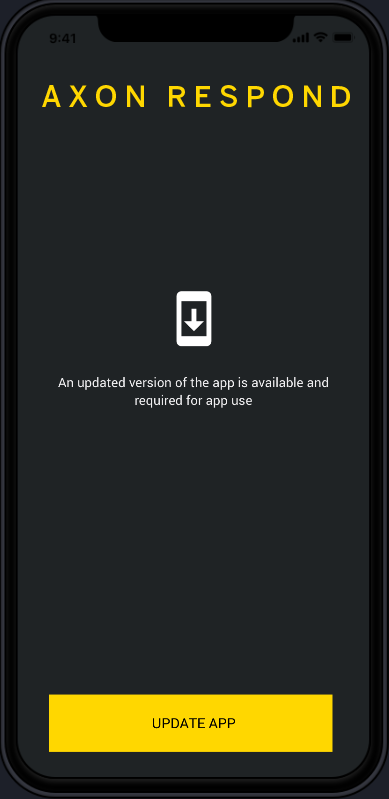
Axon works hard to improve device features through regular updates. To receive these improved features, keep your app updated to the latest version.
If a new version is available on your app store, you'll be notified when you sign in. Tap Update App and follow the instructions. After the app is updated, sign in and enjoy the new experience.