Central Information Display (CID) icons
The CID is a display on the back of the energy weapon that provides information about the energy weapon. When the safety is moved to the up (ARMED) position, the CID will display the cartridge bays and battery status.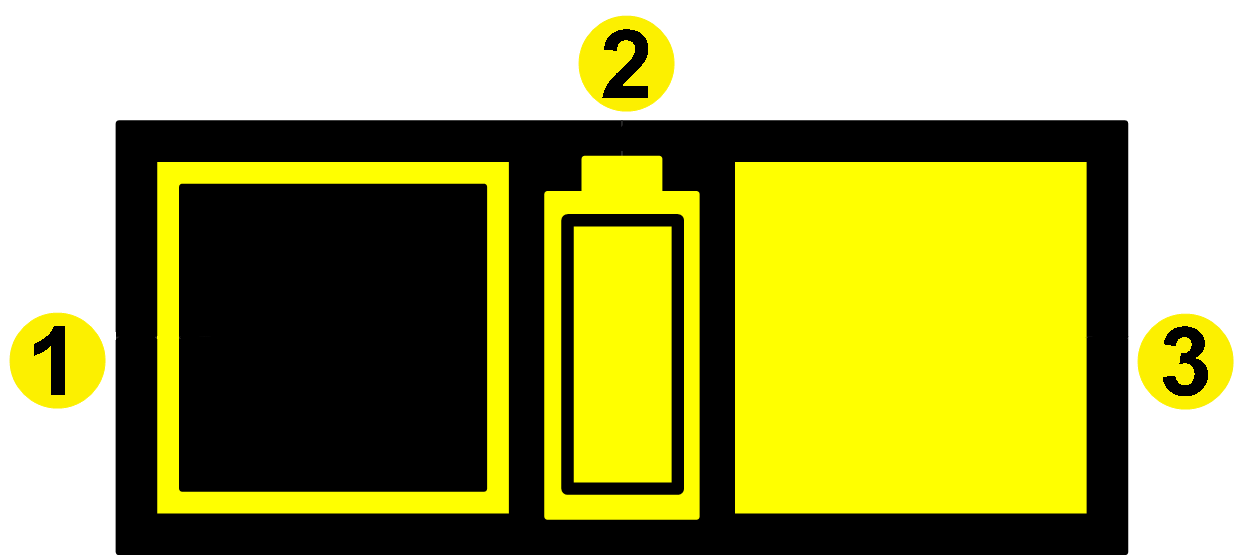
1. Expended cartridge
2. Battery indicator: 100% remaining
3. Cartridge
Battery level icons

|
The battery is fully charged. |

|
The battery is not fully charged, but still serviceable. |

|
This icon will blink. The battery needs charging. If you are using a non-rechargeable battery pack (TS1006), replace it. |

|
Battery Error. If you see a blinking battery icon with an X through it, this indicates that the energy weapon did not recognize the battery correctly. Remove the battery pack and reinsert it. If the error is still present, try another battery pack. If the icon still displays, the energy weapon should be serviced. See Product Returns (Chapter 6) for instructions. |
Sample CID Displays
The CID below shows a TASER 7 energy weapon loaded with two cartridges, one of which is deployed. The battery is still at full capacity.
1. Deployed cartridge
2. Battery indicator: 100% remaining
3. Cartridge
The CID below shows the left cartridge bay loaded, and the right cartridge bay empty. The battery is at full capacity.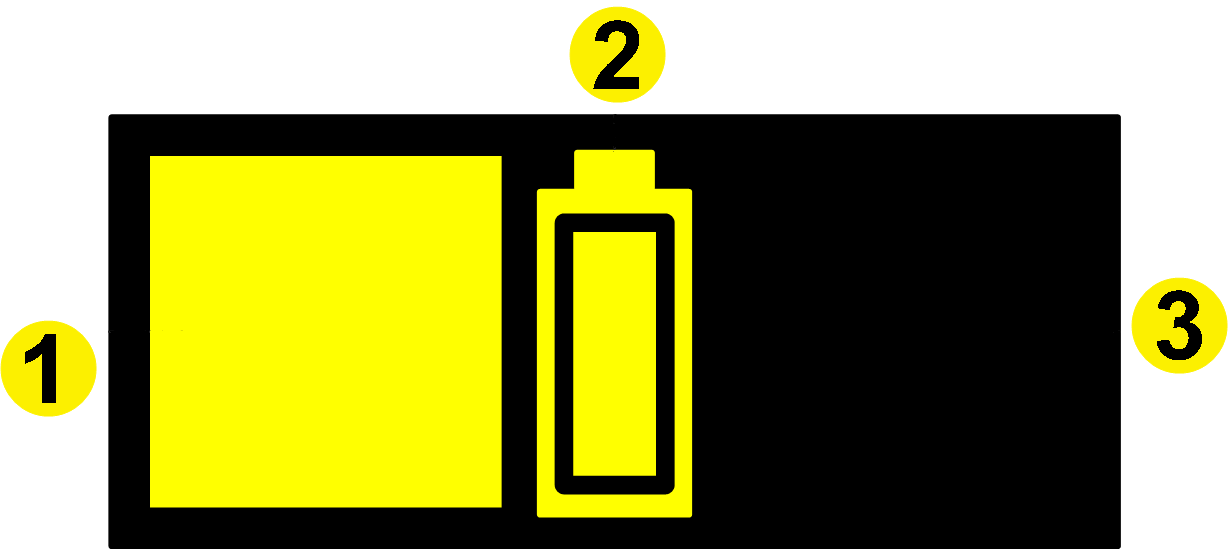
1. Cartridge
2. Battery indicator: 100% remaining
3. Empty cartridge bay
The CID below shows that the left cartridge is deployed, and the right cartridge has an error. The battery is at full capacity.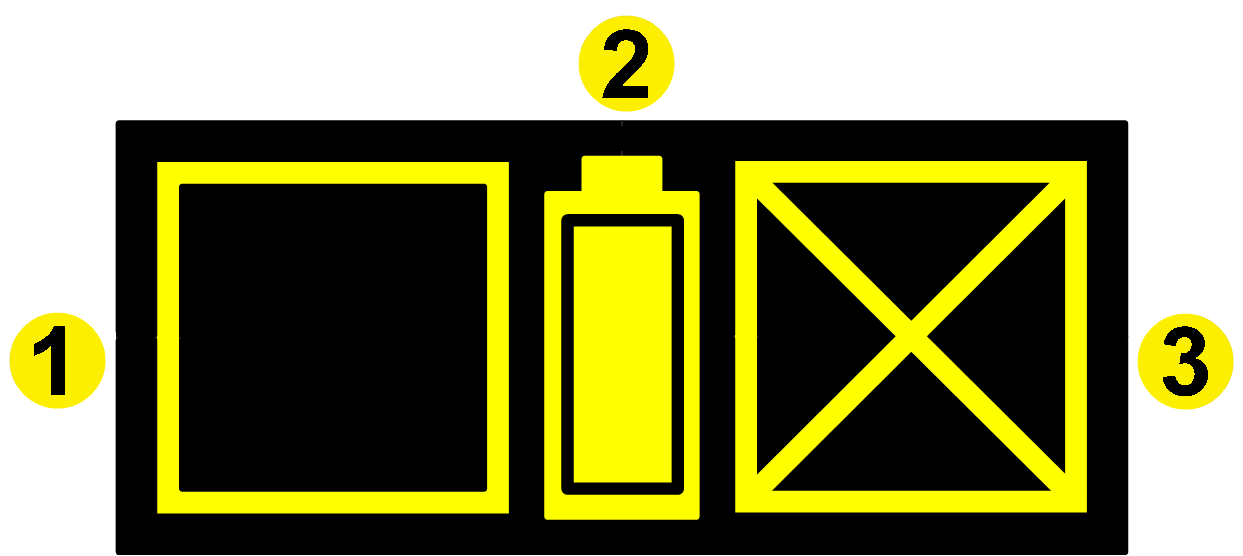
1. Deployed cartridge
2. Battery indicator: 100% remaining
3. Cartridge error
The CID below shows that two cartridges are ready to be deployed, but there is a battery error.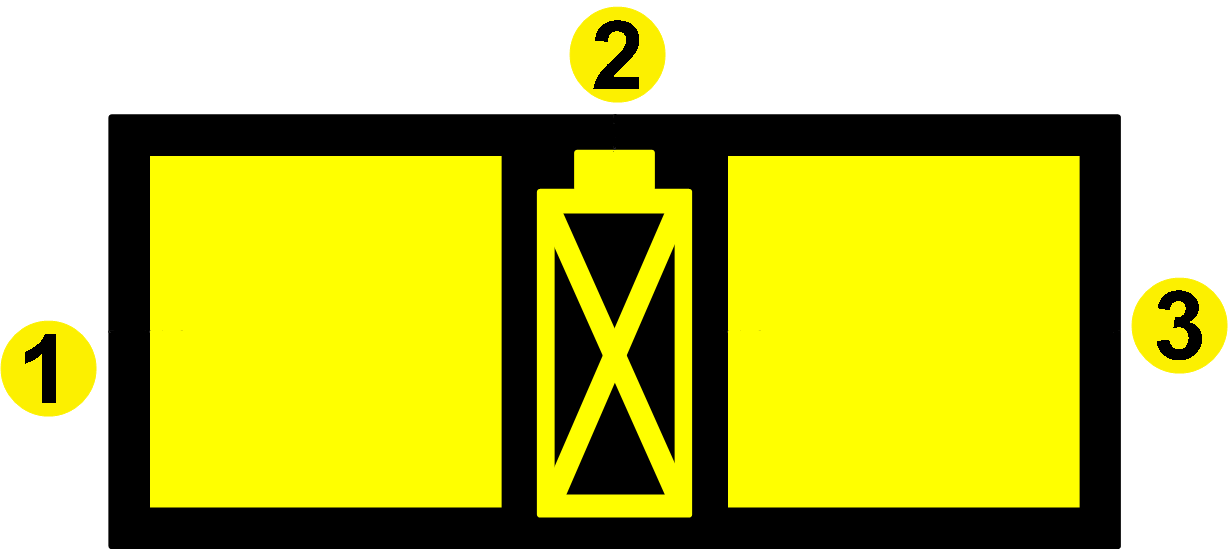
1. Cartridge
2. Battery error
3. Cartridge
The CID below shows an energy weapon in Function Test mode. With the safety in the down (SAFE) position, the TASER operator has pressed both Arc switches simultaneously. The firmware version and the remaining battery charge (percentage) display.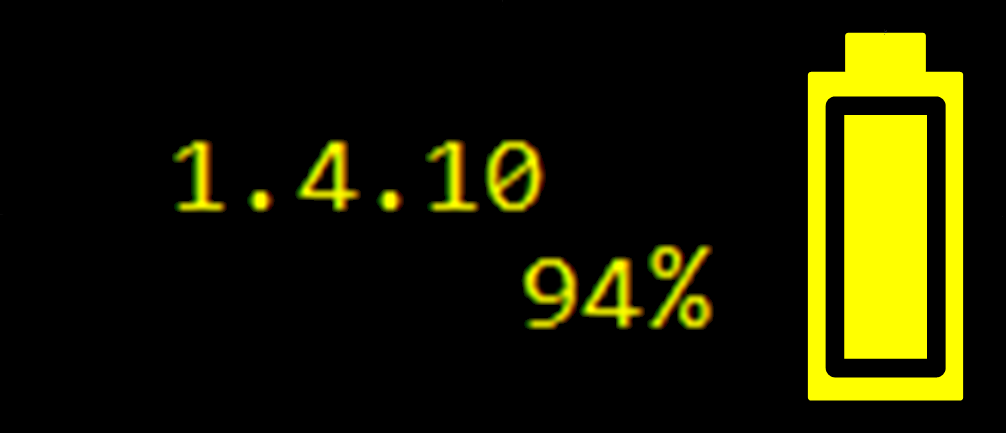
The CID below shows the energy weapon is in the Function Test mode after the TASER operator shifted the safety switch to the up (ARMED) position. The colors are reversed in Function Test mode—the background is yellow, and the loaded cartridges are black.
The CID below shows an energy weapon updating firmware or synchronizing its log to the battery pack. Do not remove the battery pack from the energy weapon until the hourglass icon disappears.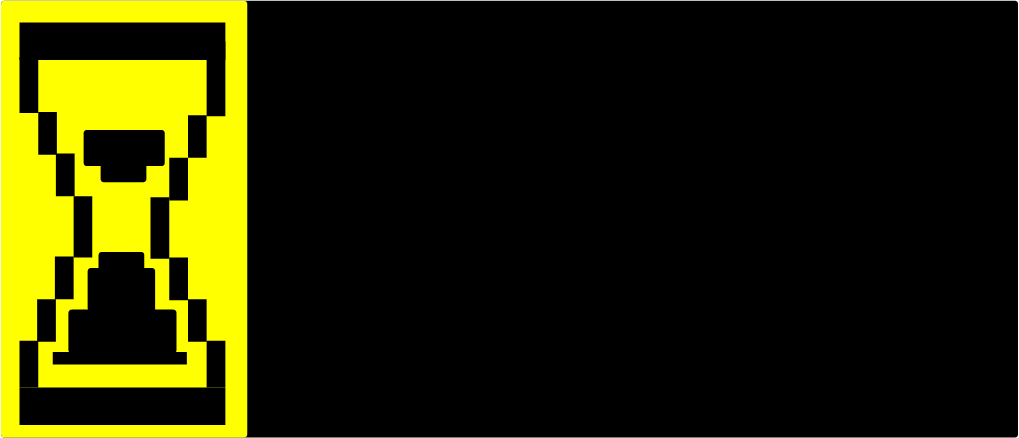
If there are both a battery error and an energy weapon error at the same time, the CID will alternate between the two icons below: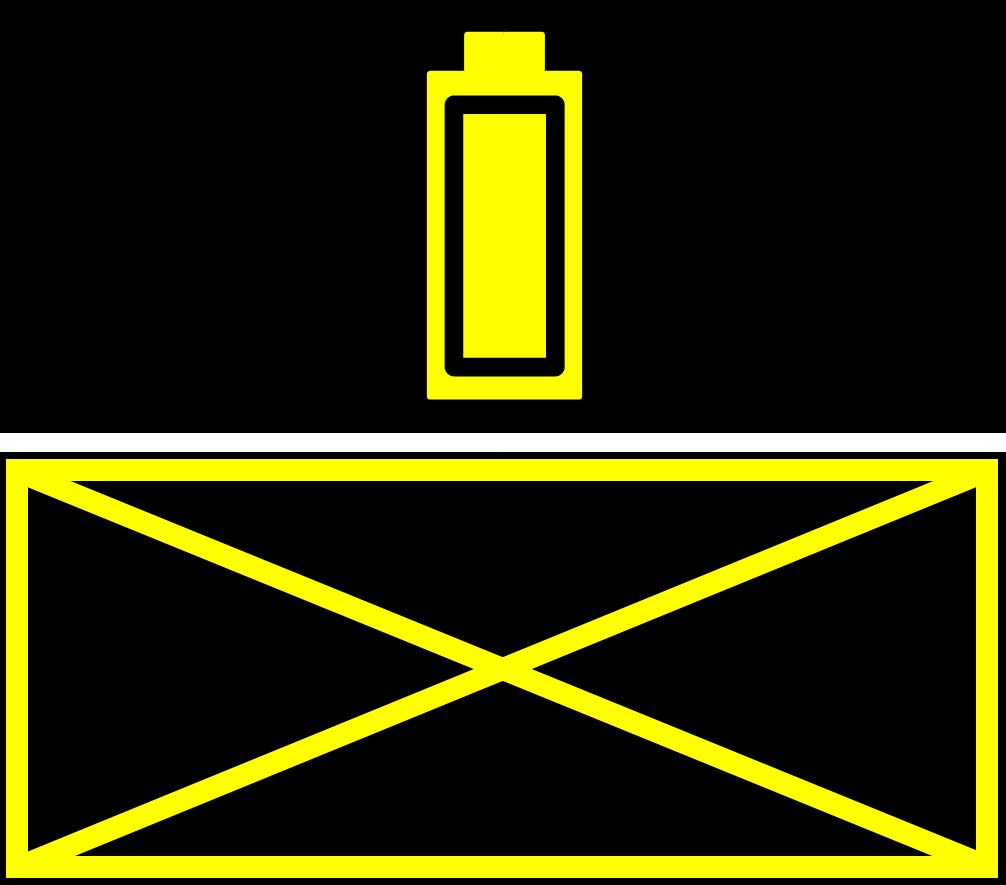
The CID flashes the icon shown below when the connection between a Disconnect battery pack and the energy weapon is broken. For more information, see the TASER Disconnect Battery Pack Quick Start Guide.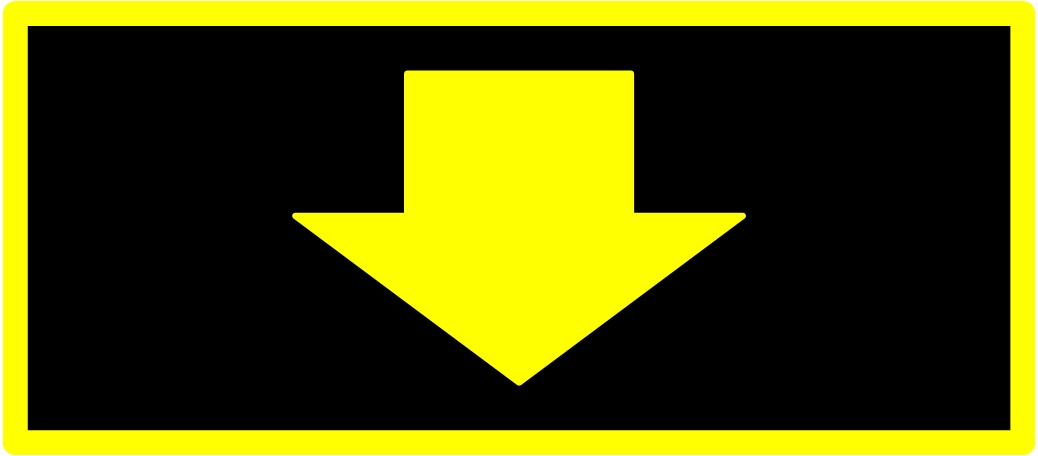
The CID below shows that the cartridge in the left bay is selected. If the trigger is pulled, this cartridge will be deployed. This feature is only available in a TASER 7 energy weapon configured to have the Tilt Select feature active.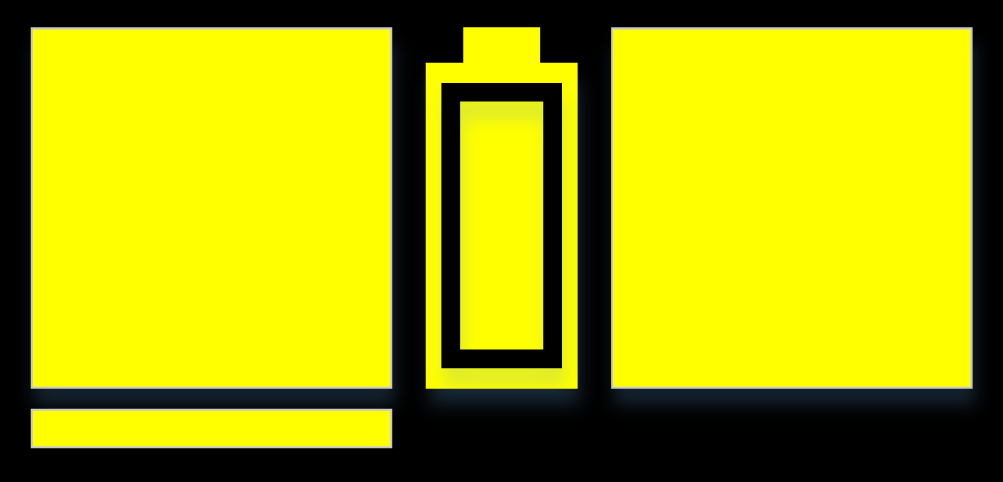
Virtual reality (VR) mode
Loading TASER 7 VR cartridges into a TASER 7 or TASER 7 CQ energy weapon will put the weapon into the VR mode. When the weapon is in VR mode, most of the CID icons are unique to the VR mode.
The CID below shows a TASER 7 energy weapon that is in the VR mode with two VR cartridges loaded and the safety in the up (ARMED) position.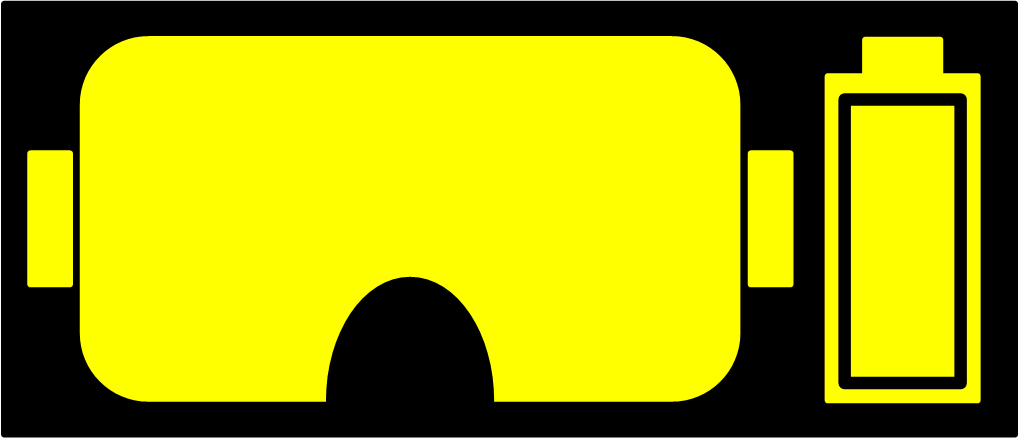
The CID below shows a TASER 7 energy weapon with a VR cartridge loaded in the left cartridge bay. No cartridge is loaded in the right bay. The safety is in the up (ARMED) position.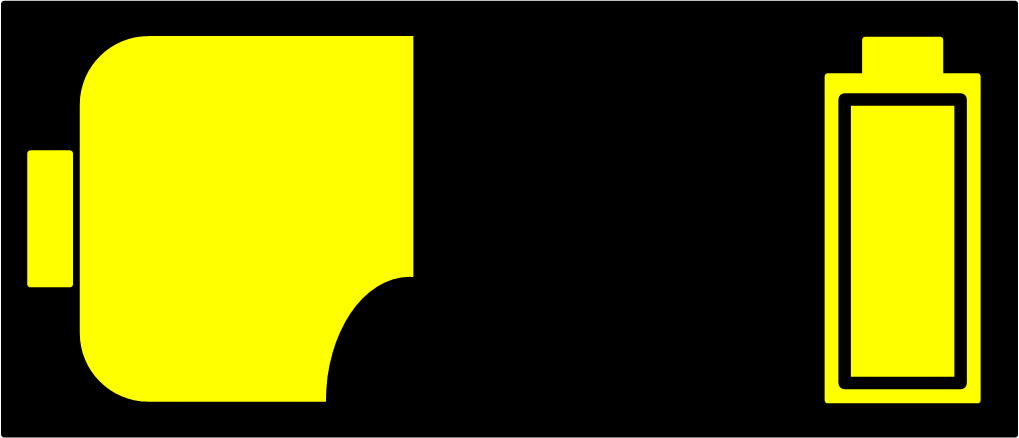
The CID below shows a TASER 7 energy weapon with a VR cartridge loaded in the right cartridge bay. No cartridge is loaded in the left bay. The safety is in the up (ARMED) position.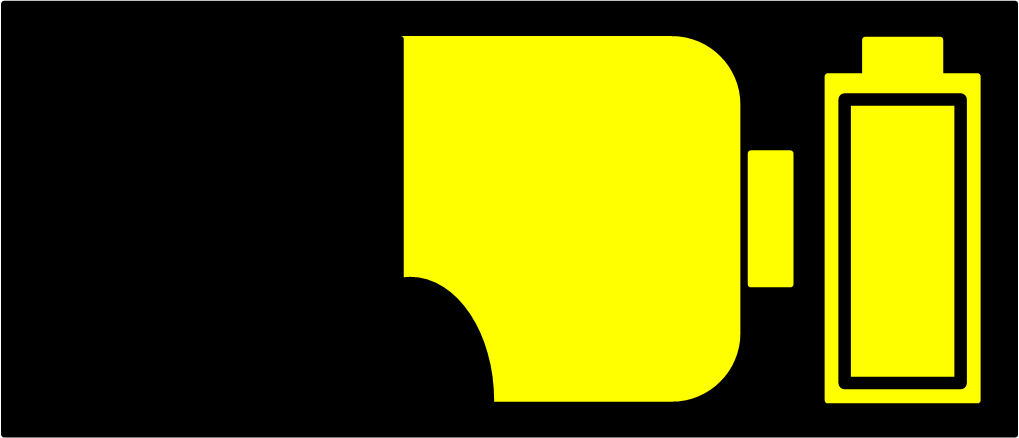
The CID below shows a TASER 7 energy weapon that is in the VR mode. The safety has just been moved to the down (SAFE) position. The energy weapon will power down after 15 minutes and the CID will be blank.
Wait for the weapon to power down. Do not remove the battery pack to make the CID clear. If you need the device to power down more quickly, see Using the Arc switch when powering down the TASER 7 energy weapon.
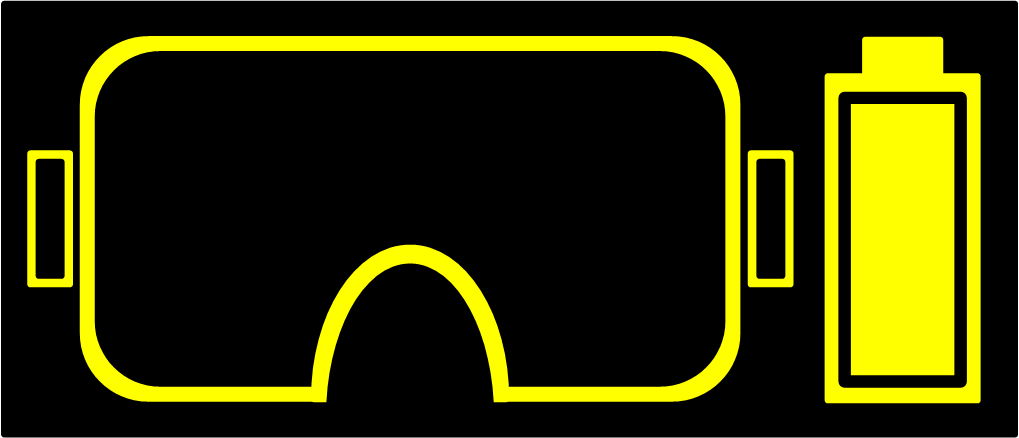
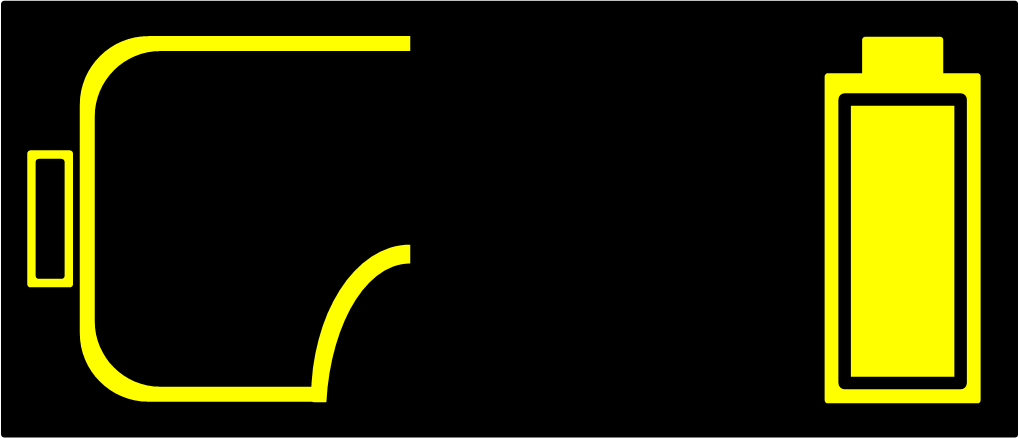
The CID below shows a TASER 7 energy weapon with a VR cartridge loaded in the left cartridge bay. There is no cartridge in the right bay. The safety has just been moved to the down (SAFE) position.
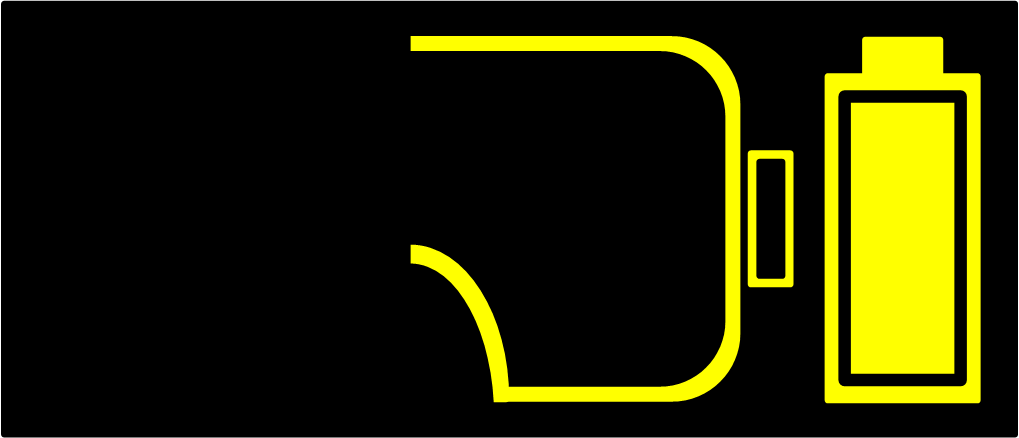
The CID below shows a TASER 7 energy weapon with a VR cartridge loaded in the right cartridge bay. There is no cartridge in the left bay. The safety has just been moved to the down (SAFE) position.
Using the Arc switch when powering down the TASER 7 energy weapon
When the safety is moved to the down (SAFE) position, the weapon will take five minutes to power down. To make the weapon power down quickly, press the left Arc switch button and hold it for five seconds. If the Arc switch is pressed and held, the normal sequence of the CID display is as follows, left to right:
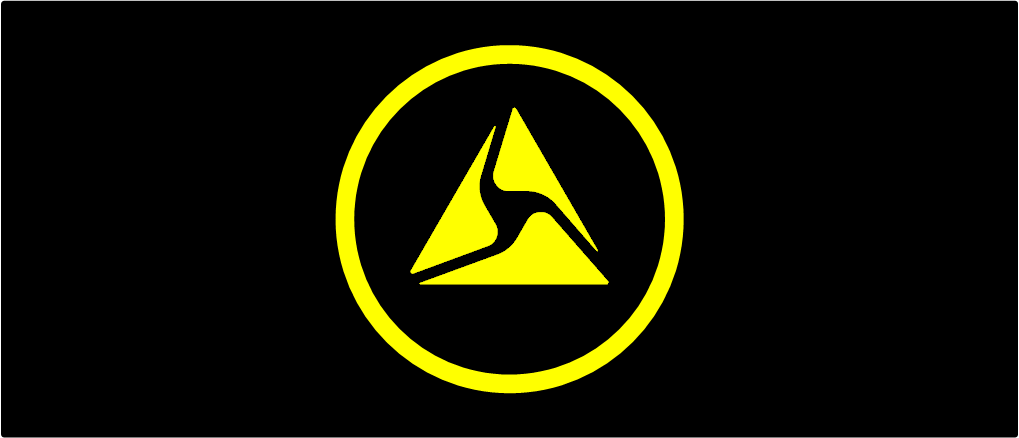
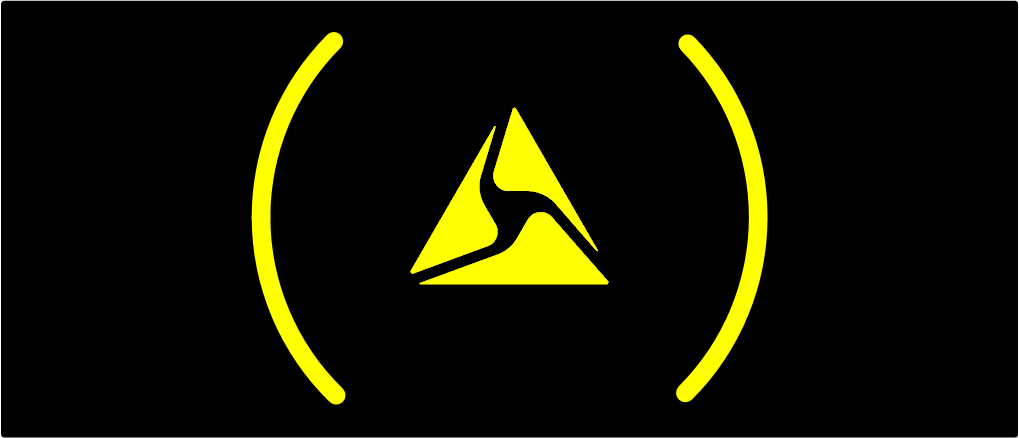
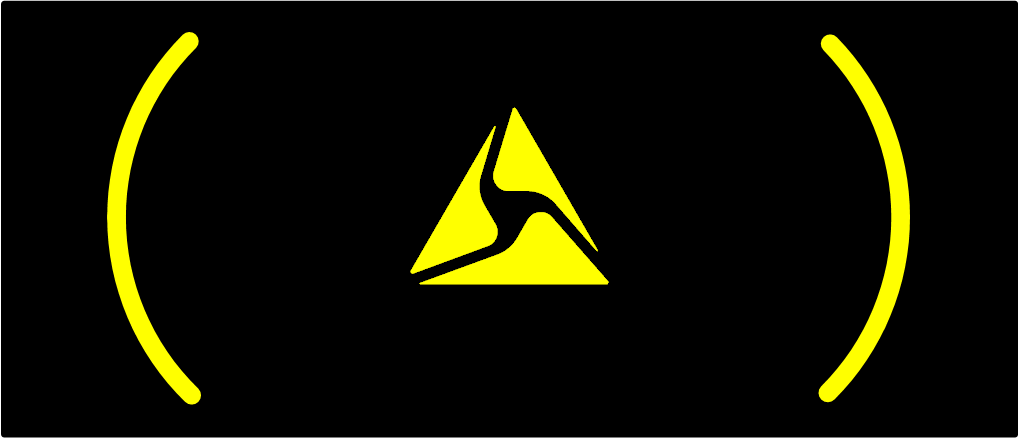
After the last image above displays on the CID, the energy weapon powers down and the CID goes blank.
However, if the logs are syncing while the Arc switch is held down, the weapon will not immediately power down. If the logs are still syncing, this screen is displayed on the CID.


