Learner FAQ
Welcome to the Axon Academy FAQs (frequently asked questions)! This resource is for learners, providing answers to common questions about using the platform.
If your question isn’t answered here, reach out to your Axon representative for help.
How do I get to my agency’s Axon Academy?
To access Axon Academy, use the appropriate link below:
- For Federal customers, use https://academy-federal.evidence.com/academy.
- For Enterprise customers, use https://academy.ent.evidence.com/academy.
- For Australia, use https://academy.au.evidence.com/academy.
- For Latin America, use https://academy.la.evidence.com/academy.
- For Canada, use https://academy.ca.evidence.com/academy.
- All other customers, use https://academy.evidence.com/academy.
Then sign in using your Axon Evidence credentials.
How do I get an Axon Evidence account if I don’t have one?
Contact your agency’s Axon Evidence administrator to have an account created for you.
What should I do if my agency doesn’t have an Axon Evidence administrator?
Contact your Sales or Customer Success Manager to get one added. If you need immediate assistance and cannot reach your Sales or Customer Success Manager, you can contact Customer Service at [email protected] or call 1-800-978-2737.
How do I get an Axon Evidence subdomain?
Contact your Axon representative, and we’ll set that up for you.
Why hasn’t my voucher shown up after checkout?
Voucher processing can take up to 30 minutes. Please check your account again after one hour. If your voucher hasn’t appeared by then, contact your Axon representative and provide your order number.
What happened to my voucher? Why is it missing?
Vouchers are shared across your organization. If your organization has multiple Axon Evidence domains, learners in those domains may be using vouchers from the same shared balance to enroll in a course. If you think this was an error, reach out to your training admin or contact your Axon representative.
My name is showing up incorrectly. How can I fix it?
Axon Academy automatically syncs your name from Axon Evidence. To change your name, either update it in Axon Evidence. For more information, see Your account.
What should I do if my domain isn’t working?
Make sure you’re connected to the correct region. You can change your region from the bottom left of the sign-in screen.
How do I enroll in a course?
Some courses have pre-requisites before you can enroll. If you do not meet the requirements, a message will display explaining why you aren’t eligible.
Enrollment steps depend on the course format:
- For Operator online pre-work courses: You can enroll directly from the course page.
- For instructor courses: Search for the course you’d like to attend and click Select Session next to the date and time that works for you.
Learners can also be added to courses by their agency's Academy Admin.
Some courses—such as the Tactical Drone Instructor and Master Instructor School (MIS)—require Axon Admin approval before your enrollment is confirmed. If approval is needed, you’ll receive a notification after submitting your request.
If the course you select requires payment, see How do I pay for a course in Axon Academy?.
Do I have to link my MyAxon account to use Axon Academy?
No. Linking your MyAxon account is not required to use Axon Academy. However, if you previously completed training through MyAxon and don’t see your training history, linking your account may help bring over your past records.
You may also want to link your account if you plan to purchase training courses or use vouchers.
I’ve been assigned training. How do I know what to take?
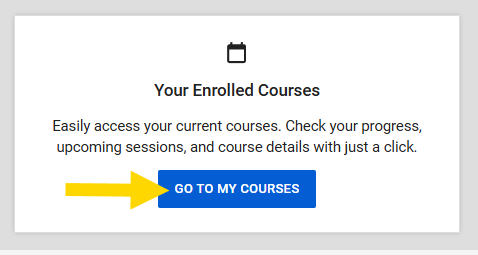
When you sign in to Axon Academy, you’ll see the Heads Up Display at the top of your homepage. It automatically recommends your next course based on your next training that’s due or the most recent course you enrolled in. You can also view your full list of assigned training by selecting Go to My Courses from the homepage.
How do I unenroll from a course?
- Select Go to My Courses.
- Select View next to the course you want to unenroll from.
- Select Unenroll from the ... (More Actions) drop-down menu.
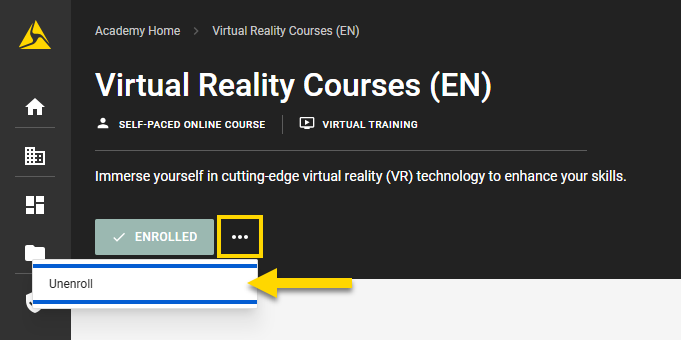
- Select Unenroll from the dialog box to confirm the action.
How can I view and download certificates and transcripts?
You can access your learning certificates and transcripts by selecting View Certificates on the Manage Your Certifications tile on the Axon Academy homepage.
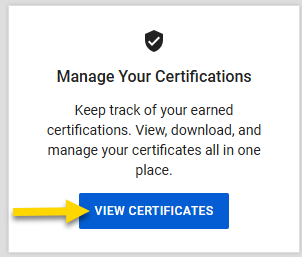
If there are certificates connected to your MyAxon account, you can import them by linking your MyAxon account from the same tile.
If you’ve linked your MyAxon account and still don’t see a certificate listed, please reach out to [email protected].
Can I attend a course if my agency has not purchased the product?
Some courses—such as TASER training or Bodyworn Camera Instructor—require that your agency has purchased the associated product.
If you’re interested in attending a course and can pay for your own training, contact your Axon representative to discuss available options.
How do I pay for a course in Axon Academy?
- Open Axon Academy.
- Select the course tile you want to enroll in.
- Select a session.
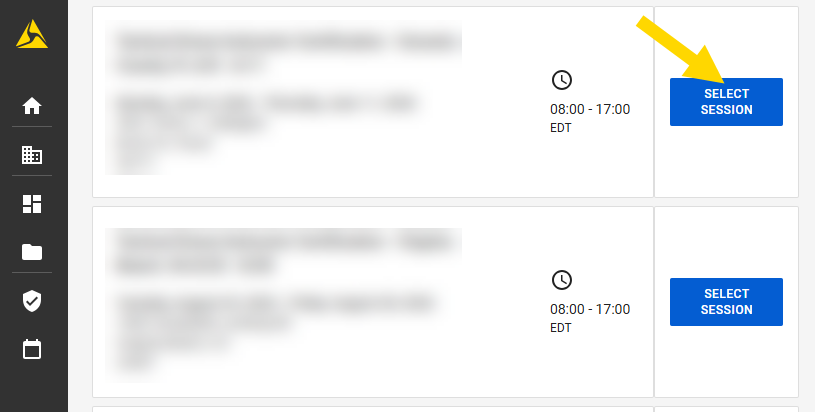
- If a course requires payment, you’ll see payment options during enrollment.
- If your agency is already linked to your Axon Evidence account, you can use available vouchers directly from the course enrollment page by selecting Apply Voucher under Payment Method and then Continue.
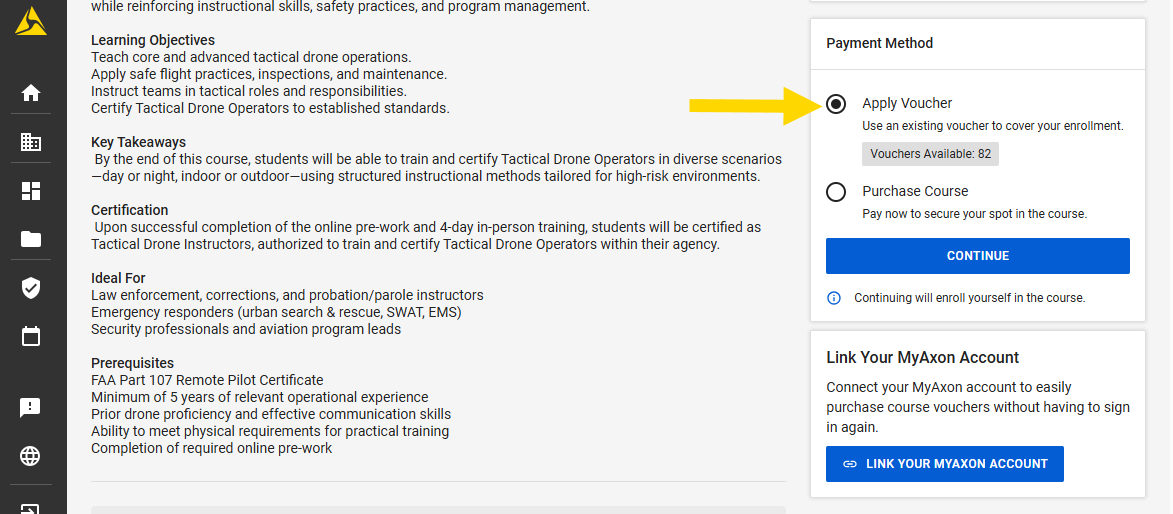
- If your agency is not linked to your MyAxon account, you can connect it by selecting Link Your MyAxon Account. This is a one-time setup.
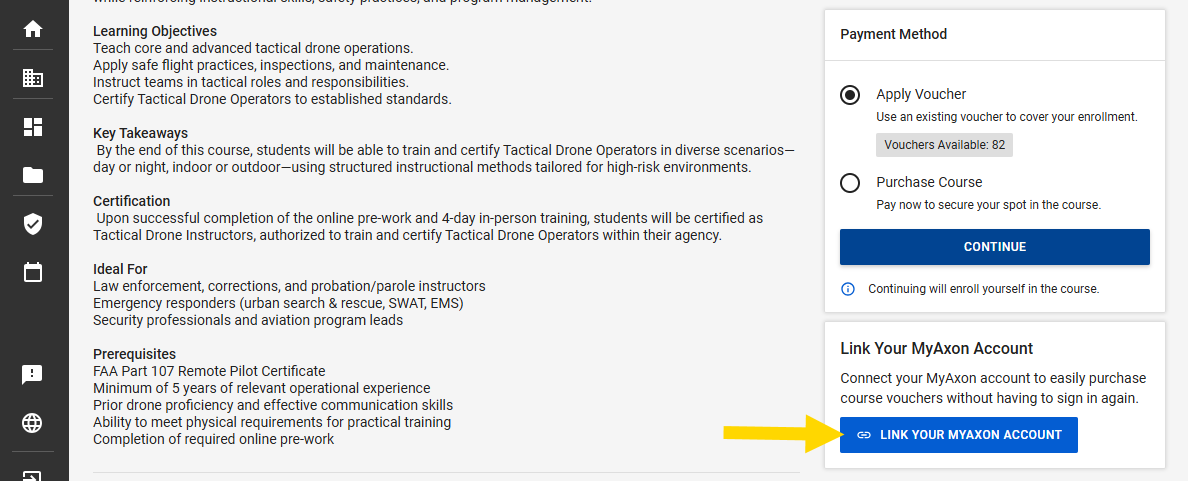
- If your agency is already linked to your Axon Evidence account, you can use available vouchers directly from the course enrollment page by selecting Apply Voucher under Payment Method and then Continue.
- Once linked, you’ll be able to use your agency’s available vouchers. If no vouchers are available:
- Select Purchase Course under Payment Method.
- Select Continue. You’ll be redirected to the store.
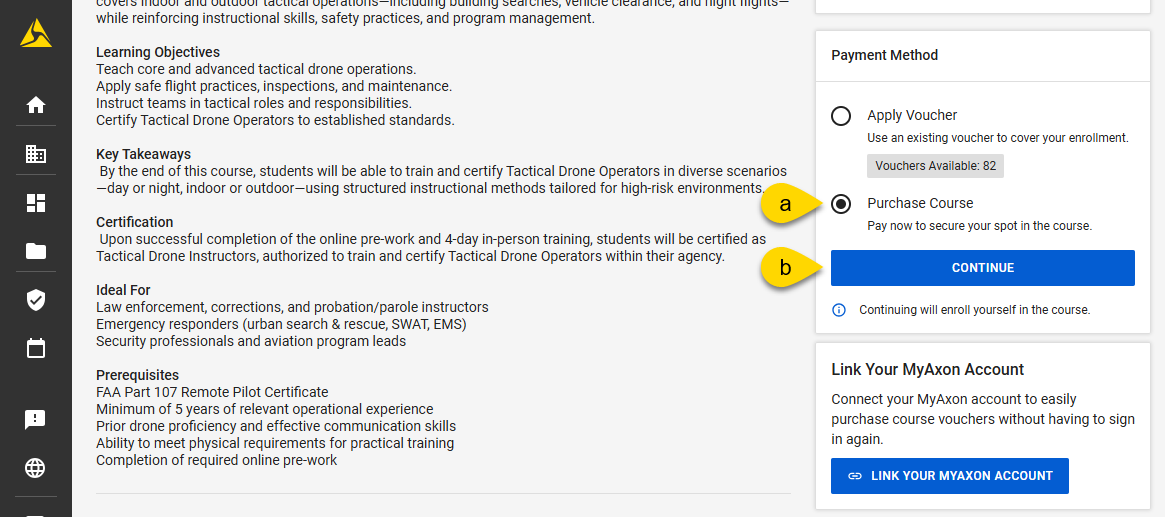
- Complete the checkout process.
After checkout, you’ll automatically enroll in the course.
What do I bring to a TASER Energy Weapon Course?
Course description
As of Version 24, all Axon-sponsored courses focus on helping instructors safely execute scenarios and isolation drills for the following models:
- X26P
- X2
- TASER 7
- TASER 7 CQ
- TASER 10
Students will:
- Learn how to develop and safely implement scenarios
- Conduct isolation drills
- Complete teach-backs to sharpen their instructional techniques
Upon successful completion, students will be certified to train others on the use of one or more of the the X26P, X2, TASER 7 CQ, TASER 7, and TASER 10 energy weapons.
Requirements
You must complete the online pre-course before attending the in-person training.
- Access to the online course is available immediately after registration
- A reminder to complete the pre-work on Axon Academy will be sent 15 days prior to your training date
- To make sure you’re reviewing the latest material, we recommend completing the pre-work shortly before your training
Need help? Email [email protected].
Required gear and safety guidelines
- Wear casual attire
- Your department-issued TASER energy weapon holster (if applicable)
- Holsters will be provided if you don’t have one
- Your duty belt
Do not bring firearms, ammunition, or weapons of any kind.
Where can I find TASER energy weapon training?
You can find TASER energy weapon training on the Axon Academy homepage, including both virtual and in-person options.
Formerly known as the TASER Training Academy, these programs are designed for:
- Law enforcement officers
- Medical professionals
- Military personnel
- Private citizens
- Instructor certification candidates
Courses cover a range of topics, including:
- Use of force and decision-making
- Tactics and safety
- Medical considerations
- Maintenance and deployment best practices
How do I view my agency's voucher balance?
If your agency is using vouchers for course enrollment, you can view the available voucher balance before you enroll in a course:
- Navigate to the course you want to enroll in.
- Select a session. If vouchers are enabled, you'll see the number of available vouchers listed before enrollment.
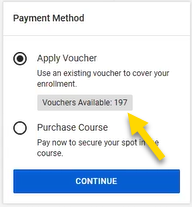
Once you enroll in a session, the voucher balance is no longer visible to you when viewing that course.
Watch this video to see how to view voucher balances on Axon Academy.
Can I use a voucher to complete a course through Training on Demand?
No. If your agency has Training on Demand, you will not use vouchers to enroll in courses. Training on Demand is a subscription model.
If your agency is subscribed, you can complete a course without using vouchers.
When are vouchers consumed?
Vouchers are consumed after you've completed your pre-work and after you've been signed off by an instructor.
Why did my agency's voucher balance not update after I completed a course?
In some cases, you may see a delay between completing a course and your agency's voucher count updating. If the balance doesn't reflect the change after some time, contact your Axon representative.


