AC power connection
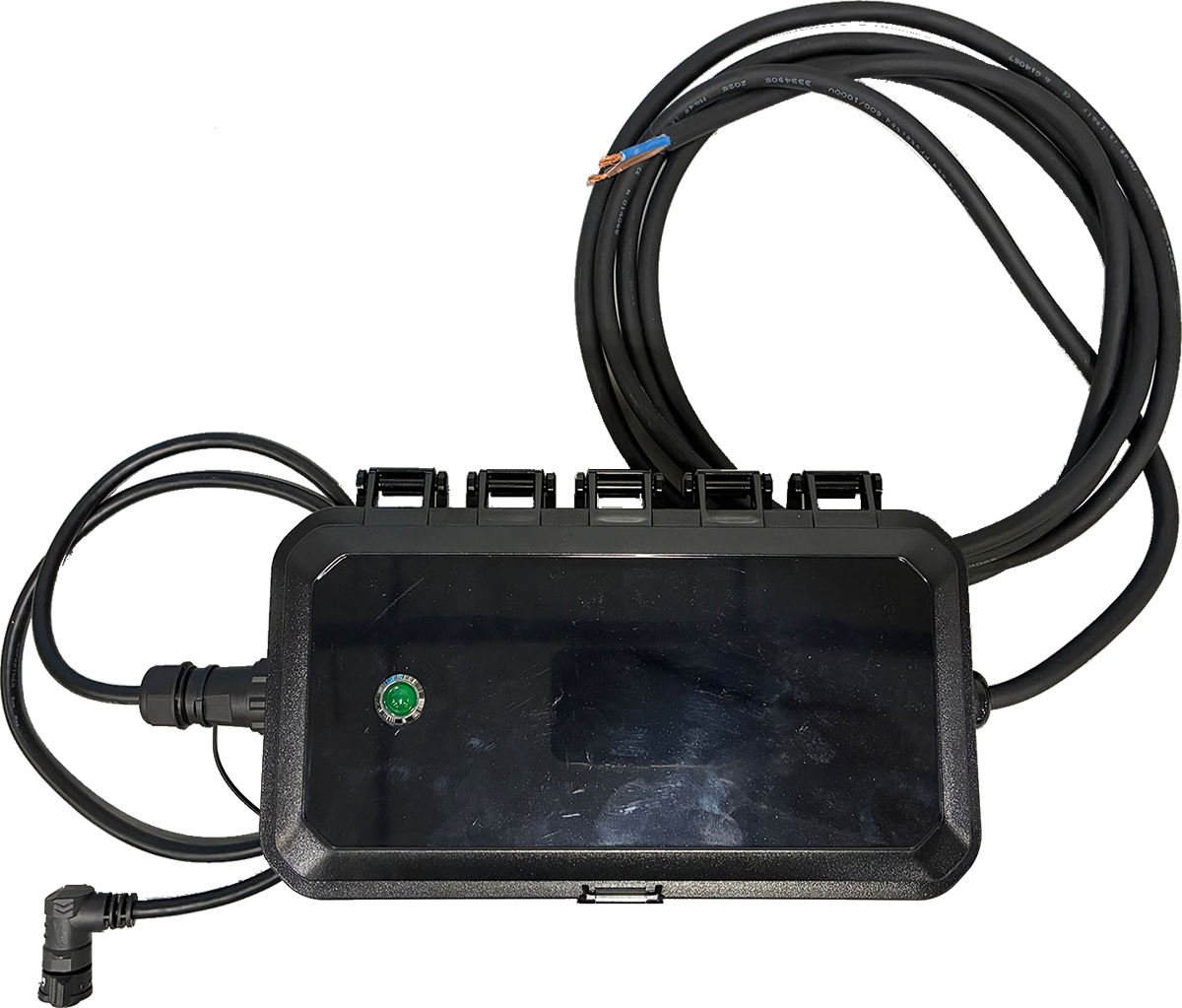
All electrical work must follow local and national codes. Axon Outpost requires 12–24 VDC input. Use SKU 102547 AXON OUTPOST - AC POWER SUPPLY - OUTDOOR to convert 120 VAC to the correct DC output.
|
Class II power supply; no earth/ground connection required 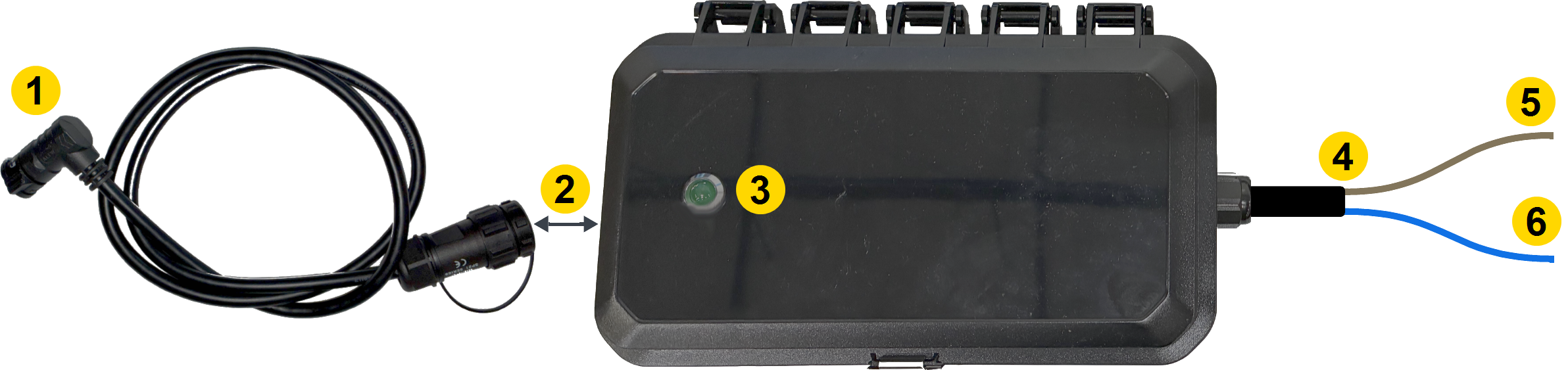 |
|
-
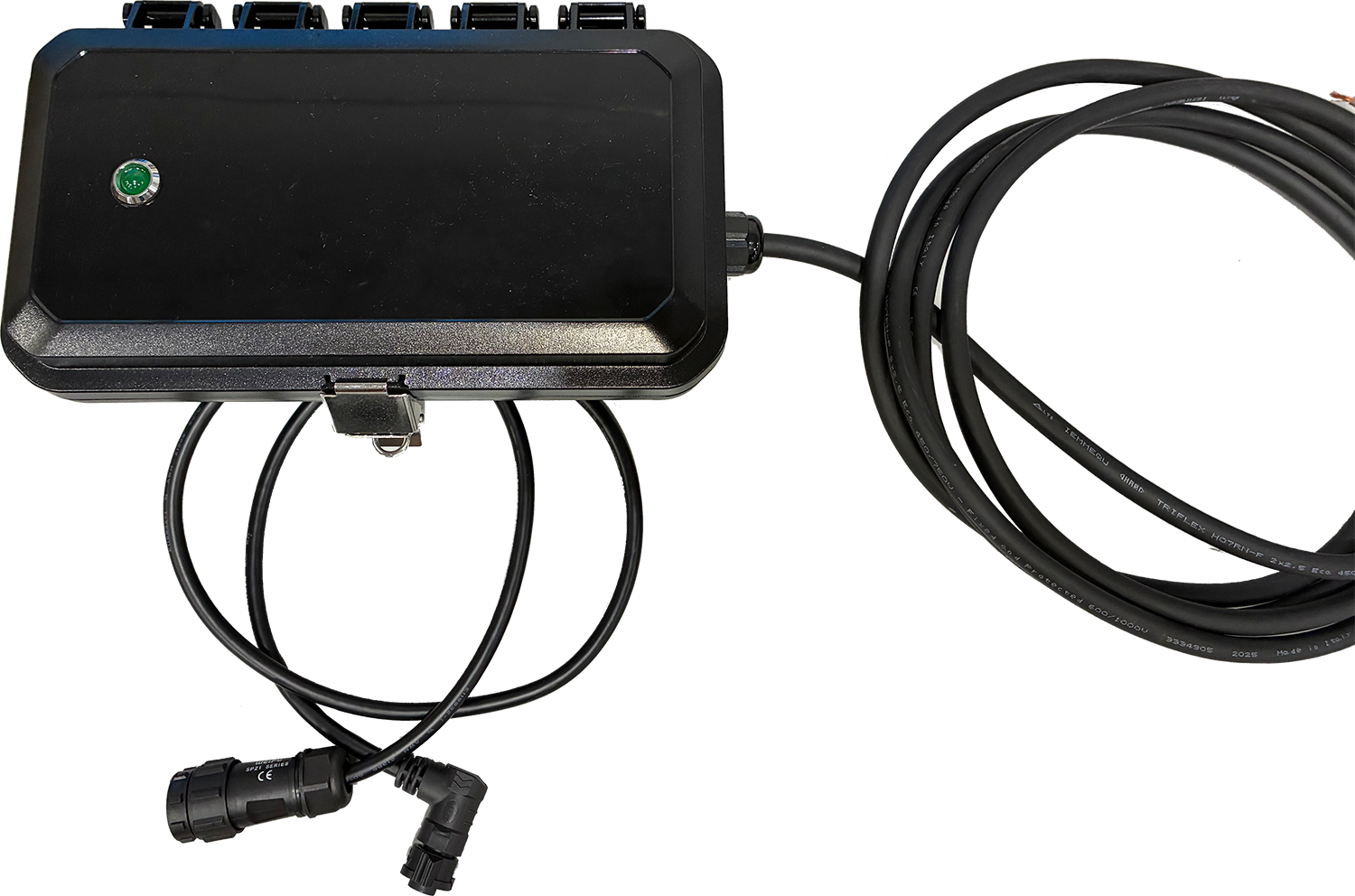
Unbox the Axon Outpost outdoor AC power supply enclosure.
-
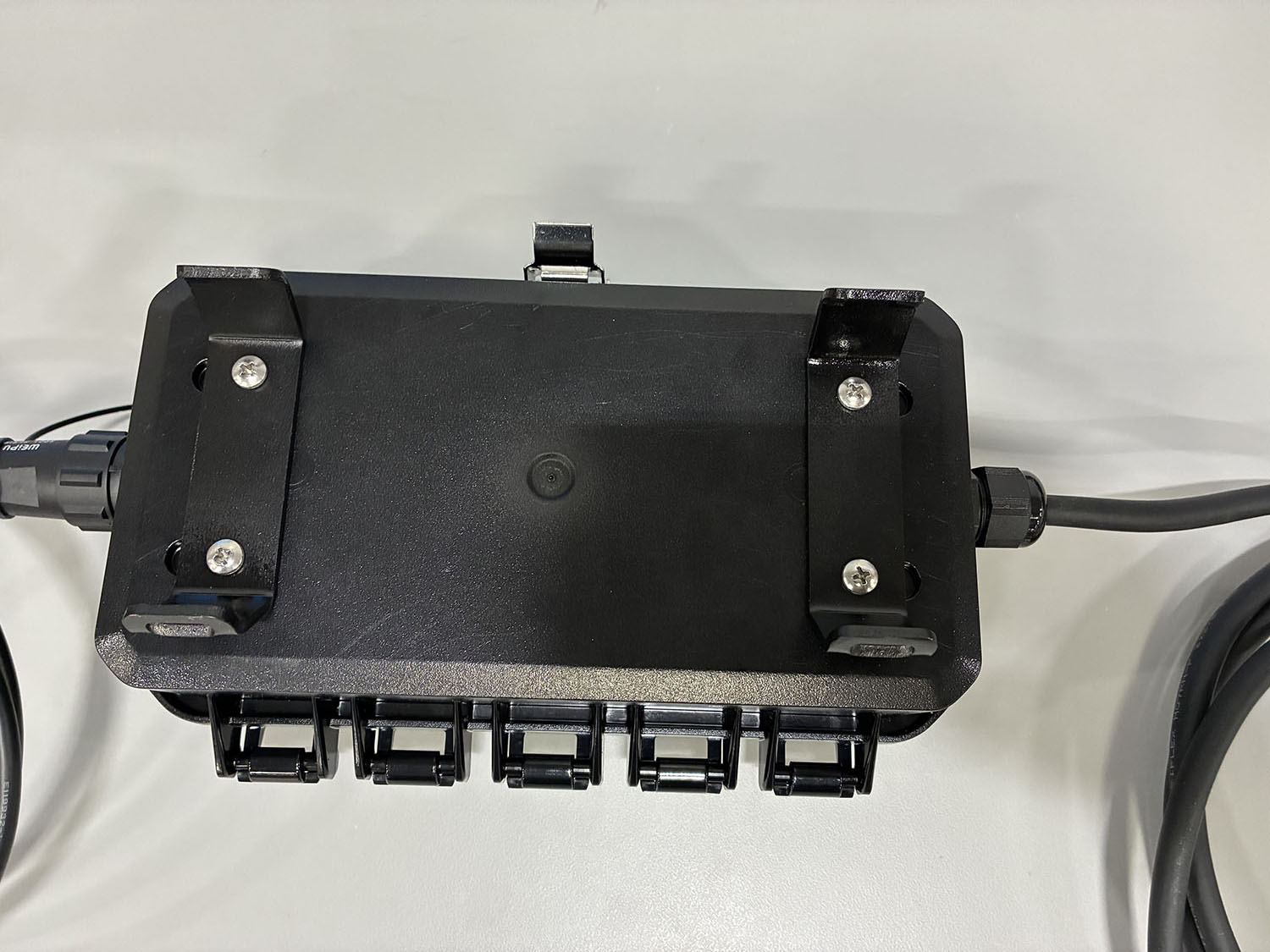
Mount the enclosure securely to a pole with a weather-rated 120 VAC source (outlet or pole-mounted junction box) using stainless steel hose clamps or band straps through the rear mounting slots.
-
Ensure enclosure placement allows proper cable routing and visibility of the power status LED.
-
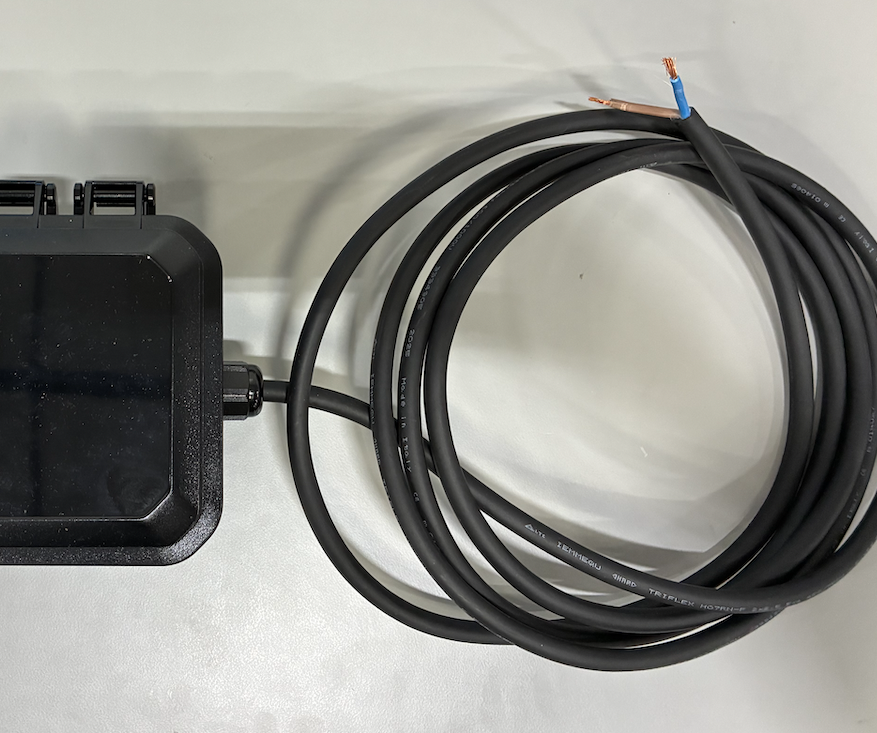
Run an outdoor-rated AC feed from the junction box to the enclosure using approved conduit and fittings.
-
De-energize the circuit.
-
Terminate the line (brown) and neutral (blue) conductors in the pole junction box using approved connectors.
-
Energize the circuit and verify the green status LED outside the enclosure is illuminated, confirming AC power input is present.
-
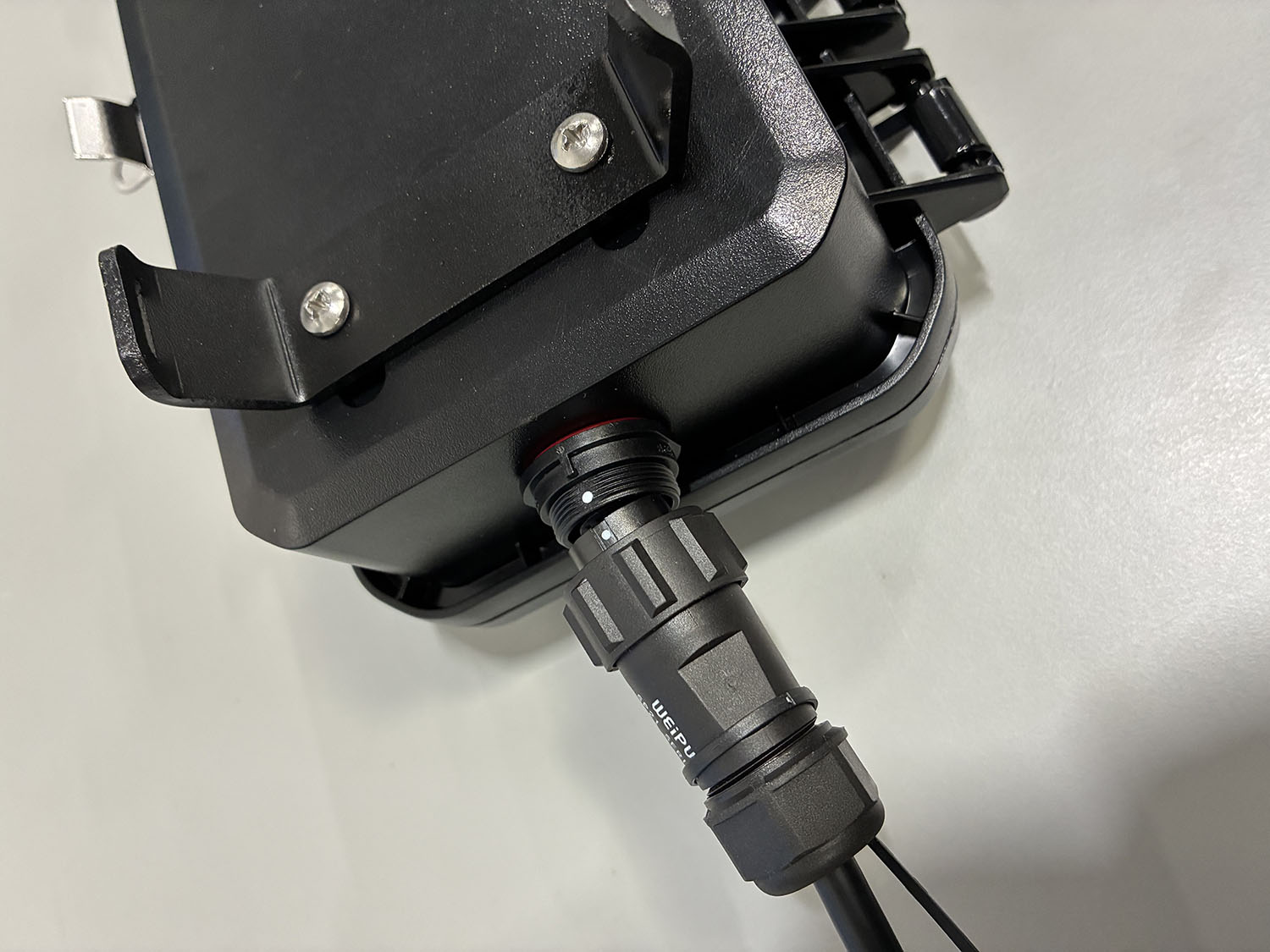
Connect the camera power cable to the enclosure output connector by aligning the two white alignment dots, then push and twist to lock.
-
Route the DC output cable from the enclosure to the Axon Outpost camera, securing it along the pole with strain relief if needed. Connect the cable to the camera’s rear power port.
-
Verify the camera powers on. If not, confirm the enclosure’s green LED is illuminated to isolate AC vs. DC-side issues.
-
Tighten all cable glands and confirm weather seals, conduit entries, and strain relief are intact.
Final assembly: