Personnel
The Personnel module provides comprehensive employee management, offering tools to view and manage employee demographics, career milestones, and more.
Access the Personnel module by selecting the person icon in the main navigation menu. From here you can edit or view the following information:
- Demographics: Personal and background details
- Service history: Employment timelines, including absences, assignments, light duty, and separations
- Commendations and awards: Recognitions and achievements
- Performance reviews: Detailed performance evaluation records
- Promotions: Career advancement through the ranks
- Discipline: Formal record of disciplinary actions
Access to the various features within the Personnel module is controlled by privileges, letting you determine to what extent users can access other users' information. Administrators can also quickly add data for multiple users with the Personnel import tool.
Homepage
When you open the Personnel module, the Homepage loads, which contains three tabs:
- My Profile
- My Team
- Feedback Notes
To find another user's profile, use the search bar at the top right of the Personnel page. Start typing a first name, last name, or username, and select a user from the dropdown menu.
You can only view search for and view profiles you have been granted privileges to view.
My Profile
The My Profile tab provides an overview of your basic profile information. To view your full profile, select your profile summary.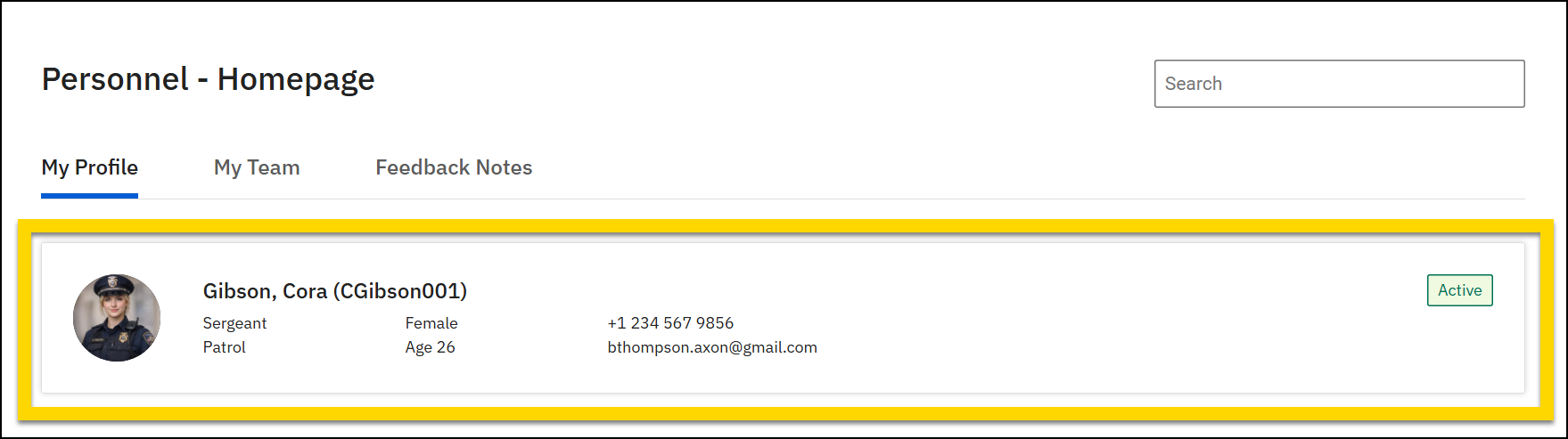
My Team
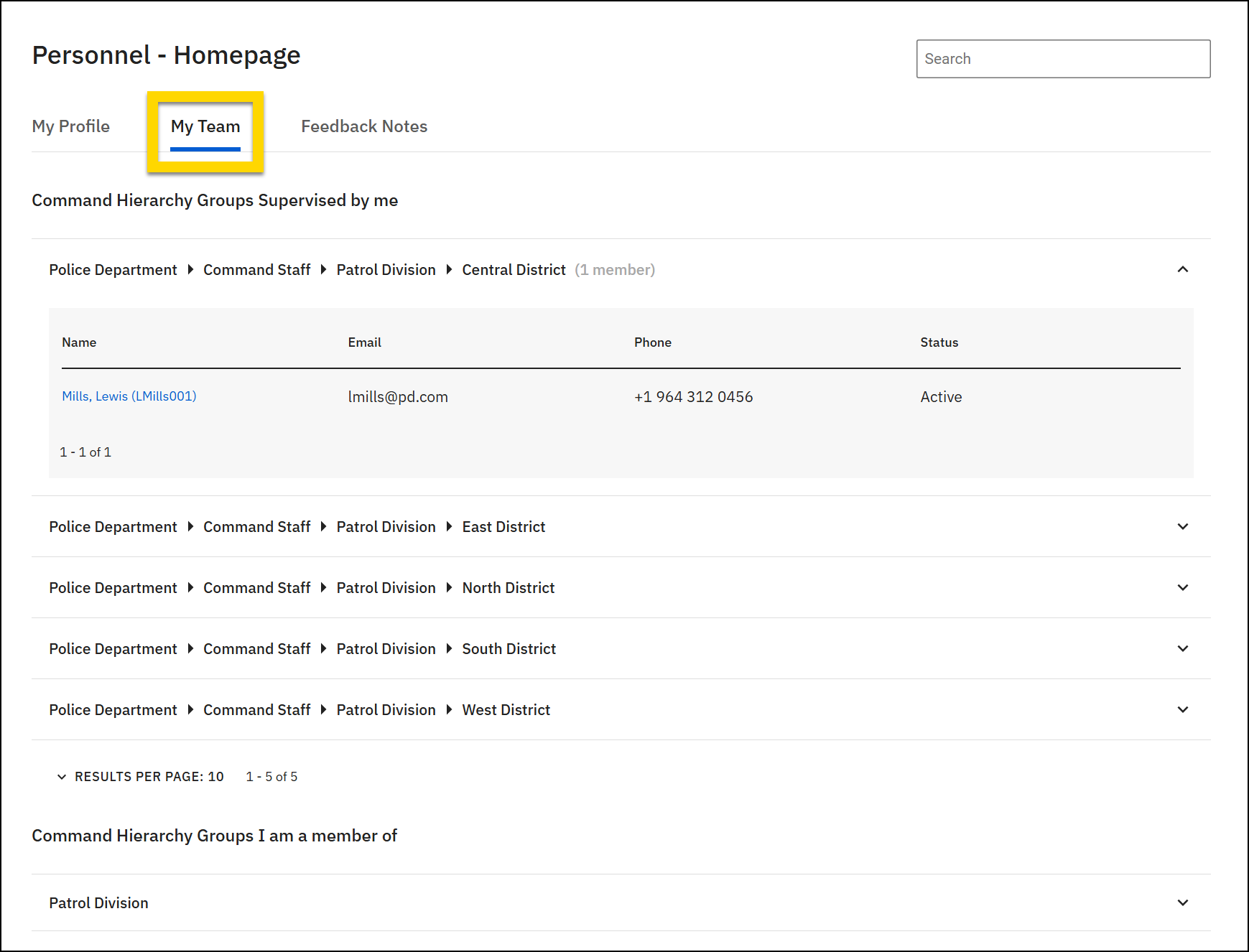
The My Team tab provides a centralized location for users to view their teams, who is part of each team, and the contact information for each team member. Teams are displayed in two categories:
- Command Hierarchy Groups supervised by me: Teams you supervise
- Command Hierarchy Groups I am a member of: Teams you belong to
Select a group to expand the section and see the users assigned to that group. The name, email, phone, and profile status are shown for each group member.