Creating a TASER Data Science Report in Standards
If your organization uses TREND in Axon Evidence and TASER 10 energy weapons, see Creating a TASER Data Science Report in Axon Evidence. For TASER 7 energy weapons, or for TASER 10 deployments that do not appear in Deployment Tracker, follow these steps in either experience.
-
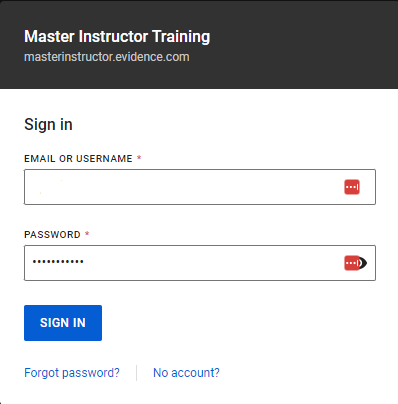
Sign in to Axon Evidence.
-
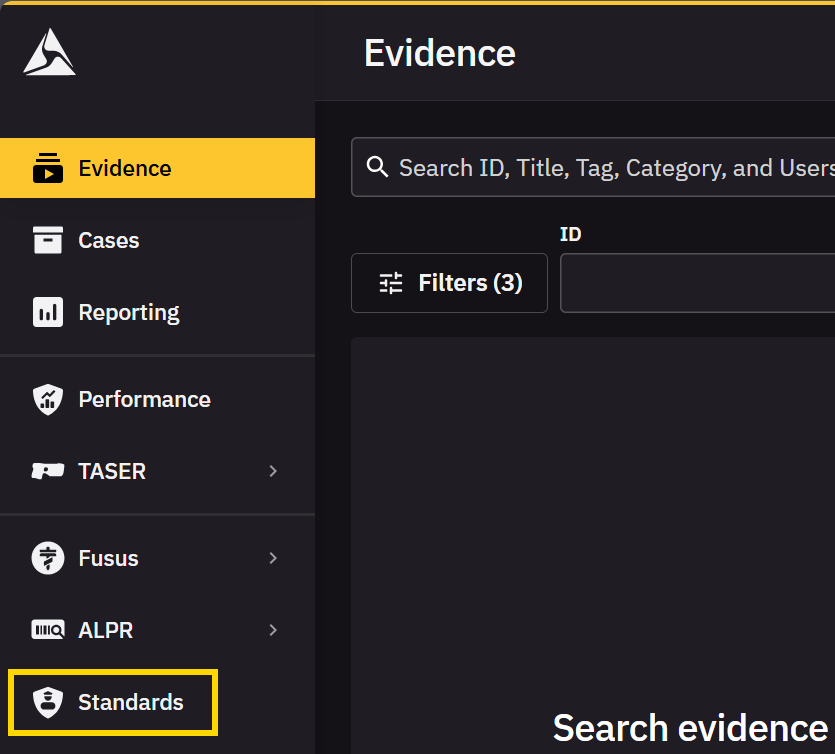
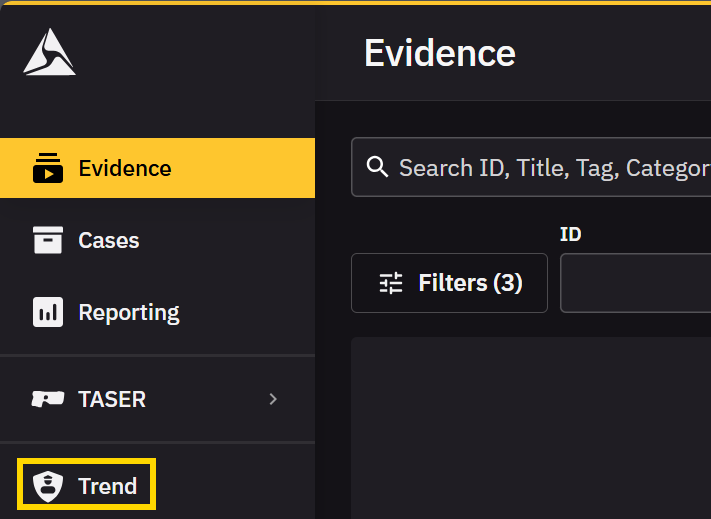
Click Standards or Trend.
 Note
Your Axon Evidence administrator can configure the side navigation, so these options might appear in a different place.
-
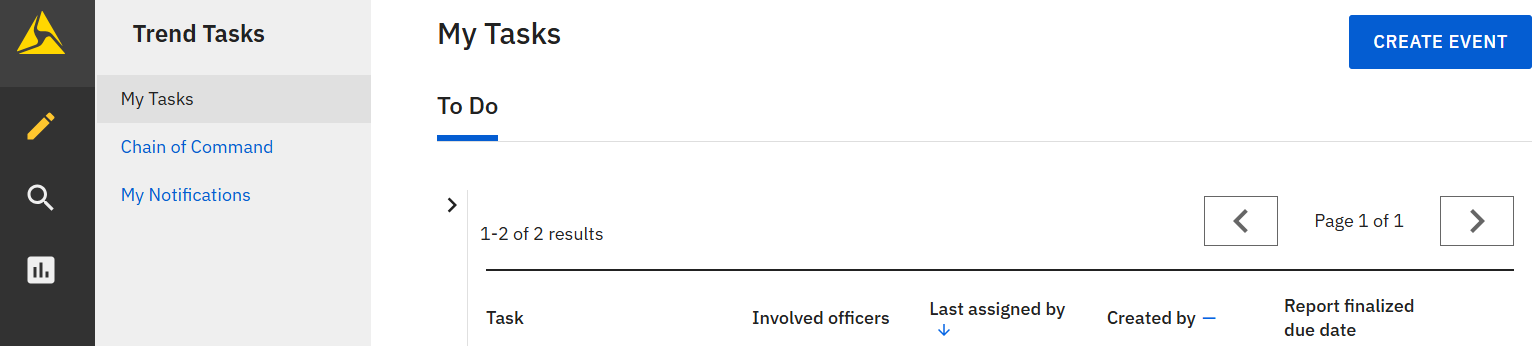
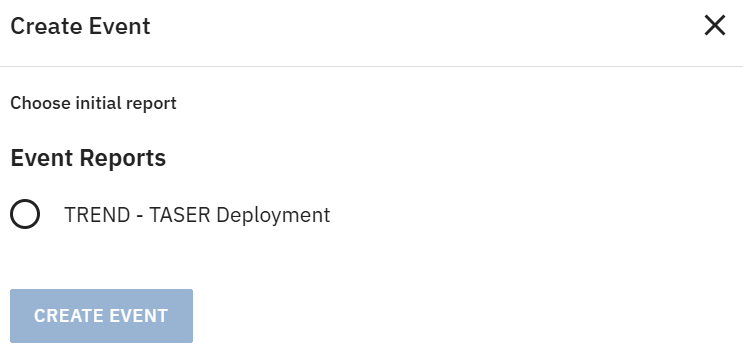
Click CREATE EVENT.
-
Under Choose initial report, click TREND - TASER Deployment.
The report opens with a window for attaching the energy weapon logs from the incident. To attach the logs and complete the report, see Associating a TREND Report with Energy Weapon Logs.


