Report, task, and event management
- Report
- Task
- Inbox
- Event
Reports
A report is the type of documentation that is created in by selecting Create Event from any task inbox. When a new report is created from a task inbox, an associated event is also created. In addition to the standard out-of-the-box reports (use of force, citizen complaint, etc.), each organization has custom report types. Reports can also be created from an event profile.
For more information, see Create a New Report.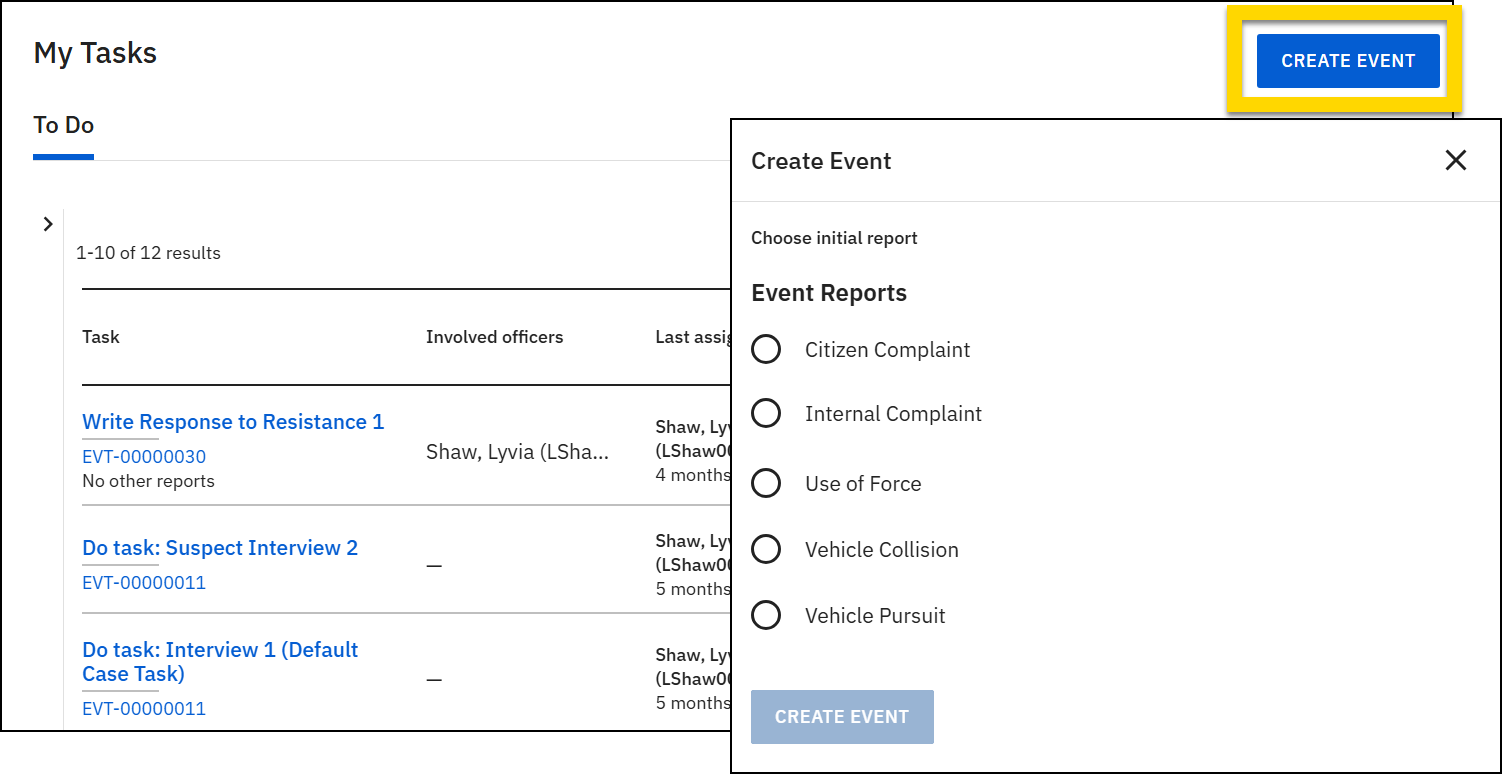
Tasks
A task indicates an action that needs to be taken on a report and who needs to perform that action. Multiple tasks are taken on a single report throughout its "lifetime". Task types include:
- View: Reports or case tasks that can be viewed but not edited because they are currently in review or already finalized
- Do: Case tasks assigned to you
- Write: Reports assigned to be created and not yet submitted
- Revise: Reports previously submitted for approval but returned by the report reviewer for corrections (the report author receives an email when a report they submitted is returned)
- Review: Reports submitted for review
- Rereview: Reports rejected by the report reviewer, then updated and resubmitted by the author
Tasks are listed in the inboxes in the Tasks module. The same task may appear in multiple inboxes, based on the type of task it is.
For example:
- Officer Shaw selects Create Report to create a new incident report.
- A Write Field Interview Report task appears in her My Tasks inbox.
- When Officer Shaw submits the report to her supervisor for review:
- The Write task disappears from her My Tasks inbox (because she has completed the task).
- A Review task appears in her supervisor's My Tasks inbox, as well as the Supervisor Review tasks inbox.
The report remains the same throughout this process, but the tasks associated with the report change based on which person needs to take action on it.
For more information, see Task management overview.
Case tasks are slightly different from report tasks. For more information, see Case tasks.
Inboxes
Task inboxes are accessed by selecting the pencil icon in the main navigation menu. Every user can access the My Tasks inbox and may see additional inboxes, depending on their privileges. For more information, see Task management overview.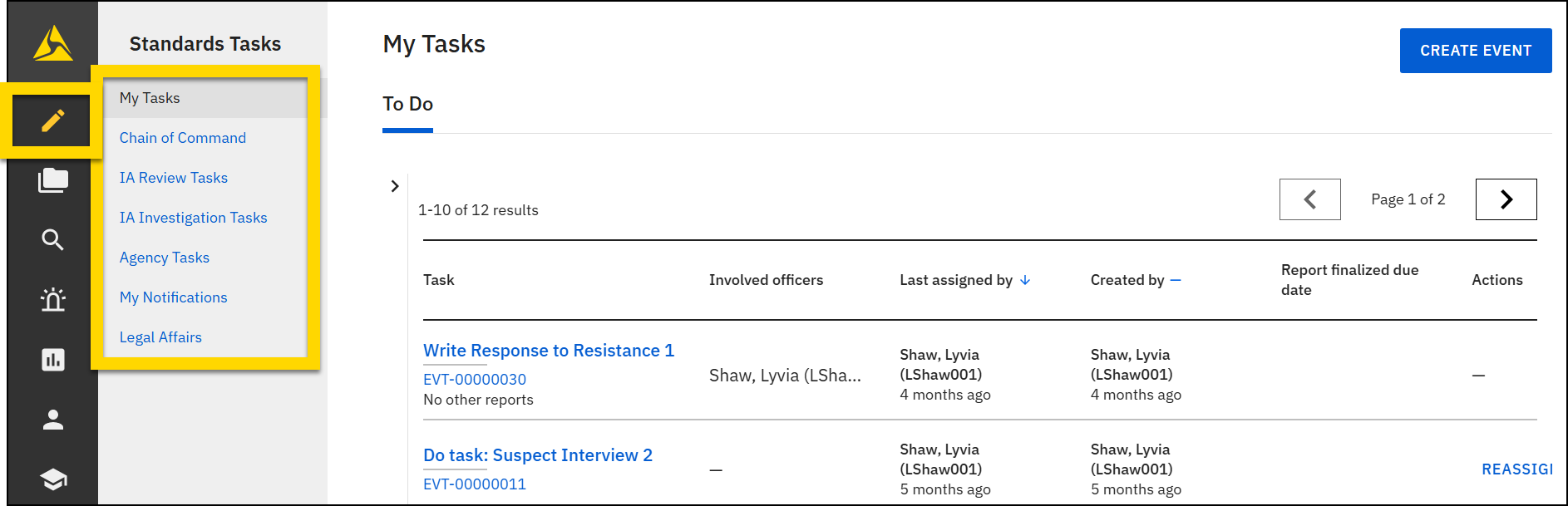
Events
When a new report is created in Axon Standards, an associated event is also created. Each event has an event profile, which includes all basic information included in the initial report, as well as any other reports or files associated with the event. When necessary, an event can be turned into a case, which contains additional functionality and features.
For more information, see Event and case profiles.


